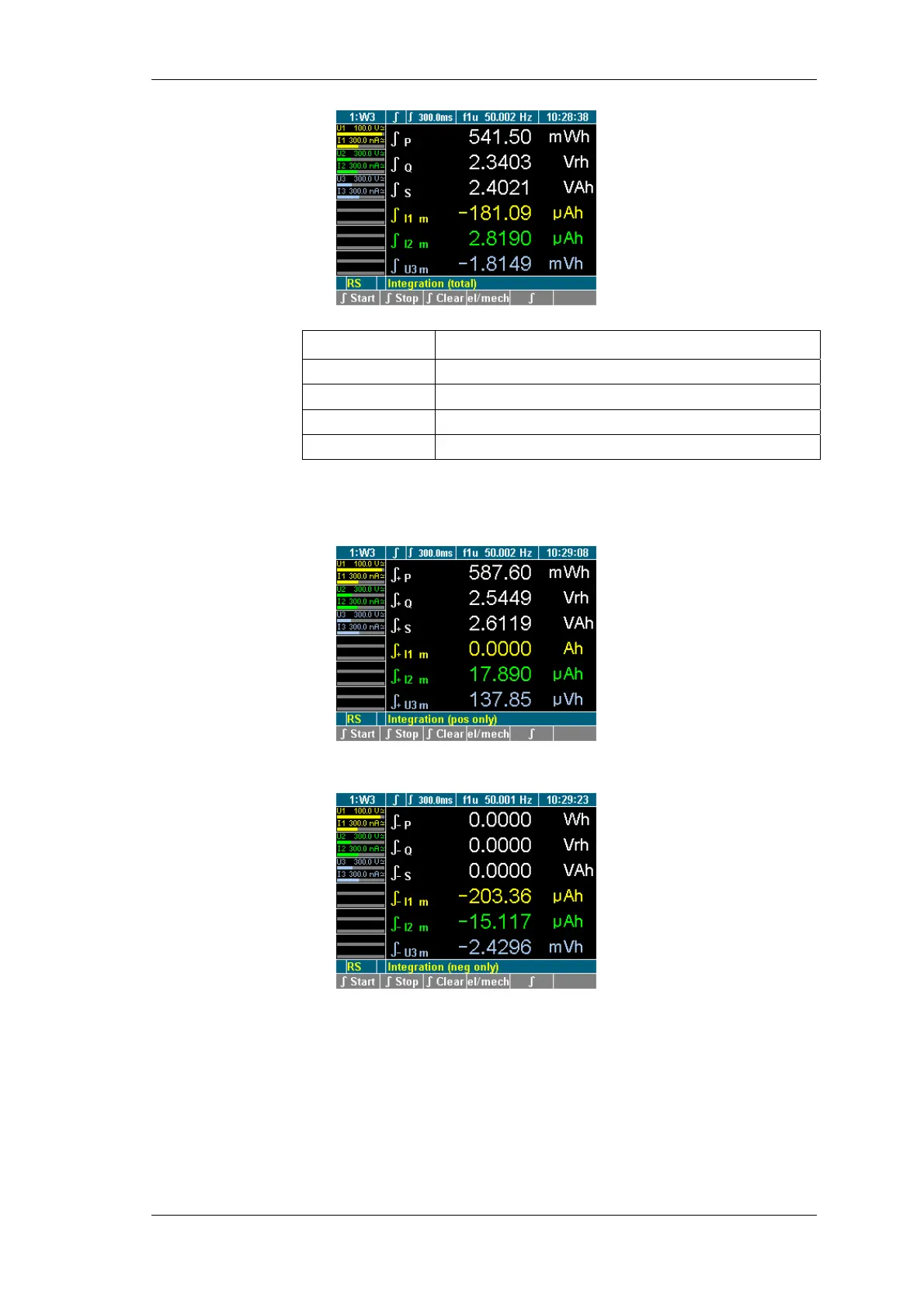
Measuring process
Power Analyzer NORMA 4000, NORMA 5000 55
EO1111G REV G
Function key Function
∫ Start
Start measurement (integration)
∫ Stop
Stop measurement (integration)
∫ Clear
Reset measurement (integration) to zero
∫
Change to display of measured values
Press function key ∫ Start to start the measuring process.
Press function key ∫ Stop to stop the measuring process.
The totals of the reference power are shown.
Press function key ∫.
The totals of the output power are shown.
To return to the overview of measured values for the selected
channel, press function key ∫ again.



 To Next Page