Repair information 4-179
4062-XXX
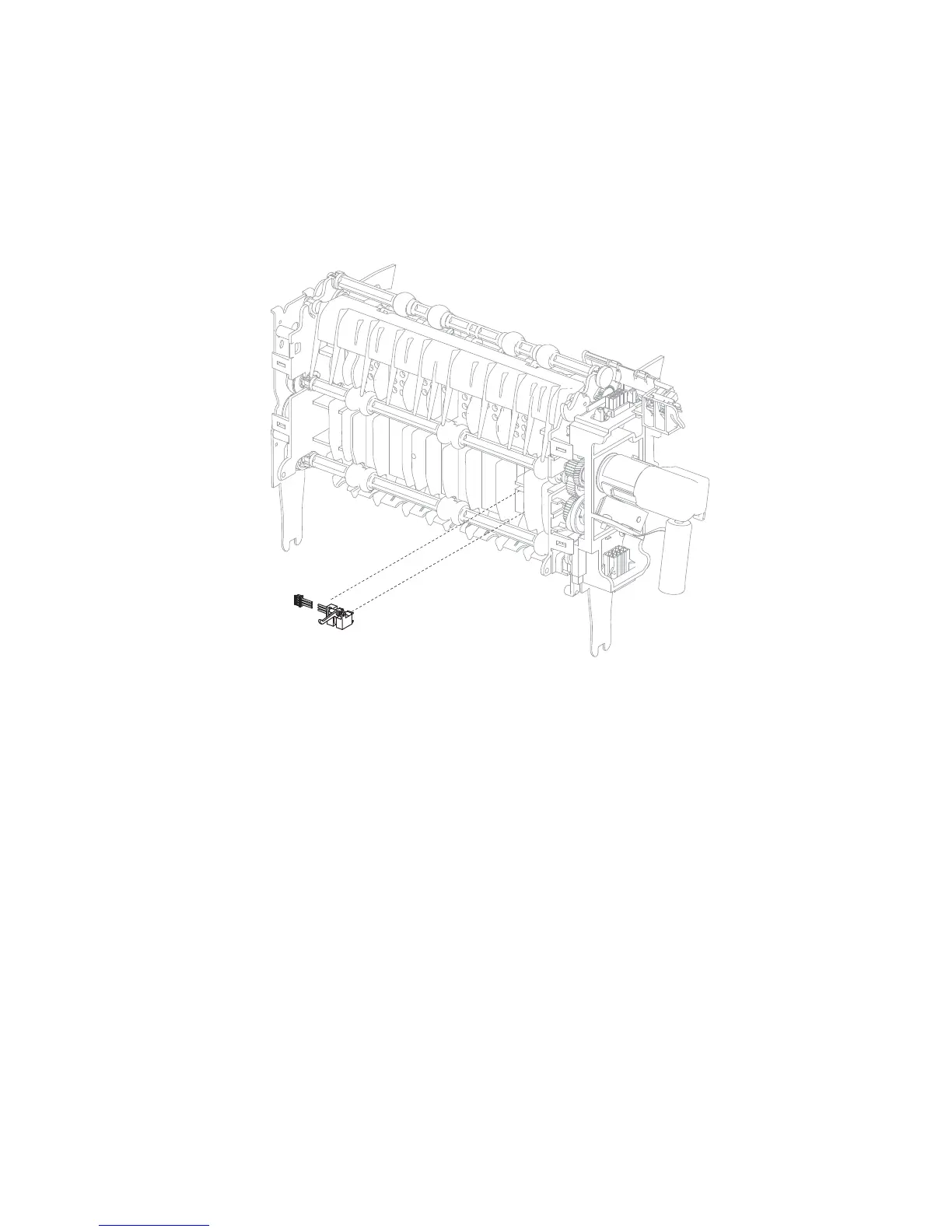
Output expander sensor (pass through) removal
1. Remove the output expander controller card cover panel. Go to “Output expander controller card cover
panel removal” on page 4-176.
2. Release the tabs securing the sensor (pass through).
3. Remove the sensor harness from the controller card.
4. Pull the connector harness through the frame and remove.



 To Next Page