Rev #37
Version 8.0
April 2021
Page 23 of 121
4.5.5 Slider Selector
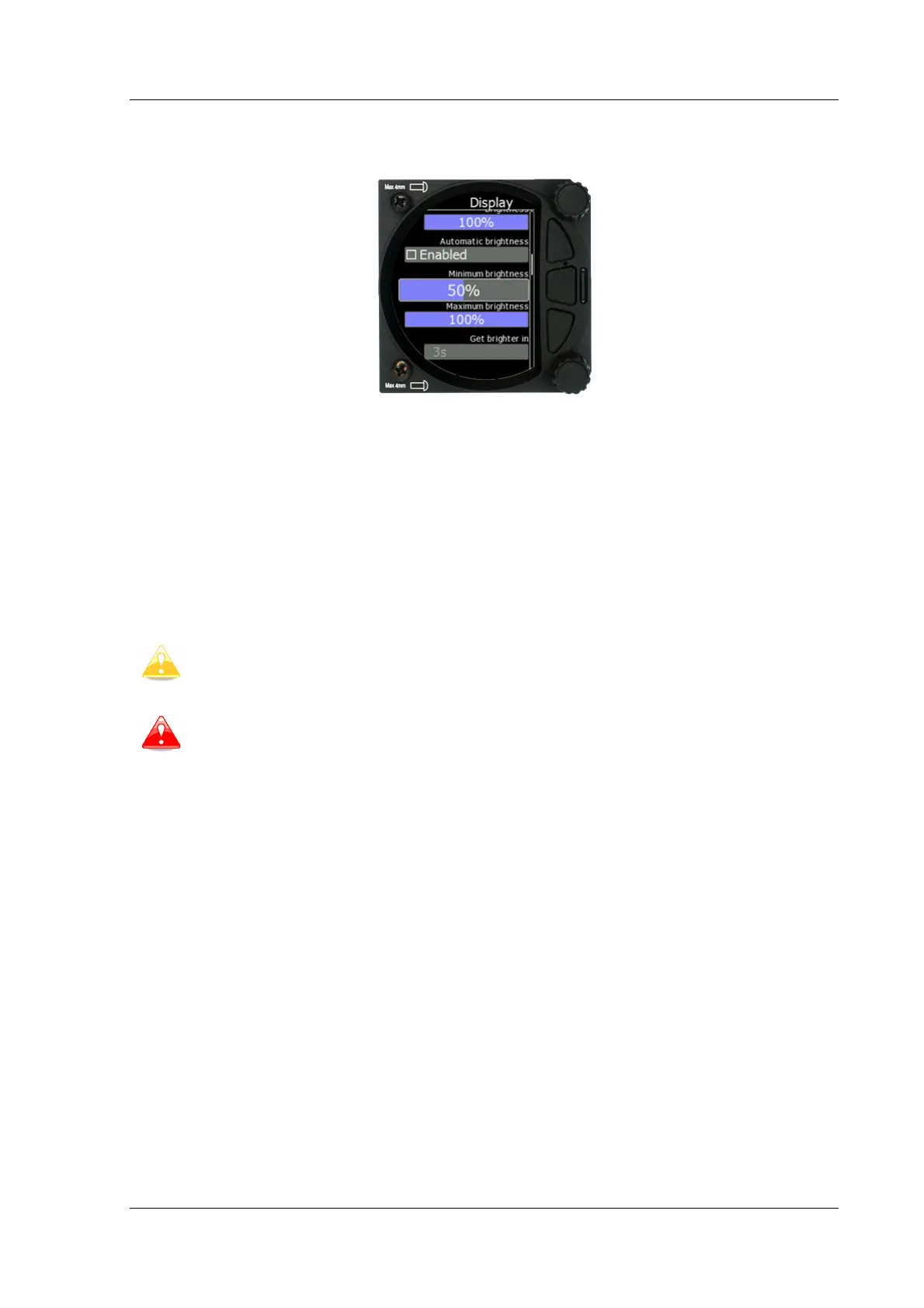
Some values, such as volume and brightness, are displayed as a slider icon.
With a push of the lower rotary button you can activate the slide control and then by
rotating the knob you can select the preferred value and confirm it via the push button.
4.6 Switching Off
You will lose your settings if you power down the S8x via the panel master-power switch.
The S10x will shut down properly when switching off via the master–power switch.
To archive your settings, you should shutdown device with a long-press of the volume (top)
knob.
All settings are saved during the power off procedure. We strongly recommend
switching off the unit by using a long-press of the (top) knob.
If the system is powered off
the master switch, changed data will not be
saved. Flight parameters at take-off such as target altitude and position will
remain in the stored memory so that your final glide calculations are not affected.



 To Next Page