Rev #37
Version 8.0
April 2021
Page 55 of 121
5.7.8 Graphics
The Graphics option has sub menus for Map, Airspace, Waypoints, Glider and Track, Tasks,
FLARM, Theme setup and Modes.
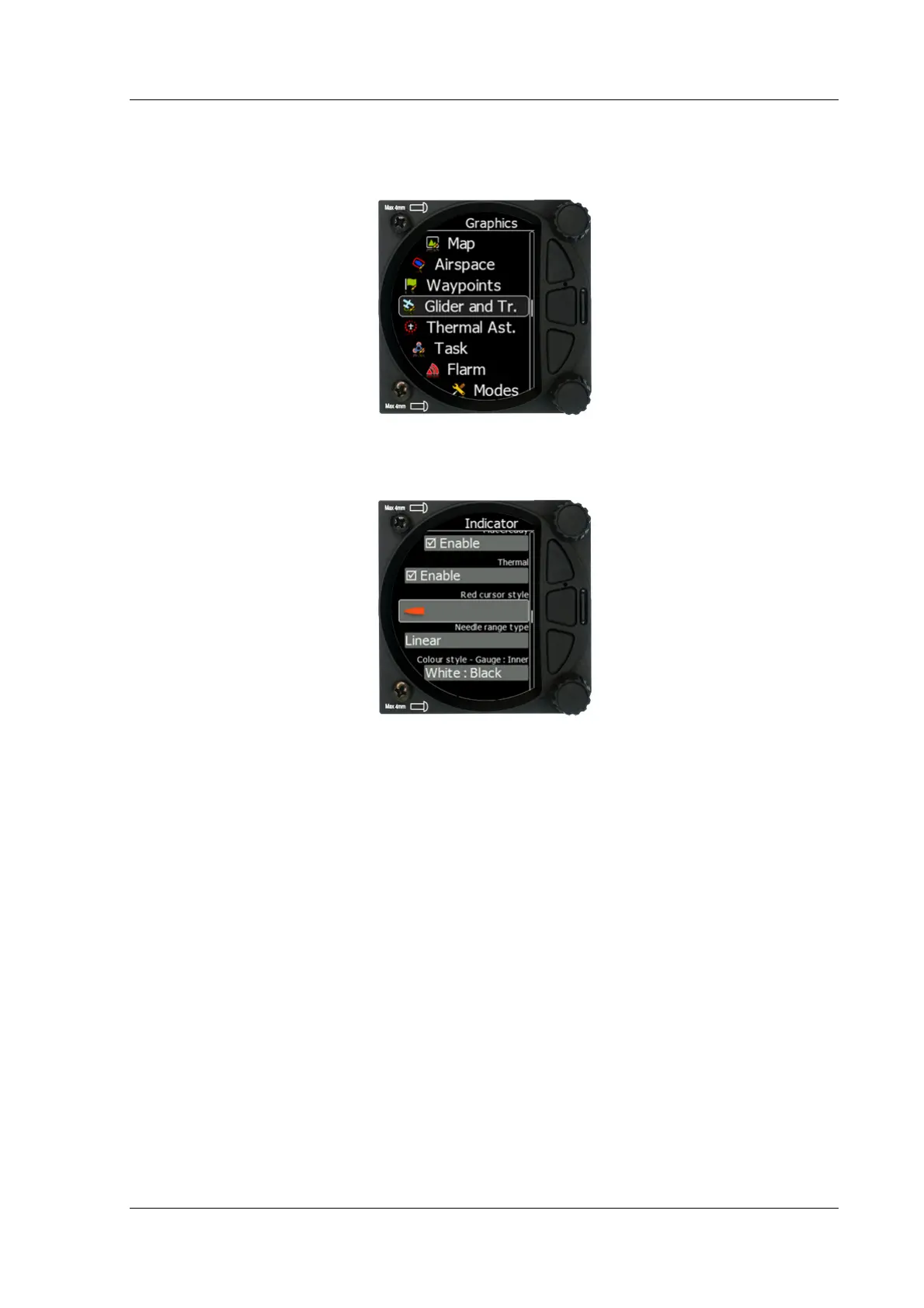
5.7.8.1 Indicator Setup
Vario indicator graphics and preferences can be adjusted in this menu.
5.7.8.1.1 Needles
When HAWK option is installed, user can define, if he wants to see only HAWK (blue) needle,
TEK vario (red) needle or both needles.
5.7.8.1.2 Vario Needle
Vario needle means, when your vario is in vario mode. A needle can be set to Vario, Netto,
Relative or G-meter. When using HAWK option it is recommended to set Vario needle to
Relative.
5.7.8.1.3 SC needle
SC needle means, when your vario is in SC mode. A needle can be set to Vario, Netto
Relative or G-meter. When using HAWK option it is recommended to set SC needle to Netto.
5.7.8.1.4 Yellow Bar
Yellow bar can be set to G-meter, Min/Max vario or no bar.
5.7.8.1.5 Red Diamond
Red diamond symbol can be set to No diamond, Average, Netto, Average Netto, G-meter or
SC.



 To Next Page