Rev #37
Version 8.0
April 2021
Page 30 of 121
5.1.10 Edit Task (Only in Task Mode)
Selecting the edit task via a short press of the lower rotary knob will enter the task editing
screen. The first time you edit a task it will be blank. A short press of the lower rotary knob
will open another menu with the option to:
• Edit,
• Insert,
• Delete,
• Zone.
Selecting Insert will allow you to enter a waypoint from the list as a start point. Rotating the
lower rotary knob moves you through the waypoint list in alphabetical order, clockwise
increases the value, counter-clockwise decreases the value. To select the first letter of the
desired waypoint, rotate the lower rotary knob, then press the lower push button to move to
the selection of the next letter. Rotate the lower rotary knob until the second letter of the
required Waypoint is highlighted and then repeat the process until the required waypoint is
the only selection available. Press ENTER to select the waypoint. Once the start point is
selected, rotate the lower rotary knob clockwise and click to select the second turn point.
Edit the second turn point as above. Repeat for all the points in the task. When you have
completed editing the task, press the (middle) button to save the task and return to the Task
navigation mode.
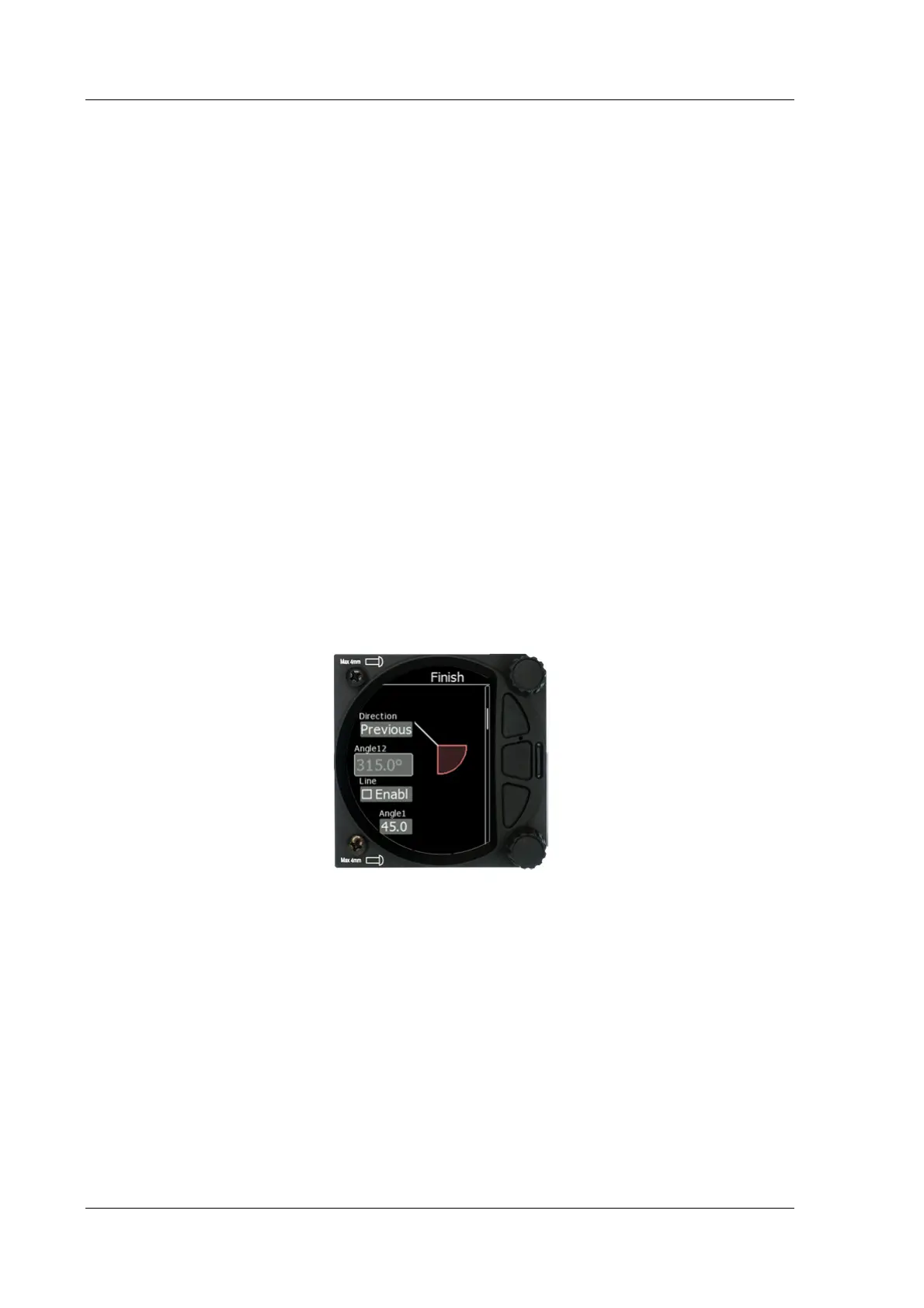
You can also change the Observation zone from the defaults for each Waypoint. To do this
select EDIT TASK->select waypoint in the task and then press the lower rotary knob. The
quick access menu allows you to insert, edit, delete or change the zone for the Waypoint. If
you select Zone you can modify the zone for that specific waypoint only.
Navigate to near point is possible
5.1.11 Start Task (only in Task Mode)
Selecting start followed by a short press of the lower rotary knob will start a task.
5.1.12 Restart Task (only in Task Mode)
Selecting restart followed by a short press of the lower rotary knob will restart the task.
5.1.13 Next Waypoint (only in Task Mode)
Selecting next followed by a short press of the lower rotary knob will advance the task to
the next waypoint in the task.



 To Next Page