Rev #37
Version 8.0
April 2021
Page 38 of 121
• The Green T symbol represents last thermal average value.
• The Yellow Bar can show Max and Min values of vario over defined time (average
vario) or G meter (over whole flight).
• The FLARM Status symbol indicates the presence of a FLARM unit (grey), if the FLARM
receives any data from other FLARM units, the symbol becomes red.
• The GPS symbol is green when the GPS status ID is OK, and red when GPS status is
bad. If GPS data is not detected, the symbol will disappear.
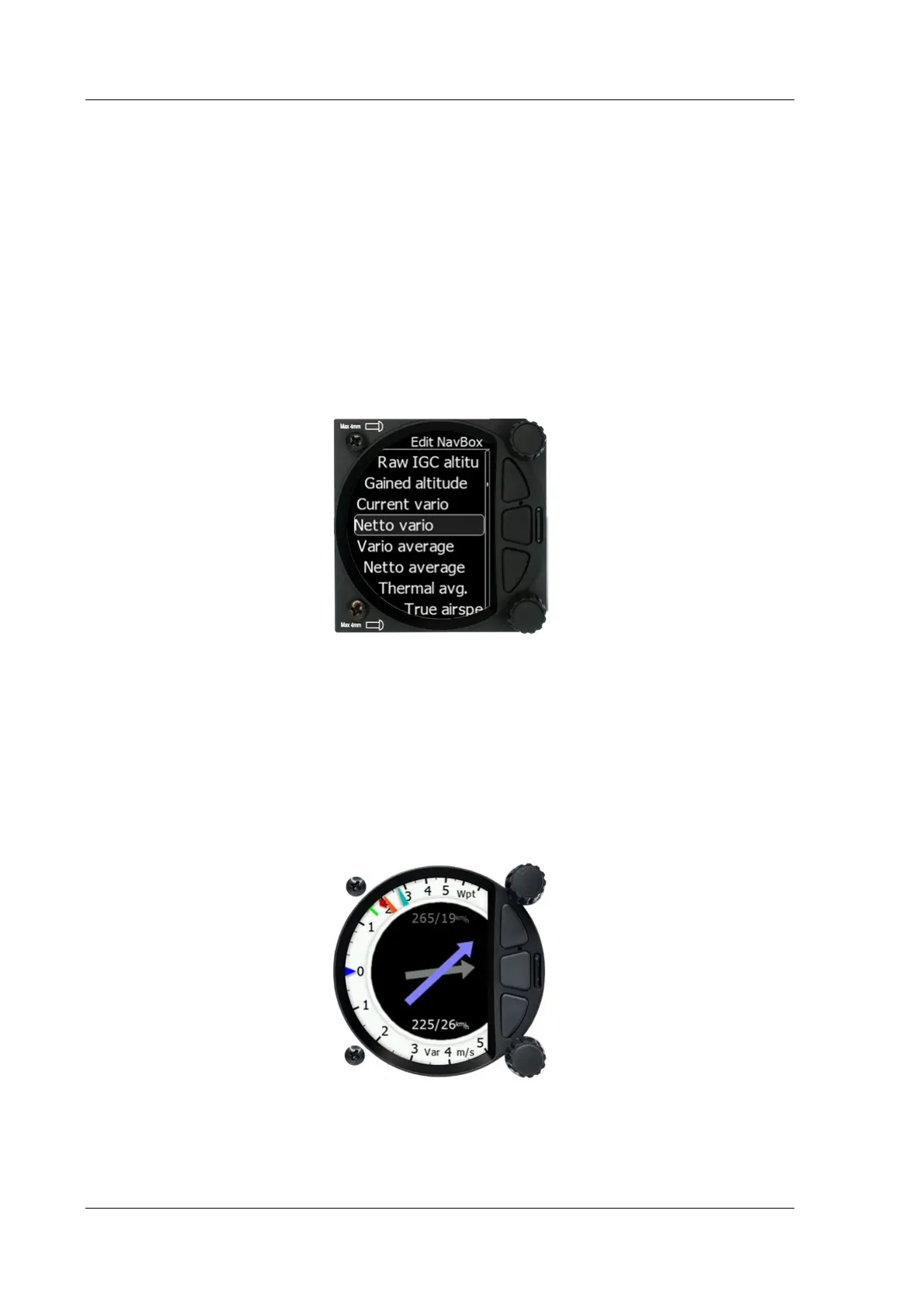
The numerical navboxes can be changed using the Quick Access menu with a short press of
the lower rotary knob followed by selecting navbox from the menu and a further short press
of the lower rotary knob. With the first navbox highlighted with a yellow border you can
scroll through the four navboxes using the lower rotary knob. Select the navbox you wish to
change with a short press of the lower rotary knob. This will open a list of available
navboxes.
Select the required navbox and then save this with a short press of the lower rotary knob.
Repeat the process for any other navbox that needs to be changed.
5.5.3 Wind Page
On this page live wind vector and averaged wind vector are shown. Live wind is presented in
blue colour when HAWK option is active otherwise it is in white colour. Second grey coloured
arrow in the background is used for averaged wind.
Wind arrows are always drawn relative to glider orientation. E.g.: If arrows are pointing
downward it indicates head wind. If arrows are pointing left or right it means side wind.
When using HAWK option, default average time for wind is set to 30 seconds. User can
modify it in Vario parameters. If HAWK option is not used, averaging time is fixed to three
minutes. To learn more about HAWK see chapter 7.



 To Next Page