Rev #37
Version 8.0
April 2021
Page 43 of 121
5.7 Setup Mode
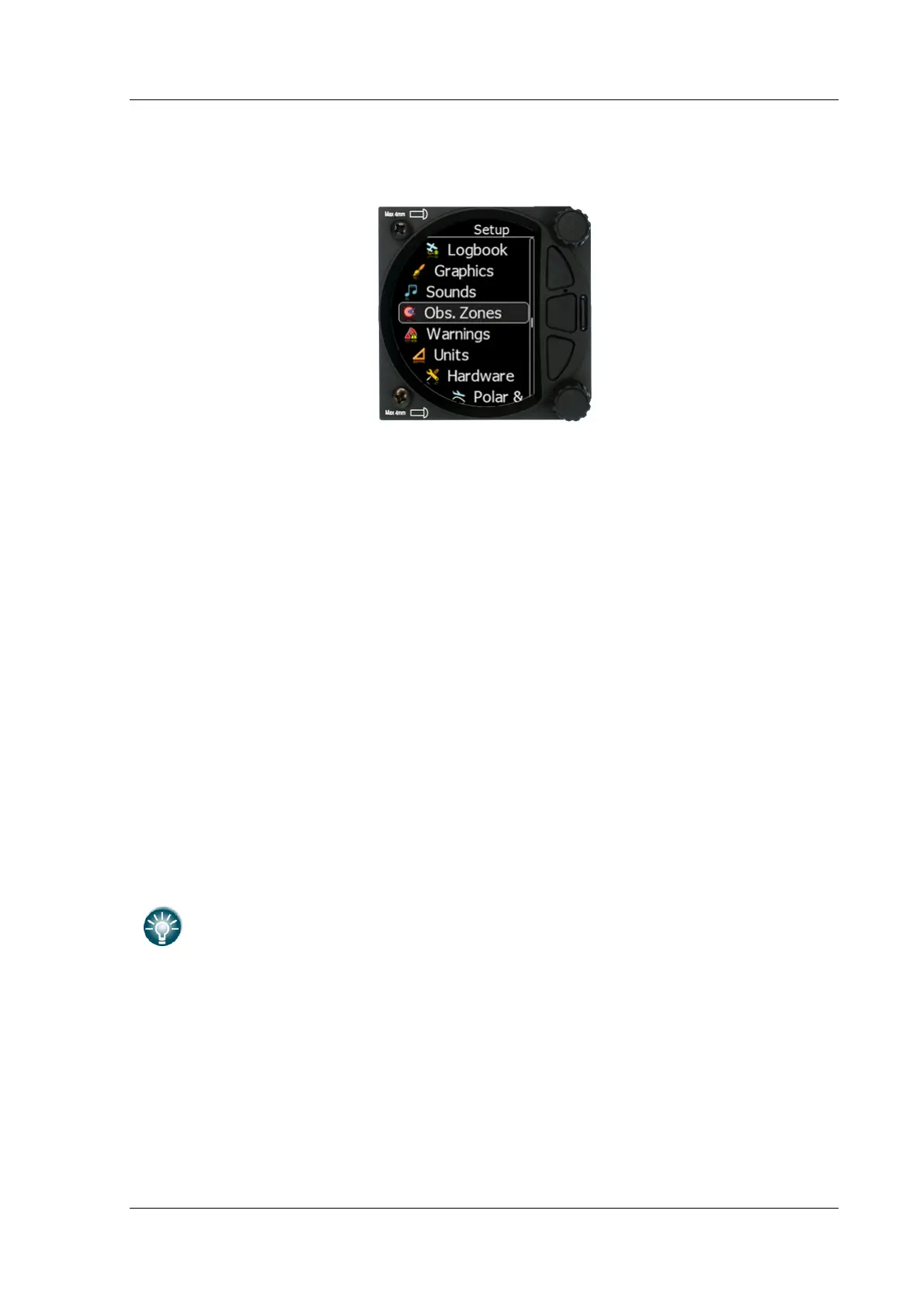
The setup mode allows you to change the configuration and base settings for the S8x/S10x
vario.
Following items are listed in the setup menu:
• QNH &RES
• Flight recorder
• Vario parameters
• Display
• Files
• Logbook
• Graphics
• Sounds
• Observation Zones
• Warnings
• Units
• Hardware
• Polar & Glider
• Profile
• Password
• Admin mode
• About
You can scroll up and down the list of settings by rotating the lower rotary knob and
selecting a setting to change with a short press of the lower rotary knob.
All menus have the EXIT button which will exit to the previous menu. You can
also exit from the menu if you press the middle push button.
Some of the options have sub menus and these are selected in the same way.



 To Next Page