Rev #37
Version 8.0
April 2021
Page 53 of 121
5.7.5.4 Logbook
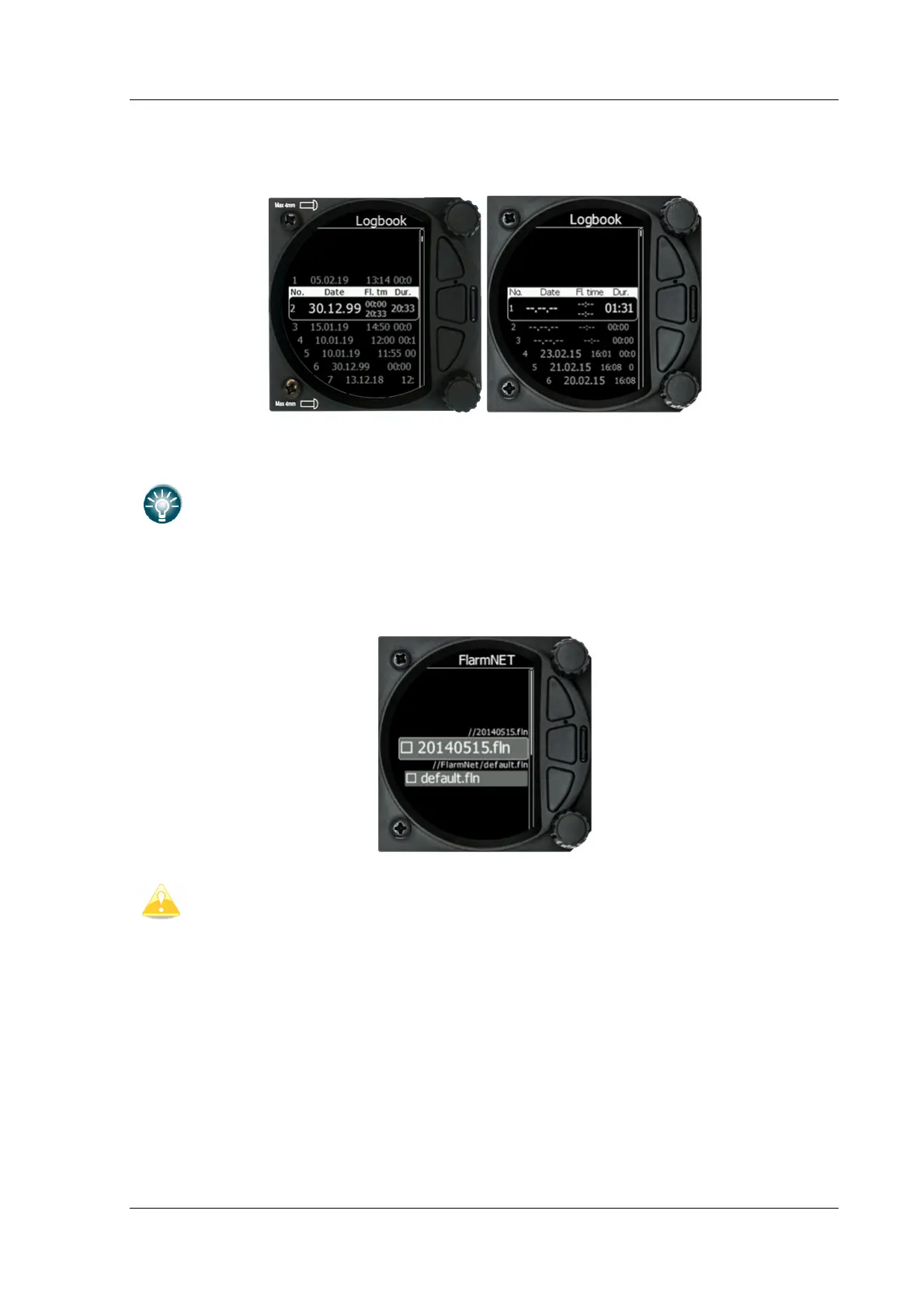
The logbook page lists all the flights sorted by date.
If GPS data is present the logbook will show the date and time of departure. Manual
navigation (without GPS) will show the duration and will be marked with "—" marks.
The user can download a flight by a short press on the lower rotary button.
5.7.5.5 FlarmNet file
Selecting the FlarmNet option opens a list of .fln files available on the SD card or in the
internal memory. Selecting a file loads it.
Please note that only one FlarmNet file can be active at any one time.



 To Next Page