Rev #37
Version 8.0
April 2021
Page 65 of 121
5.7.9.2.5 Vario Audio source
Vario audio source is shown when HAWK option is activated. You can choose between HAWK
or TE vario audio source for variometer sound.
5.7.9.2.6 SC Audio source
SC audio source is shown when HAWK option is activated. You can choose between HAWK
or TE vario SC audio source for speed to fly sound.
5.7.9.2.7 Dead band
Dead band setting defines the width of the audio dead band in speed to fly mode. Default
value is ±1 m/s.
5.7.9.2.8 Audio Frequencies
• Freq at 0% defines the tone frequency at 0 m/s.
• Freq at +100% defines the tone frequency at full + deflection.
• Freq at -100% defines the tone frequency at full – deflection.
5.7.9.2.9 Equalization Pre-Sets
We have three options: default LXNAV speaker, flat setting or user defined.
The volume for Vario, FLARM and Speech can also be adjusted directly via the
upper rotary knob whilst in the FLARM, Waypoint and Task Modes.
5.7.9.2.10 Voice test
Press this button in order to test quality of voice messages.
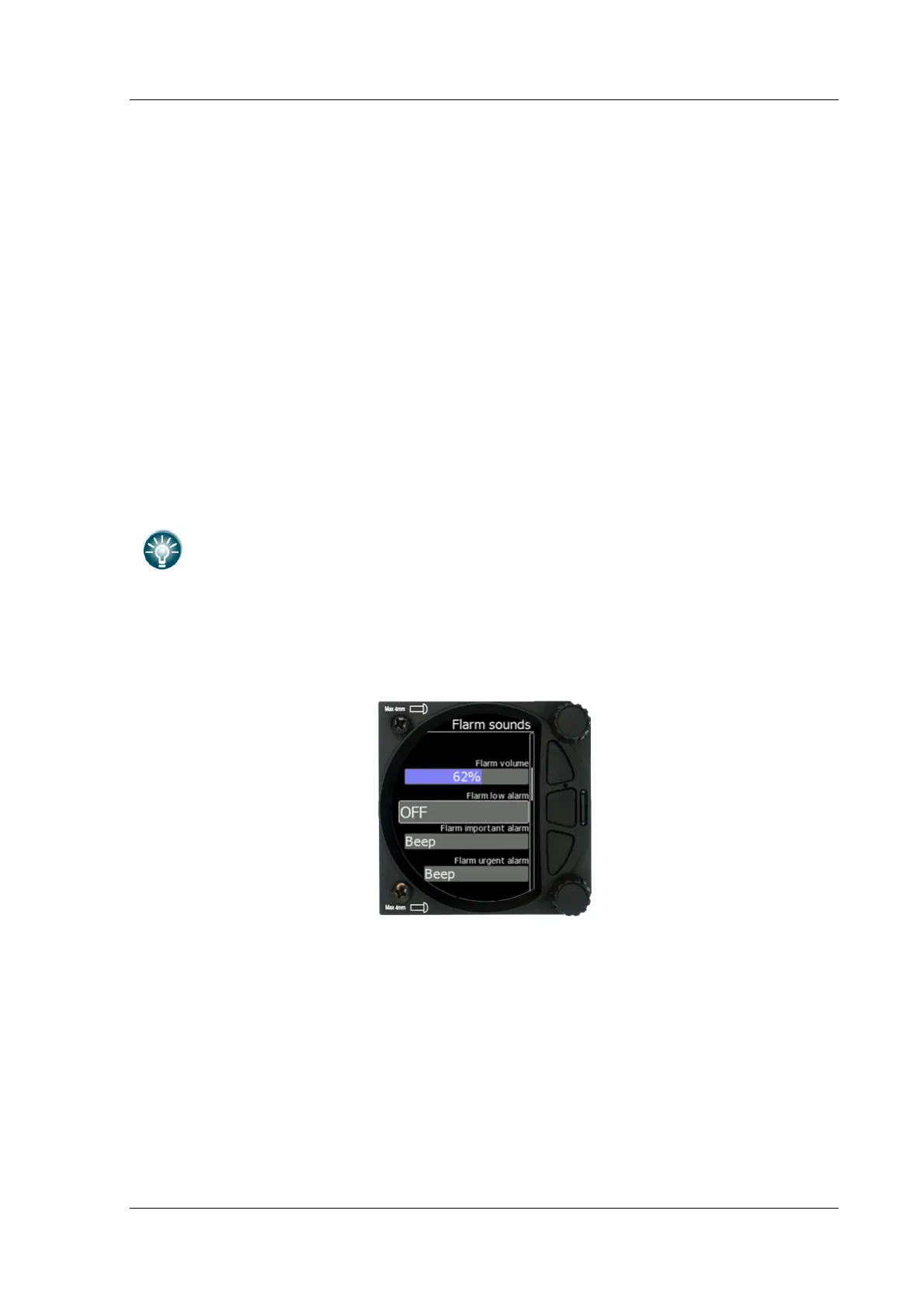
5.7.9.3 FLARM Sounds
5.7.9.3.1 FLARM Volume
Adjust the default FLARM volume with the slider.
5.7.9.3.2 FLARM Low Alarm
For distant FLARM targets the S8x/S10x gives a short or long message, just a beep or be
turned off (19-25 seconds before possible collision).
5.7.9.3.3 FLARM Important Alarm
For close FLARM targets the S8X can give a short or long message, just a beep or be turned
off (14-18 seconds before possible collision).



 To Next Page