Rev #37
Version 8.0
April 2021
Page 80 of 121
5.7.13.9 FLARM
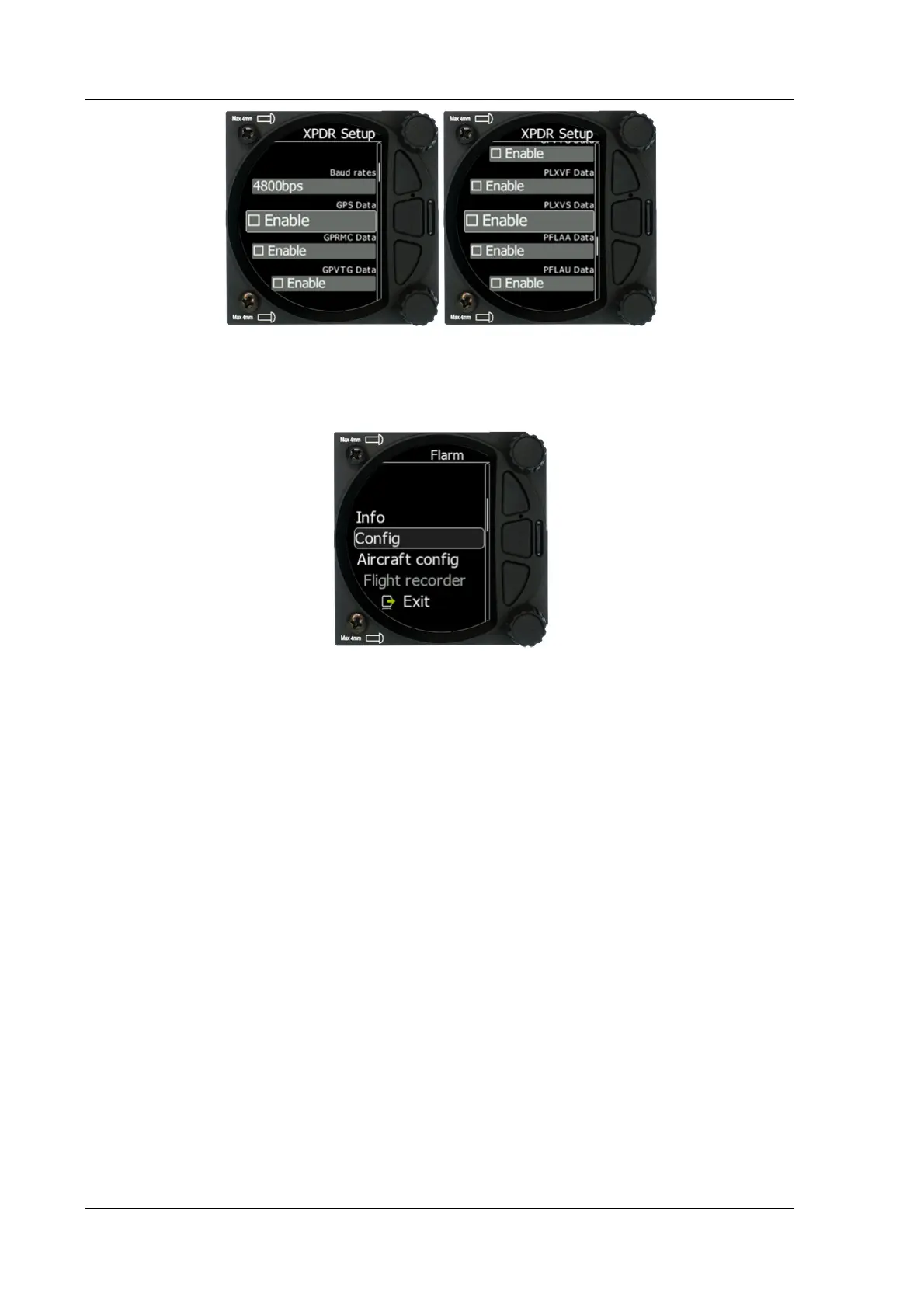
If a FLARM or PowerFLARM is connected to the system its information, configuration and
aircraft configuration can be seen or configured in this menu.
5.7.13.9.1 Info
Here you can see all information about the external FLARM/PowerFLARM device. Available
information is:
• Hardware
• Firmware
• Flarm ID
• Serial Number
• Obstacle database
• Obstacle date
5.7.13.9.2 Config
The FLARM configuration such as FLARM/PCAS and ADSB horizontal and vertical
range can be set here. Mode C/Do not track mode and Stealth mode can be enabled
or disabled. Stealth mode meaning – if enabled, other FLARM units will not receive
altitude and vario information concerning your glider (only a dot will appear on their
instruments). For collision warnings this mode has no influence. Do not track enabled will
not allow an object to be seen on the OGN.
5.7.13.9.3 Aircraft Config
The Aircraft type such as glider / Tow plane / Helicopter etc… can be set here. The ICAO
address is the code which has to be configured in the config file if a transponder is present.
If that code is not set, a transponder in the cockpit will be seen as a FLARM object all the
time.



 To Next Page