Rev #37
Version 8.0
April 2021
Page 77 of 121
The remote stick is only recognized if the system is under external 12V power. It
will not work if the S10/S100 is running on the internal battery only.
5.7.13.5 Compass Module
TO BE DONE – the compass module is not yet supported.
5.7.13.6 Flaps
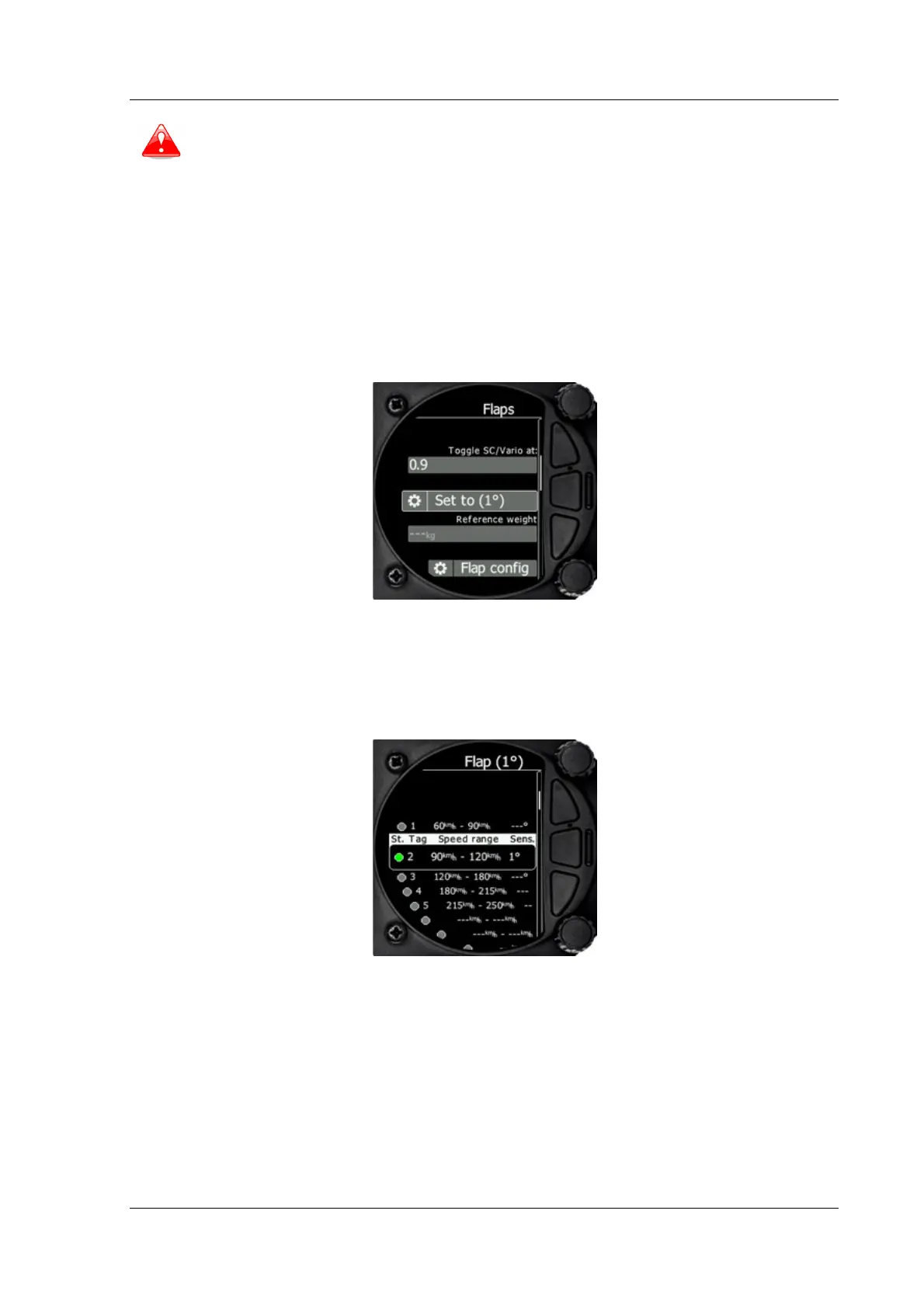
When a flap sensor is installed, use this menu to set the flaps position. Toggle SC/Vario
at option allows you to select when (depending on flap position) the instrument will switch
between SC and vario mode. Use the page selector to select the desired flap position. Press
SET to set the position. Repeat this procedure for all flap positions.
When all flap positions are set, a green dot will be displayed with current flap position. If
flap labels are not set yet, press EDIT to name the labels. Flap labels must be entered with
increasing speed range. It is recommended that flaps labels are set together with the speed
range in the Polar and Glider setup. It is also possible to toggle between cruise and climb
mode using the flap sensor.
5.7.13.7 AHRS
Once AHRS option or HAWK option is activated as described in chapter 9.5.5, use this menu
to calibrate AHRS for installation errors.
Place your glider in levelled position and select Level, it will set system pitch offset and
current pitch will be set to 0°.
You can also modify User pitch offset.
Reset off. Button will reset system pitch offset and user pitch offset to zero (Factory
default).
Align gyros will adjust drift of gyroscopes, which solve the problem of small pitch and roll
offset during flight.



 To Next Page