Rev #37
Version 8.0
April 2021
Page 67 of 121
• To Near: if this is checked it will navigate to nearest point of the zone.
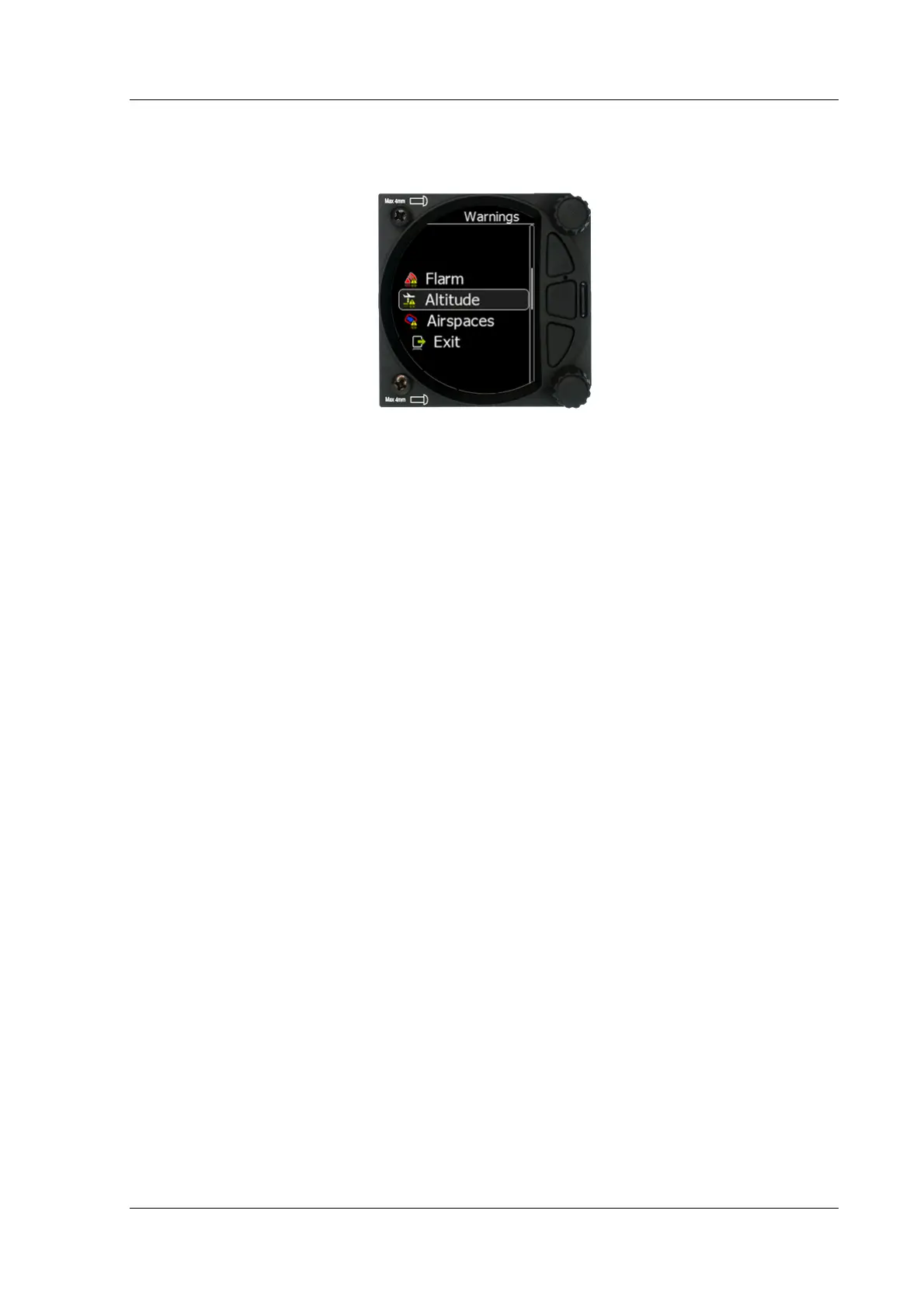
5.7.11 Warnings
There are FLARM, Altitude and Airspace warnings.
5.7.11.1 FLARM Warnings
5.7.11.1.1 Enable FLARM Warnings
Warnings can be enabled or disabled in this section.
The warning dismiss time can be set from 0 to 120 seconds.
5.7.11.1.2 Display PCAS Alarms
Check this item to see non-directional traffic on the FLARM screen. Non-directional traffic
will be drawn with a dotted circle at the received distance from the aircraft position. The
PCAS timeout is setup separately in the next time spin control.
5.7.11.1.3 Display Urgent Alarms
Third level approximately 8 seconds before predicted collision.
5.7.11.1.4 Display Important Alarms
Second level approximately 13 seconds before predicted collision.
5.7.11.1.5 Display Low Alarms
First level approximately 18 seconds before predicted collision.
5.7.11.1.6 Dismiss While Circling
This dismisses FLARM alarms for FLARM targets in the same thermal. FLARM warnings for
urgent alerts override this.
5.7.11.1.7 Dismiss Time
If a FLARM warning is dismissed, there will be no FLARM warnings for the number of
seconds set in that menu. Once a certain FLARM alarm is set off you can dismiss it for that
set amount of second by pressing the lower knob.
5.7.11.2 Altitude Warnings
5.7.11.2.1 Altitude Alarm
This can be set in meters or feet. The S8x/S10x will display a warning before reaching the
selected altitude.



 To Next Page