Rev #37
Version 8.0
April 2021
Page 76 of 121
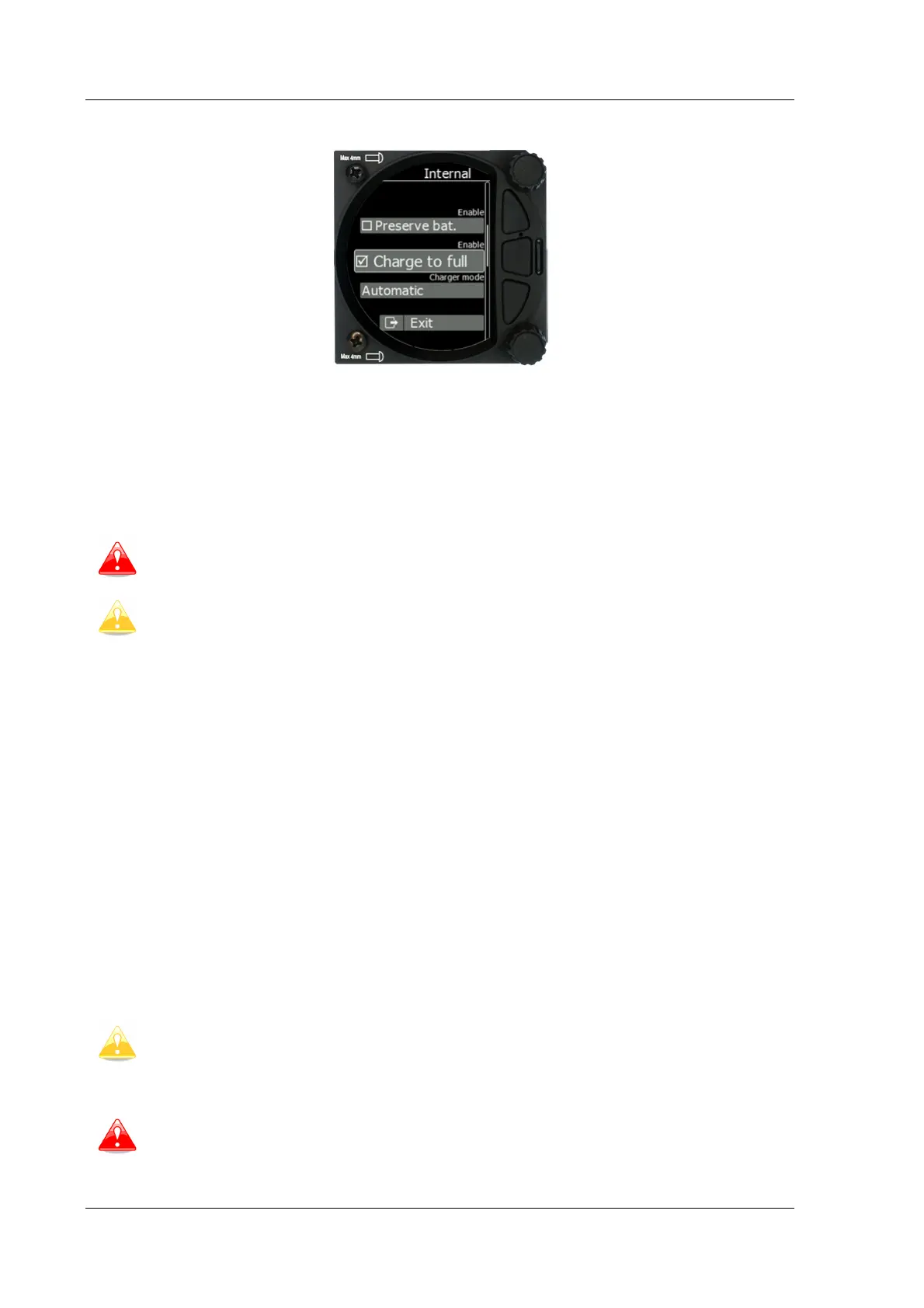
5.7.13.3.4 Settings of the Internal Battery
The following values can be set:
• Preserve battery = charger will not be activated until the battery drains below 75%.
• Charge to full = if it is not checked, the battery will be charged up to 90%.
• Charger mode = can be set to ON / OFF or automatic.
Automatic mode will stop charging when the charging current sinks below 450mA. If
preserve battery is enabled, charging will take place only when the battery is below 75%.
The internal battery will not supply power to any peripheral devices such as
compass module, remote stick, FLARM, PDA…
S10x will charge internal battery only when external power is present and the unit
is powered on.
5.7.13.4 Remote Stick (NEW)
The remote stick is also connected to the CAN bus which is the main wiring of the S8x/S10x.
The device must be registered in case of a two-seat device as it is possible to have two
remote sticks; one registered to the main device and the other one to the second seat
device.
Registering the remote stick can be carried out in the following way:
Press any button on the remote stick – the S8x/S10Xwill detect the presence of the remote
stick on the CAN BUS.
Go to Setup->Hardware->Remote stick.
To confirm the remote stick, you must press the OK button on the remote stick.
The process is similar for the second remote for the S8xD repeater unit. Be sure that at the
time of registering repeater unit, front unit is not in Register mode, otherwise both units will
listen to the same remote stick.
different type of communication than
user must specify for what purpose remote stick will be used when ordering one.
In case of Sxxx instruments, an adapter named Remote CAN will be included. On
one side it is connected to the CAN bus via a DB9 connector and on the other side
to appropriate wires of the remote stick. Follow the colour marks on the pring
contacts.
under power, consequently
remote stick is also under
power. After the flight disconnect the batteries or turn off the master switch to
prevent discharging the batteries.



 To Next Page