Rev #37
Version 8.0
April 2021
Page 57 of 121
5.7.8.3 Airspace
Airspaces are not enabled on S8/S80 Club version. To purchase this option please
refer to Chapter 3.2.3.
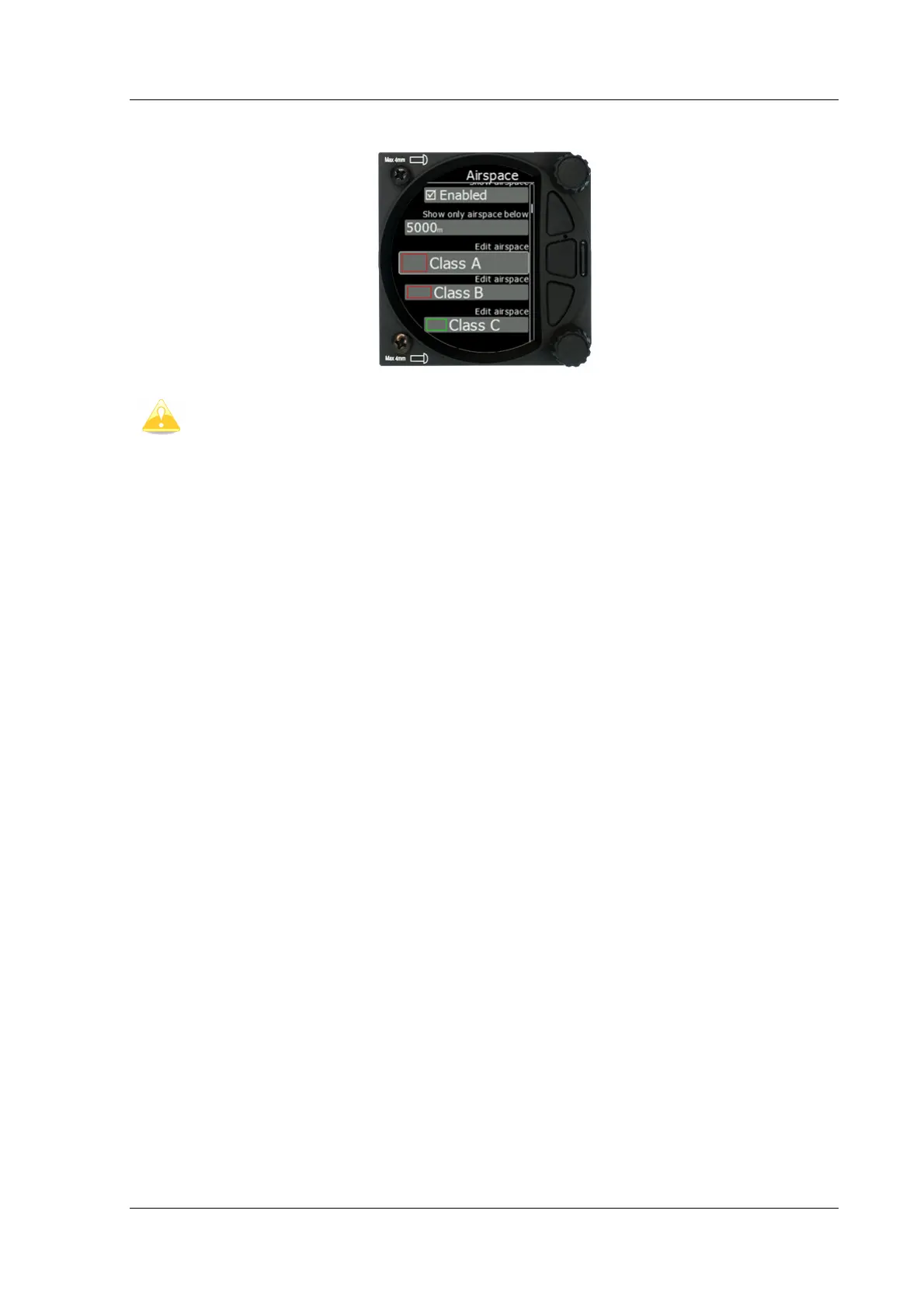
In this dialogue you can define the airspace map presentation. Check the Show airspace
item to enable airspace displays in navigational modes. If this item is unchecked no airspace
will be displayed.
Use Show only airspace below to eliminate airspace which is going to be too high for the
day. For example, if the forecasted cloud base is to be 1500 m, set this value to 1600 m and
your screen will be much more readable.
In the airspace type list, you can specify how each airspace type is displayed. You should
define each type of airspace zone separately. First choose an airspace type from the list.
You can modify the Transparency of the selected type. The Zoom value defines to which
zoom level this type is going to be visible. The Colour and Width items specify how the
selected airspace zone will be drawn.
All settings listed above can be changed for airspace classes A, B, C, D, E, F and for the
following types of airspace:
• Control zone
• Restricted zone
• Prohibited zone
• Danger zone
• Glider sector
• Airway sector
• Transponder Mandatory Zone (TMZ)
• Military zone
• Other zone



 To Next Page