Rev #37
Version 8.0
April 2021
Page 83 of 121
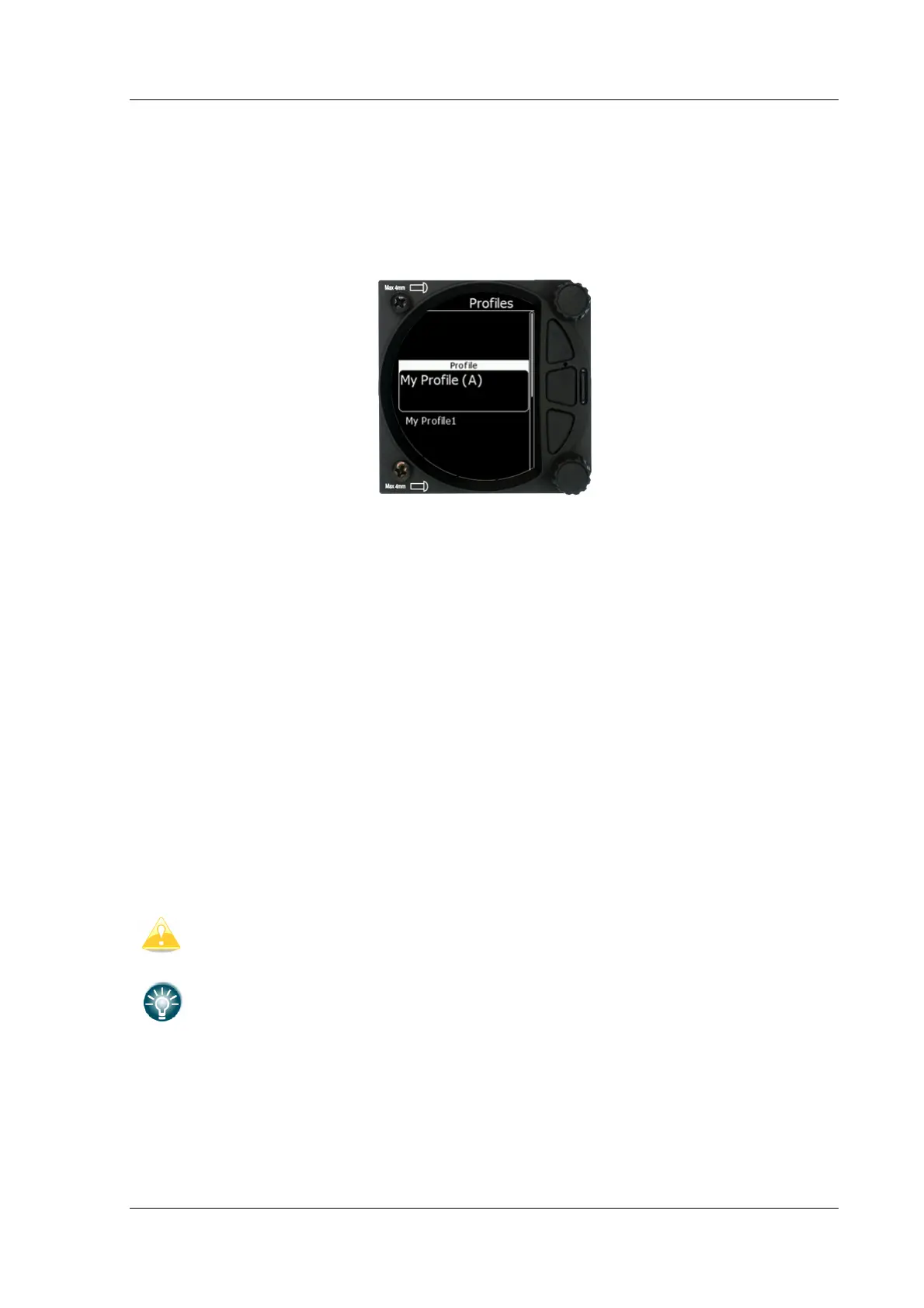
5.7.15 Profiles
In this menu, the pilot can save his own settings in a profile. Different profiles are useful if
more than one pilot is flying the same glider, or if the glider has a variable wing
configuration (15m, 18m). All the S8x/S10x settings are saved in each individual profile
(glider information, pilot information, user interface...).
With the lower rotary knob, a pilot can scroll between different profiles that are stored within
the internal storage of the S vario. Please note that the profiles are not stored on the SD
card.
When you select the profile pressing the lower rotary button will cause a sub menu to
appear with the following options:
• Edit (edit name of the profile)
• Active (make that profile active)
• Lock (lock that profile. All later changes on the S vario will not be stored to the profile
which is useful to protect a profile from changes in a club or syndicate environment)
• New (create new profile. You have the option to copy an existing selected profile or
create a new factory default profile)
• Save to SD (copy the profile from the internal storage to the SD card)
• Cancel (do nothing and exit from that menu)
• Delete (delete selected profile) At power on the profile selection menu will appear. A
user can select between all the available profiles stored within the S vario.
Settings cannot be saved into the DEFAULT profile, therefore you have to create
your own profile.
Character (A) means currently active profile.



 To Next Page