Rev #37
Version 8.0
April 2021
Page 36 of 121
5.5 Waypoint Mode
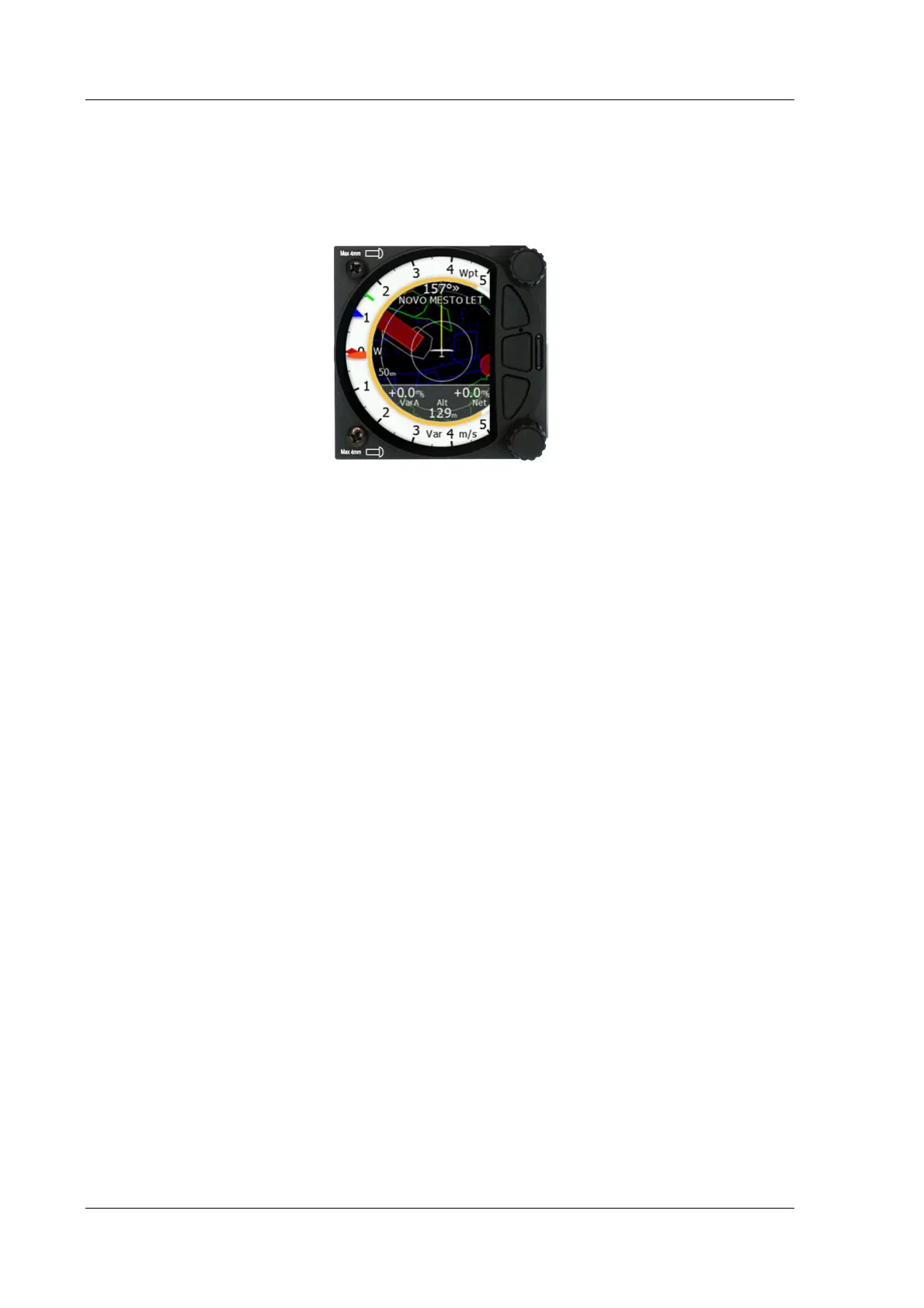
The Waypoint Mode is a quick access screen to provide simple navigation to a Waypoint or
Airport. By rotating the bottom rotary knob, you can vary the range of the display from
0.5 km to 100 km.
The first page shows a line to a selected waypoint, the name of the selected waypoint at the
top of the screen and the relative bearing with chevrons indicating the direction to turn
towards the selected waypoint.
5.5.1 Quick Access Menu
A short press of the (lower) rotary button activates the Quick Access menu.



 To Next Page