Rev #37
Version 8.0
April 2021
Page 41 of 121
When using HAWK option, default average time for wind is set to 30 seconds. User can
modify it in Vario parameters. If HAWK option is not used, averaging time is fixed to three
minutes. To learn more about HAWK see chapter 7
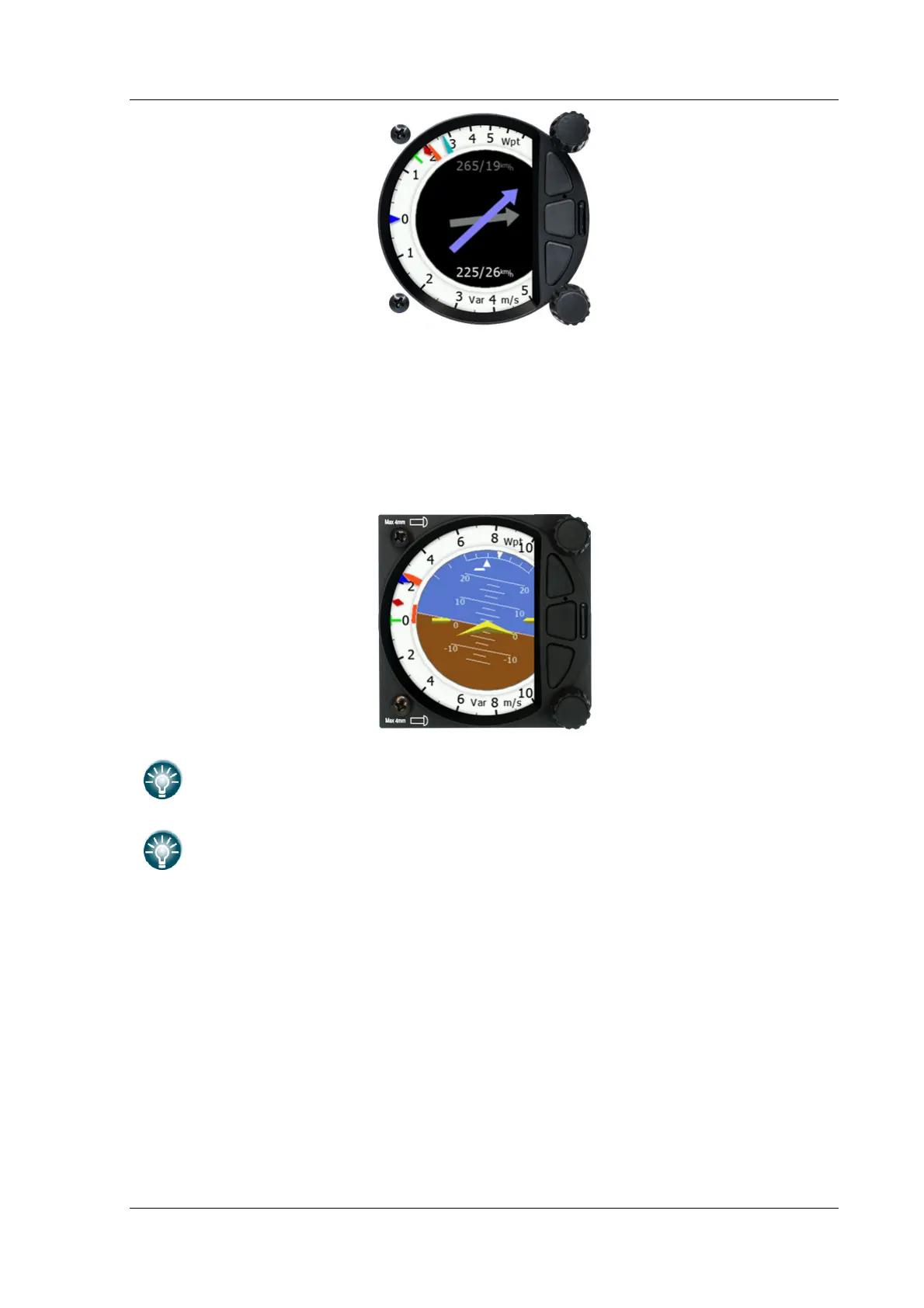
5.6.3 AHRS Page
The Task mode has a fourth page which displays the AHRS (To enable this feature refer to
chapter 9.5.5).
The Pitch offset can be adjusted via the lower rotary knob.
For competitions the artificial horizon can be disabled via the
Setup>Hardware>AHRS menu. See chapter (5.7.13.7) for more details. When
the artificial horizon page is active a BFION event is written to recorded flight for
verification purposes.
5.6.4 Quick Access Menu
A short press of the lower rotary knob activates the Quick Access menu. The following
menus are available:
• MC/BAL
• Start
• Edit task
• Load
• Save
• Delete
• Wind
• Layout
• Reset G
• Event



 To Next Page