Rev #37
Version 8.0
April 2021
Page 26 of 121
5.1.3.1 Layout in the Numerical Page
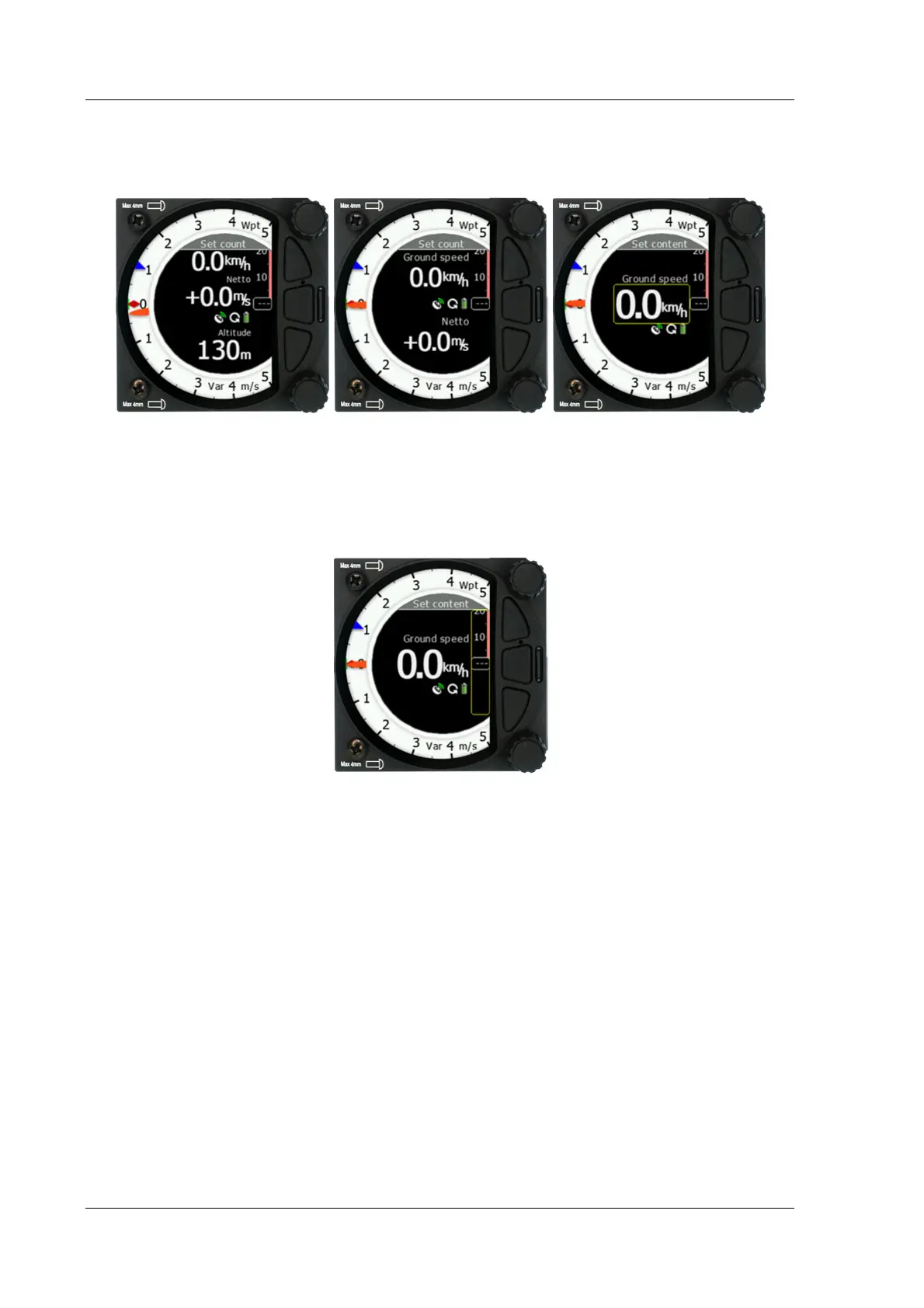
In the numerical page the number of navboxes and sidebar can be set. Every navbox can be
defined separately.
5.1.3.1.1 Sidebar
The user can select between the different sidebar options that can be displayed on the page
(classic Speed to Fly-push/pull bar, Flaps tape, Speed tape and combined Speed & Flap
tape). The Speed to Fly bar is dynamic.



 To Next Page