6A-43POWER TRIM90-13645--2 495
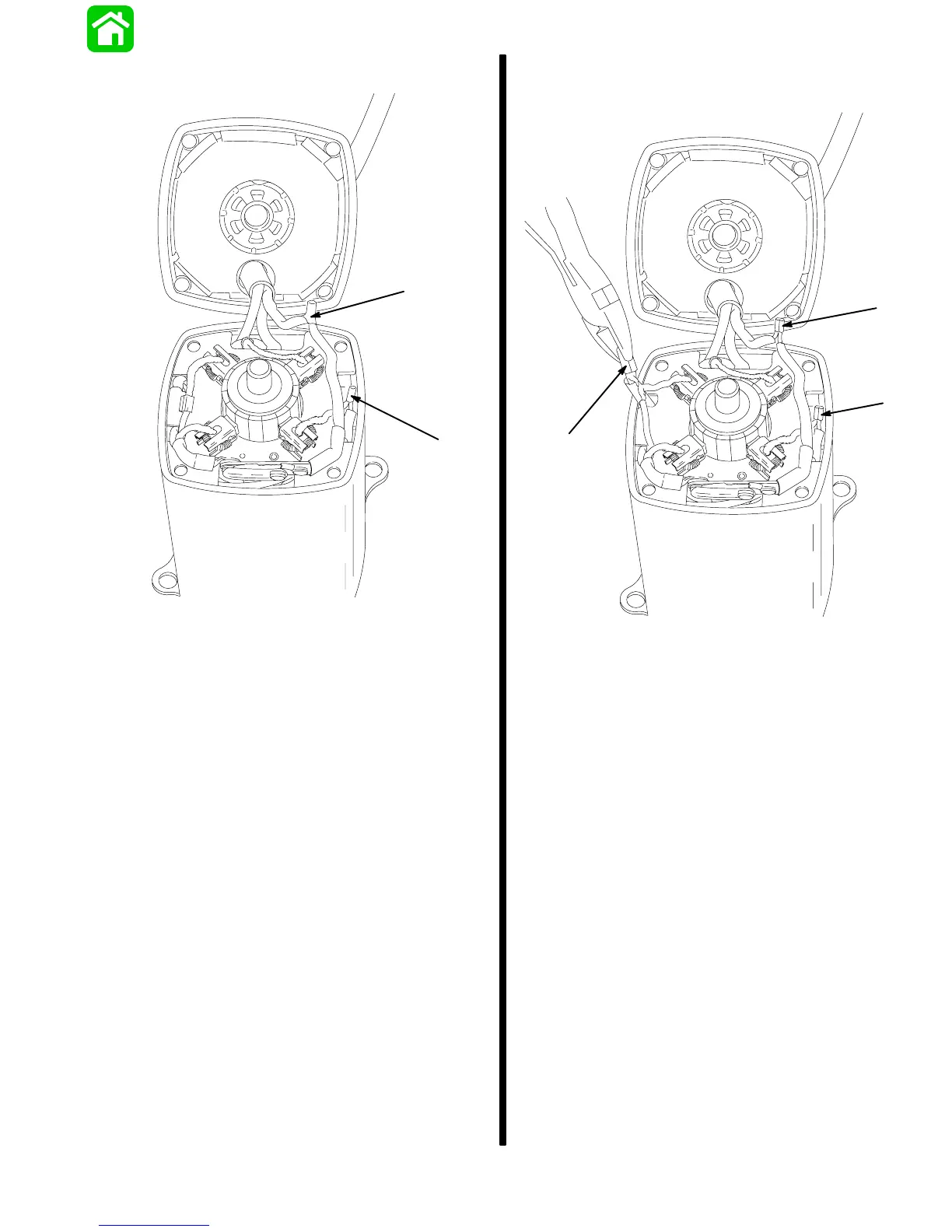
2. To replace brush card, remove plastic insulators.
18463
a
a
a - Insulators
3. Remove metal connectors by separating the slit
in connectors using a side cutter, as shown.
18466
a
a
a
a - Metal Connectors
Install new brush card.
Crimp metal connectors on connections.
Use heat shrink tubing to insulate connections.



 To Next Page