Catch Sensors | V1 | Sensor Configuration
Depth
Procedure
1.
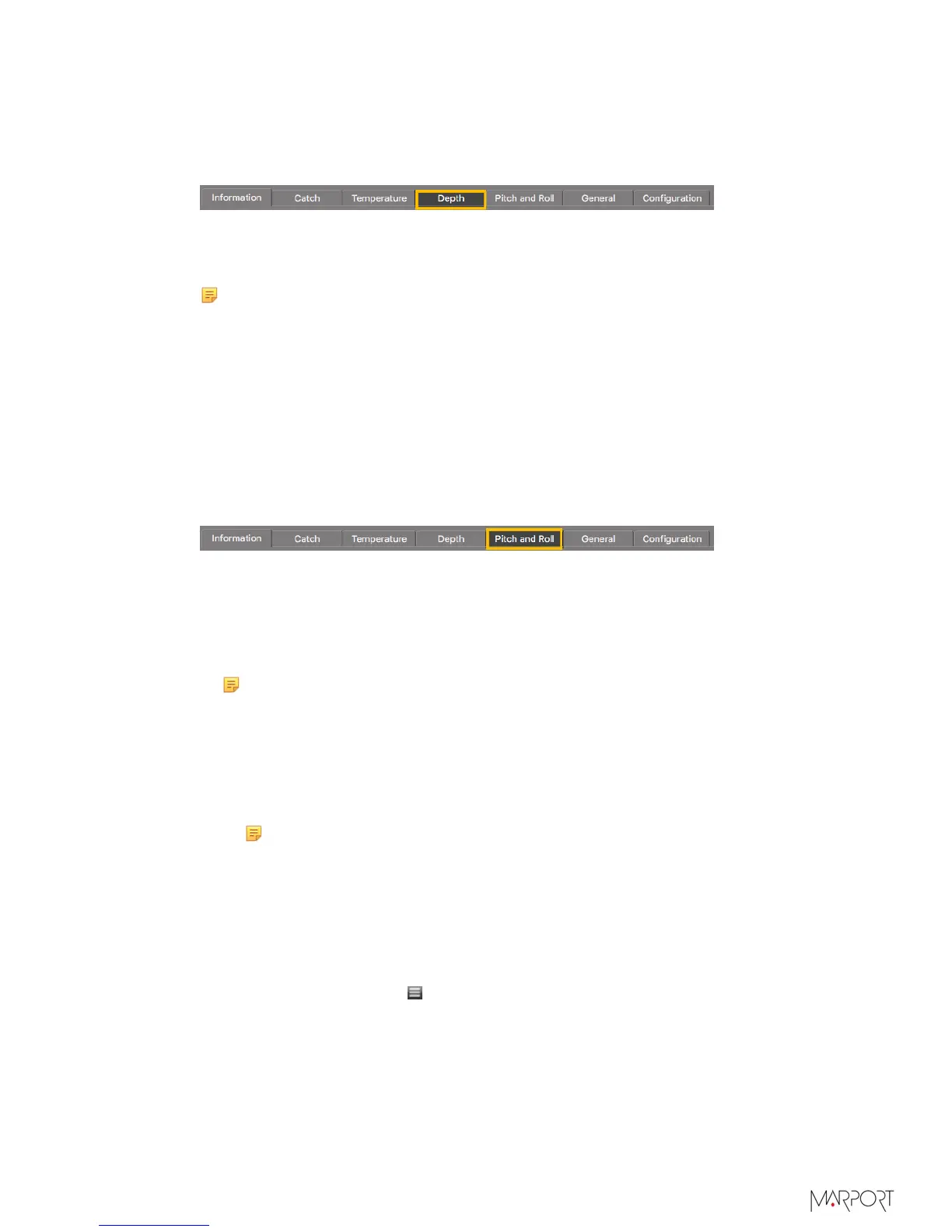
Click the tab Depth.
2.
From Depth Boat Code/Channel Code, choose a frequency.
3.
From Depth Telegram, choose among the telegrams according to the depth at which
you are fishing. They all send data every 3 to 8 sec, but at different depth ranges.
Note: The lower the depth range is, the more precise the measures are.
• D3 = 300 m
• D6 = 600 m
• D12 = 1200 m
• D18 = 1800 m
Pitch and Roll
Procedure
1.
Click the tab Pitch and Roll.
2.
If you send pitch and roll data on the same channel:
a)
From Pitch and Roll or Roll Boat Code/Channel Code, select a frequency.
b)
From Pitch and Roll or Roll Telegram, choose between:
•
Telegram CL: sends data every 11 to 14 sec.
•
Telegram VQ: sends data every 5 to 9 sec.
Note: VQ sends data more often, but it reduces the battery life.
3.
If you send pitch and roll data on two different channels:
a)
From Pitch and Roll or Roll Boat Code/Channel Code, select a channel for roll data.
b)
From Pitch and Roll or Roll Telegram, choose roll telegrams between:
•
Telegram D3: sends data every 3 to 8 sec.
•
Telegram AL: sends data every 11 to 15 sec.
Note: D3 sends data more often, but it reduces the battery life.
c)
From Pitch Boat Code/Channel Code, select a channel for pitch data.
d)
From Pitch Telegram, choose between:
•
Telegram D6: sends data every 3 to 4 sec.
•
Telegram AN: sends data every 3 to 6 sec.
4.
You can deactivate pitch and roll data to save battery life:
a)
From Mosa, click Menu > Expert Mode and enter the password copernic.
b)
To deactivate the roll: from Pitch and Roll or Roll Activation, select No.
c)
To deactivate the pitch: from Pitch Activation, select No.
| 34



 To Next Page