Catch Sensors | V1 | Sensor Configuration
Configuring the Uplink Power
You can increase the uplink power of the sensor to increase the power of the signal
transmitted. It is useful if you have interferences or if the sensor is far from the vessel.
Before you begin
The sensor is connected to Mosa.
Procedure
1.
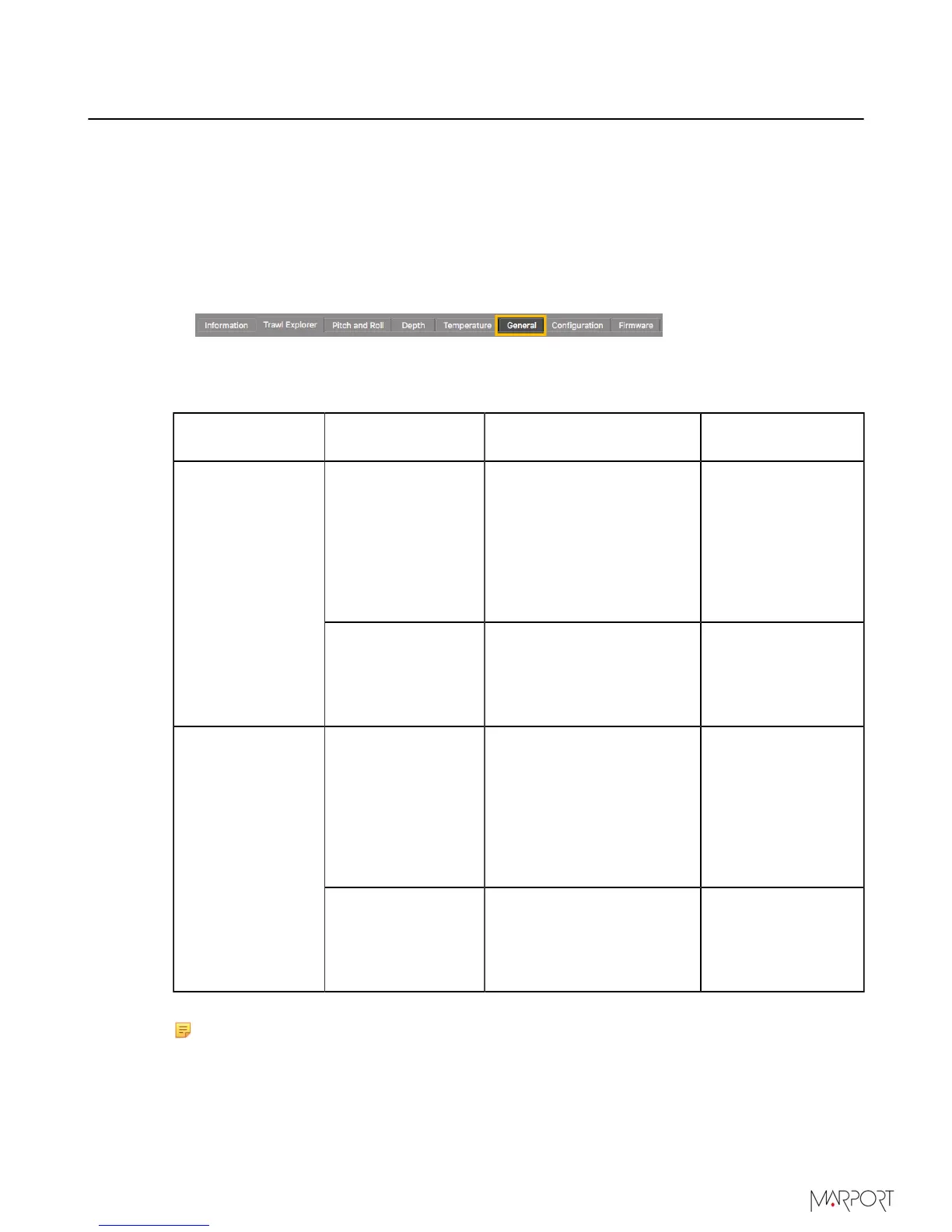
From Mosa, click the tab General.
2.
From Uplink Power Adjustment Level, choose the uplink power (percentage is for
Mosa 01.02.00 version and above):
Sensor
Recommended
Uplink Powers
Conditions Battery Life
1800 / 43%
• Sensor is far from
vessel (e.g. high depth,
placed on codend)
• High level of
interferences
• Issues receiving data
• Low SNR
approx. 30 days
Catch sensor
3080 / 92% and up
to maximum
Increase if 1800 uplink
power is not enough.
The more you
inrease the uplink
power, the shorter
the battery life
becomes.
1800 / 58%
• Sensor is far from
vessel (e.g. high depth,
placed on codend)
• High level of
interferences
• Issues receiving data
• Low SNR
• Approx. 19 hours
with PRP delay =
0 sec.
• Approx. 35 hours
with PRP delay
=3 sec
Catch Explorer
3080 / 100%
Increase if 1800 uplink
power is not enough.
The more you
inrease the uplink
power, the shorter
the battery life
becomes.
Note: The average battery life also depends on the uplink frequency and range.
| 36



 To Next Page