Catch Sensors | V1 | System Configuration and Display
3.
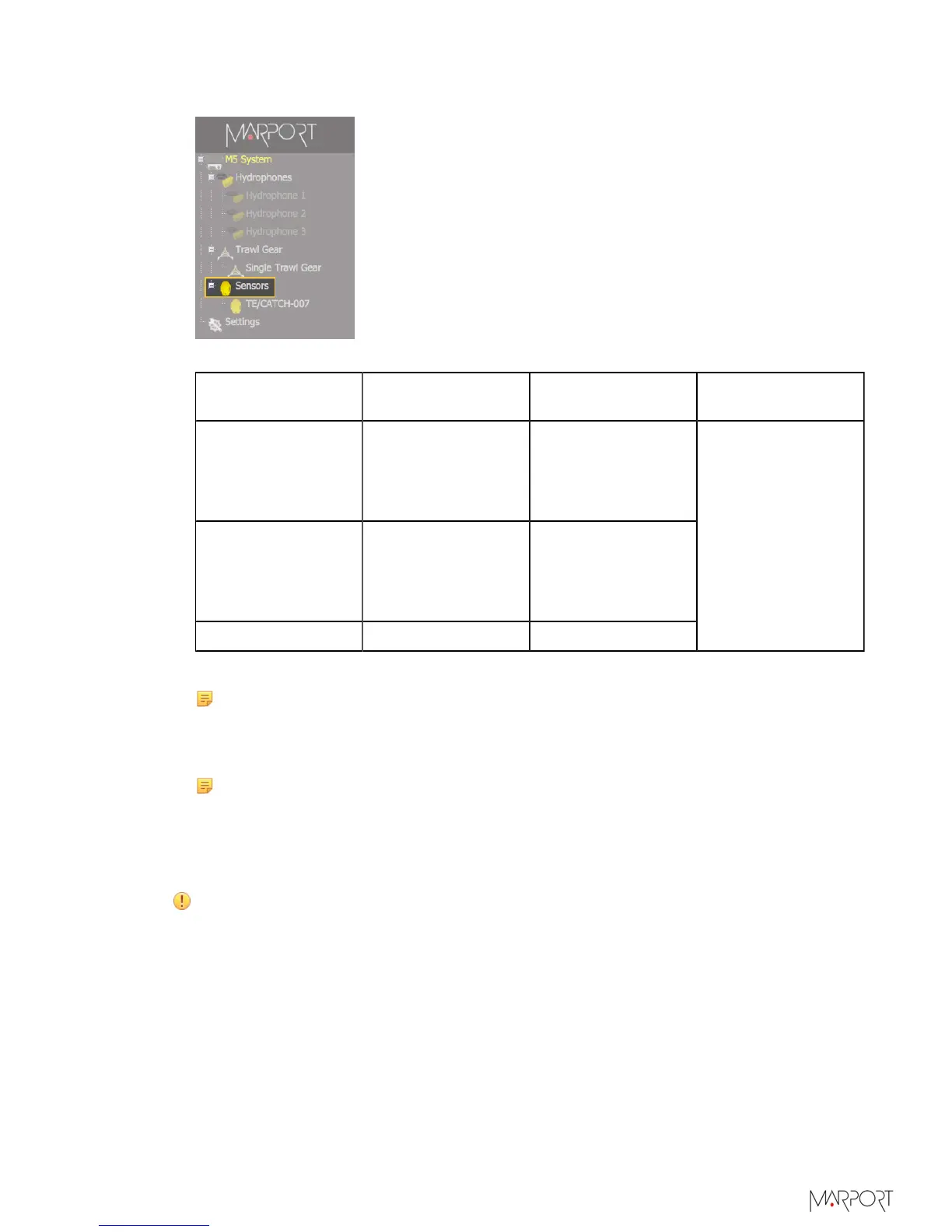
From the left side of the receiver page, click Sensors.
4.
From the page Add Sensor Product select the options according to your type of sensor:
Type of sensor Product category Product Name Trawl Gear
Location
Catch Explorer TE/Catch
• TE/Catch (V3)
with different
options*
• TE/Catch (V2)
Catch Catch
• Catch
• Catch with
different
options*
Catch hybrid PI PI Sensor PI Catch
Codend: nodes
between 1 and 6
*The options depend on the firmware installed.
Note: Sensors with Catch hybrid 70 firmware can be added to Marport,
Scanmar, Simrad and Wesmar receivers. They transmit at a frequency around
40kHz for Marport and Scanmar receivers and also at a frequency around 70kHz
for Simrad and Wesmar receivers.
Note: Sensors with Catch hybrid PI firmware can be added to Marport, Scanmar
and Simrad PI receivers.
Configuring the Sensor Settings
Important: Make sure the settings you enter here are the same as in Mosa.
| 45



 To Next Page