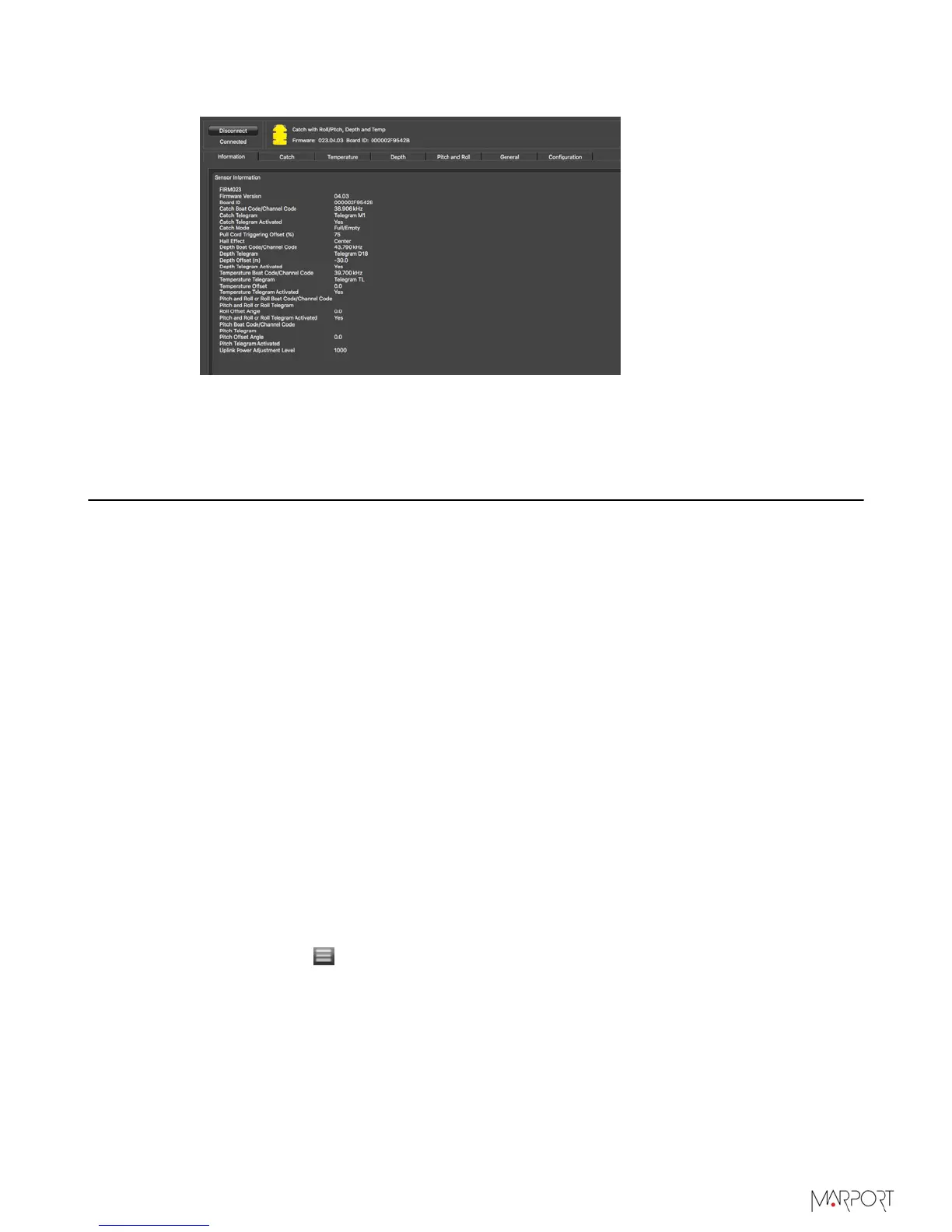
Catch Sensors | V1 | Sensor Configuration
Sensor configuration page is displayed.
What to do next
You can now configure the sensor settings.
Calibrating the Catch Sensor
You need to calibrate the catch sensor to make sure you have correct catch measures. This
procedure applies for both Catch Explorer and Catch sensors.
Before you begin
The sensor is connected to Mosa.
About this task
Catch sensors have two pull cords that are attached to the net. When the trawl fills up,
the meshes of the net expand and this pulls the cords. When the cords are pulled up to a
certain point, it triggers the catch sensor.
Pull cords can be on the end cap of the sensor (center-pull) or on the side (side-pull).
Calibration procedure is the same for both types.
Procedure
1.
Click the tab Catch.
2.
From Catch Mode, check that the catch mode is correct:
•
Center when pull cords are on the end cap on the top of the sensor.
•
Side when pull cords are on the side of the sensor.
3.
To change the threshold at which the catch status becomes full when the cords are
pulled:
a)
Click Menu
> Expert Mode and enter the password copernic.
b)
From the tab Catch, click Pull Cord Triggering.
c)
Adjust the offset. Standard offset is 75%.
• Enter a value below 75% if you want the catch status to become full when the cords
are not entirely extended.
| 22



 To Next Page