Catch Sensors | V1 | Sensor Configuration
b)
The 4th point can be placed at the point where the yellow and gray lines go under
the noise floor (green line).
Note: Data below the red line will not appear on the echogram and data above
will appear as a red line on the echogram.
6.
Click Apply.
Configuring Catch Sensor Telegrams
If you have a Catch sensor (40kHz), you need to configure the telegrams it transmits.
This does not apply for Catch Explorer sensors.
About this task
Telegrams are types of signals sent by the sensor. One telegram corresponds to one type
of data, such as temperature, depth.
The temperature, depth, pitch and roll options that are displayed on Mosa depend on the
firmware installed.
Important: Make sure there is a minimum distance of 100 Hz between PRP
telegrams, and of 200 Hz with the uplink frequency of NBTE sensors. See Appendix
A: Frequency Plan on page 92 for a full list of boat/channel codes.
Remember: Always click Apply after you change a setting and make sure there is a
green check mark
.
Catch
About this task
Catch telegrams are sent every 20 sec. for a full status and every 30 sec. for an empty
status.
Procedure
1.
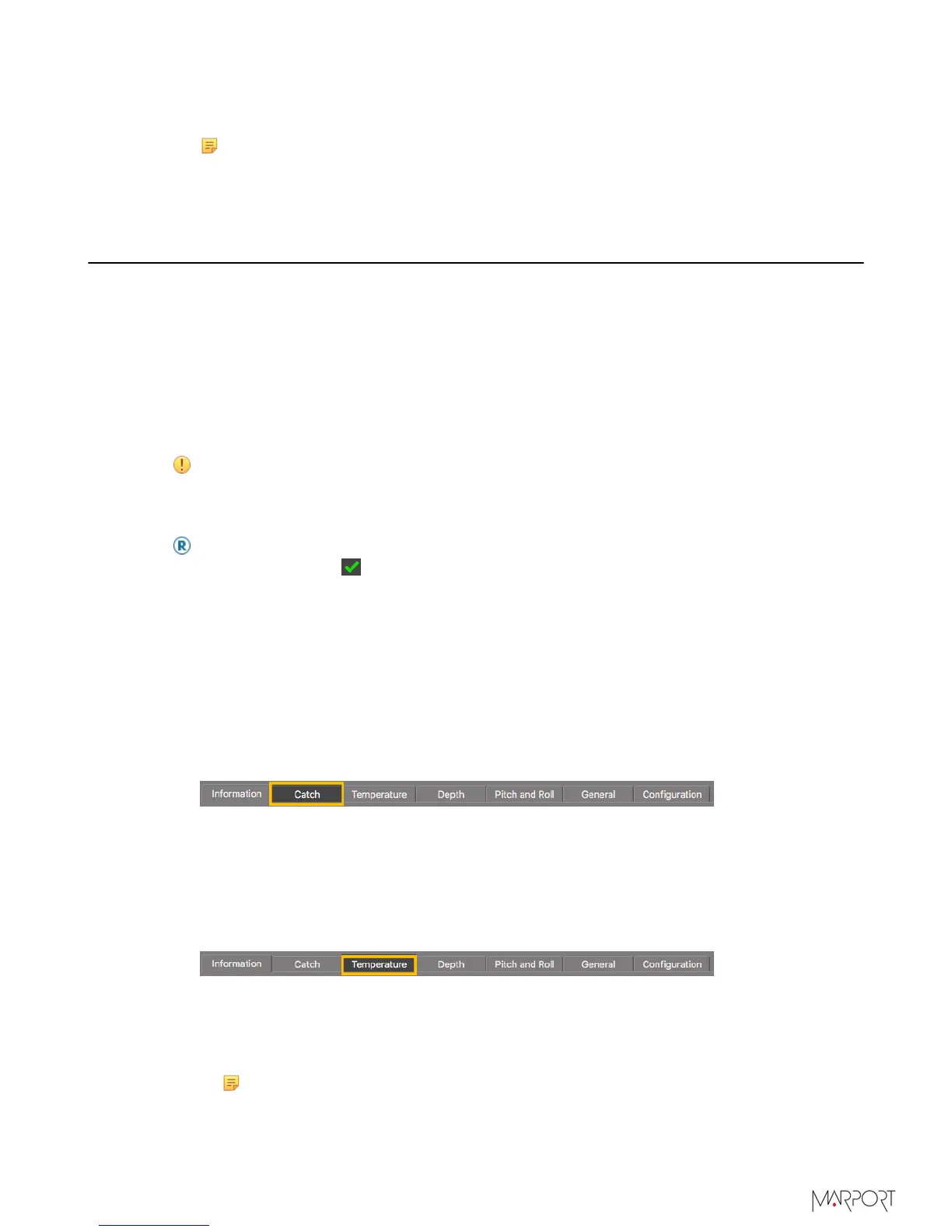
Click the tab Catch.
2.
From Catch Boat Code/Channel Code, choose a frequency.
Temperature
Procedure
1.
Click the tab Temperature.
2.
From Temperature Boat Code/Channel Code, choose a frequency.
3.
From Temperature Telegram, choose between:
•
Telegram TL: sends data between every 11 to 16 sec.
•
Telegram TN: sends data between every 3 to 11 sec.
Note: TN sends data more often, but it reduces the battery life.
| 33



 To Next Page