Catch Sensors | V1 | Sensor Configuration
Note: The empty/full status depends on the pull cord triggering offset set in
Catch parameters.
Catch Explorer Specific Settings
You need to set these settings for a Catch Explorer sensor.
Configuring the Uplink and Down Settings
You can configure different settings for uplink and down soundings.
Before you begin
The sensor is connected to Mosa.
About this task
Remember: Always click Apply after you change a setting and make sure there is a
green check mark
.
Procedure
1.
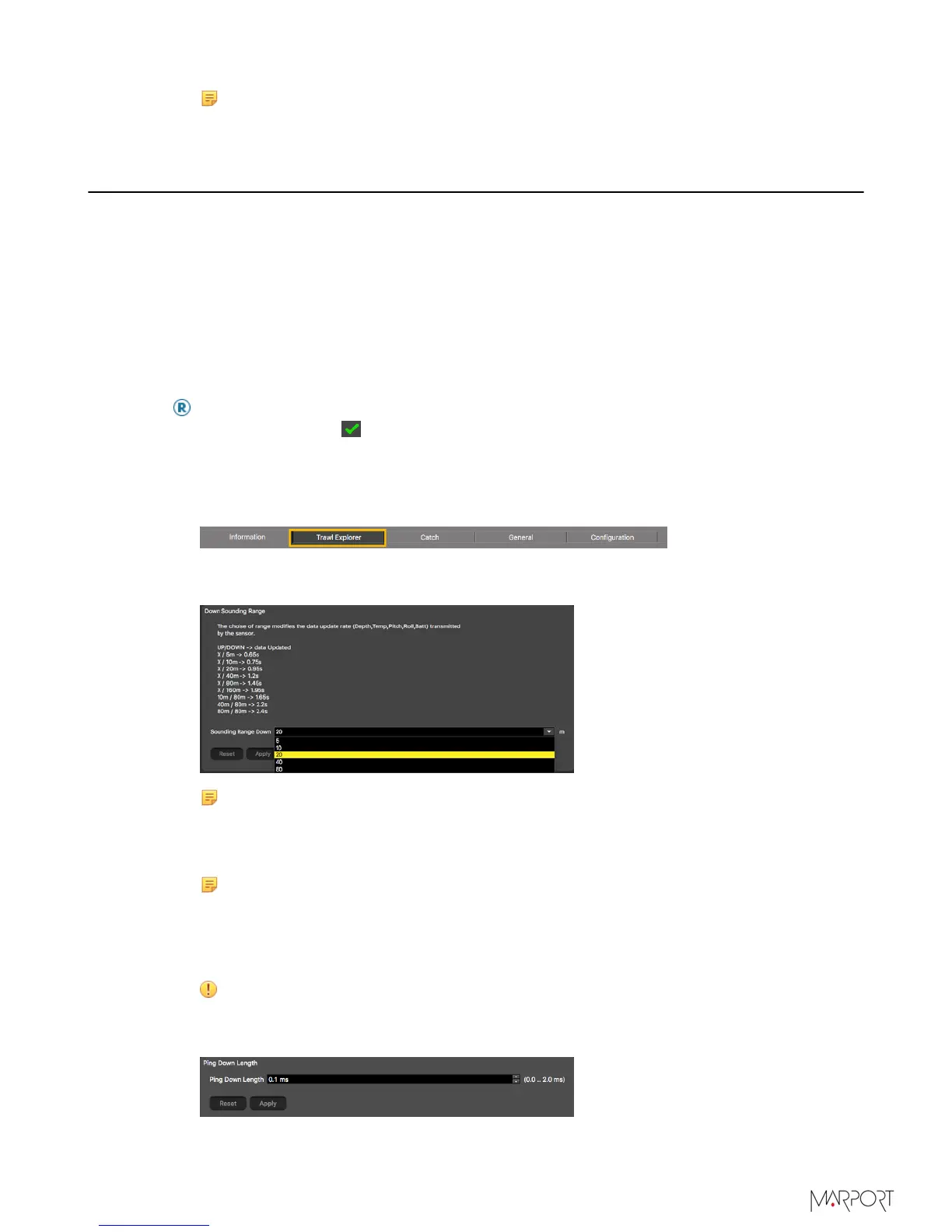
Click the tab Trawl Explorer.
2.
From Down Sounding Range, select the range according to how many meters you
want to see under the sensor.
Note: When you configure the range, be aware that it influences the display of
echogram images. When the range is short, data can arrive quicker, which gives
better quality images. But the bigger the range is, the lesser the image quality
is, because data arrives slower.
Note: The sounding range automatically changes to 20 meters if the distance
to the bottom becomes lower than 20 meters. This way, the echogram displays
better quality images when the distance to the bottom is smaller. This is the
autorange feature. If you do not want the range to adjust automatically, from
Trawl Opening, enter 20 m or more.
Important: This parameter must be the same in the sensor settings in Scala.
3.
From Ping Down Length, enter a pulse length. Pulse length depends on the distance
at which you need to detect fish:
| 25



 To Next Page