Catch Sensors | V1 | Sensor Configuration
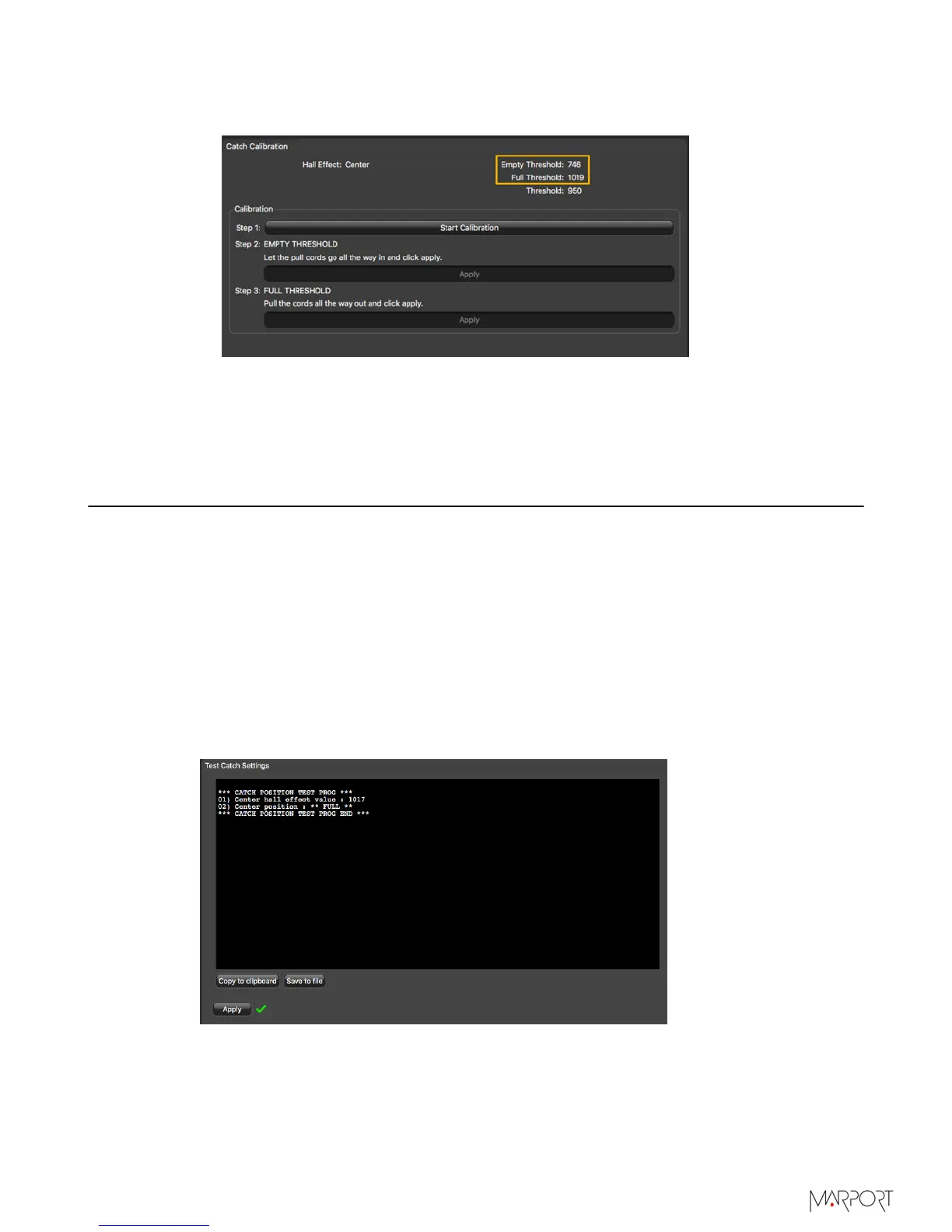
After a few seconds, the Apply button becomes gray. Measures from Empty
Threshold and Full Threshold change.
What to do next
You can test the catch sensor to check if the empty or full status appear correctly when
the cords are pulled.
Testing the Catch Sensor on Mosa
You need to test the catch sensor to check if the empty/full status works correctly. You
can do this regularly.
Before you begin
The sensor is connected to Mosa.
Procedure
1.
Click the tab Catch.
2.
Click Test Catch Settings.
3.
Pull the cords to a desired length and click Apply at the same time.
Measures are displayed in the black area.
4.
Check from Center/Side position that the measure is correct:
• EMPTY: pull cords hang loose or are pulled for three-quarters of the length.
• FULL: pull cords are pulled at the maximum length.
| 24



 To Next Page