Catch Sensors | V1 | Sensor Configuration
Updating the Sensor
You can update the firmware of the sensor to the latest available version.
Downloading the Firmware
About this task
Note: Marport offices only
Only Marport offices can download new versions of firmware. Dealerships need to ask
their local Marport office to get the firmware.
Procedure
1.
From a Mozilla Firefox or Google Chrome browser only, go to the DealerWeb page:
https://dealerweb.marport.fr/Default.aspx.
2.
Go to Sensors> A1.
3.
From the search box on the right, enter the product serial number or board ID.
Note: The board ID is written on Mosa.
4.
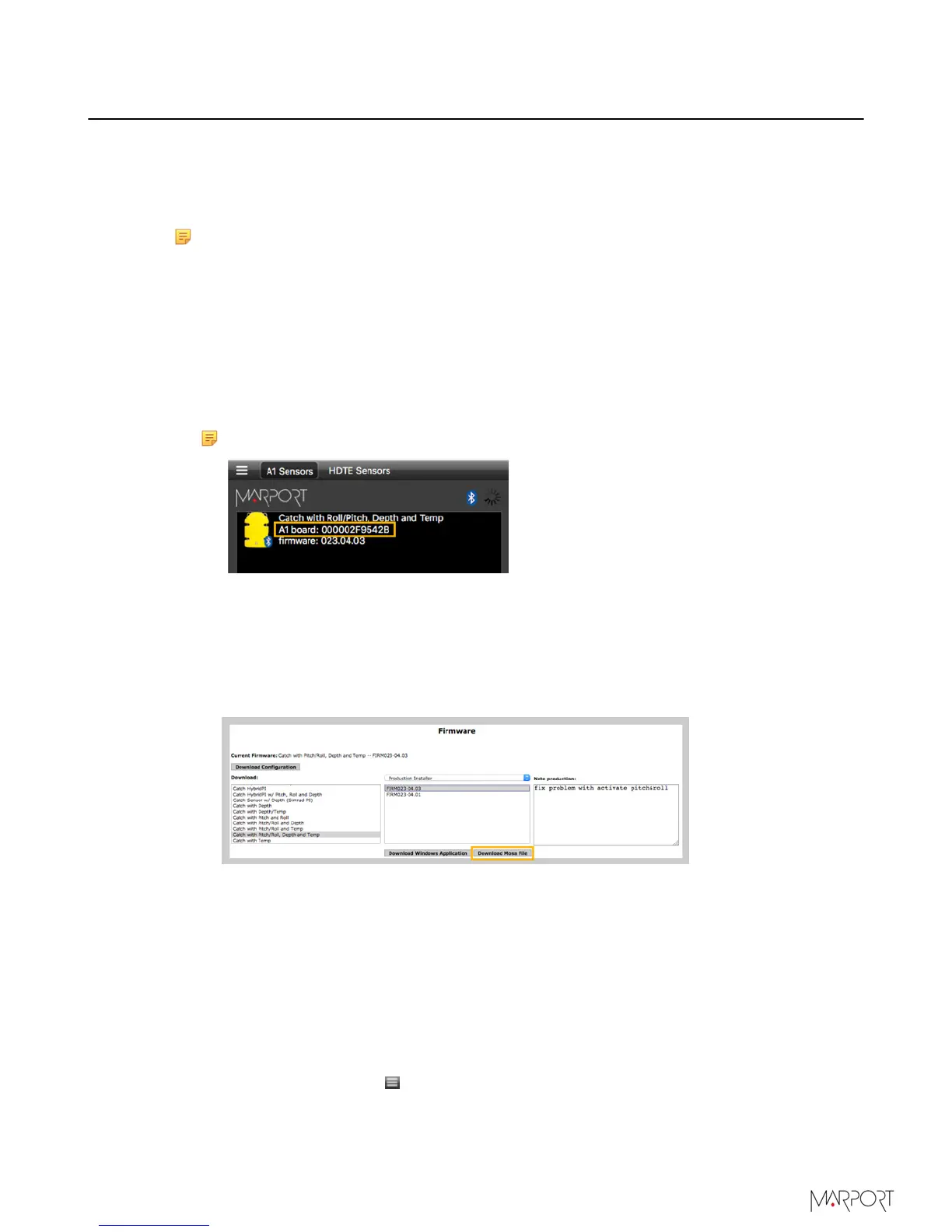
From the firmware section:
a)
From the first column select the correct type of catch firmware (see Firmware on
page 11 for more information).
a)
From the second column, select the version of the firmware. Latest is on top.
b)
Click Download Mosa File.
An *.a1f file is saved in the Downloads folder.
Updating the Sensor
Before you begin
You have the firmware file (*.a1f).
Procedure
1.
Connect the sensor to Mosa.
2.
From Mosa, click Menu > Expert Mode and enter the password copernic.
3.
Click the tab Firmware.
4.
Click Browse to import your file.
| 39



 To Next Page