Catch Sensors | V1 | Sensor Configuration
Information on the sensor firmware is displayed.
5.
Click Apply.
6.
Wait for the updating to be complete.
7.
Connect and disconnect the sensor to a charger to restart the sensor and complete the
update.
Exporting Configuration Settings for Record Keeping
You can export the sensor configuration settings to a *.txt file.
Before you begin
• You have finished configuring the sensor.
• The sensor is connected to Mosa.
Procedure
1.
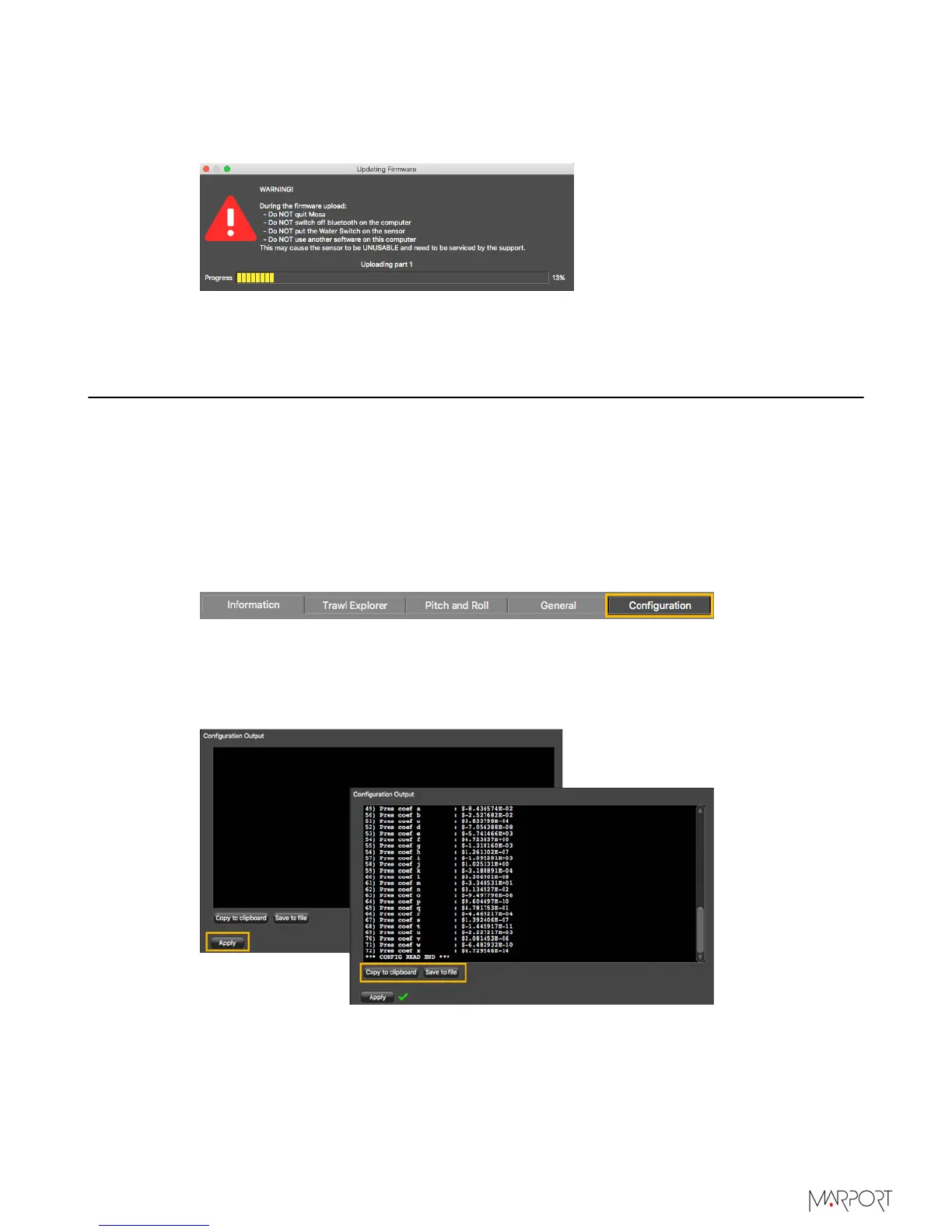
Click the tab Configuration.
2.
Click Configuration Output.
3.
Click Apply under the black area.
The settings are displayed.
4.
To save the settings:
•
Click Save to file to download the file on the computer.
•
Or, click Copy to clipboard, then press Cmd + V on a word processor like Microsoft
Word to paste the contents.
5.
Marport offices only: To add the contents of this file on the DealerWeb:
a)
Click Copy to clipboard.
| 40



 To Next Page