22 Matrox Extio 3 Series – User Guide
3
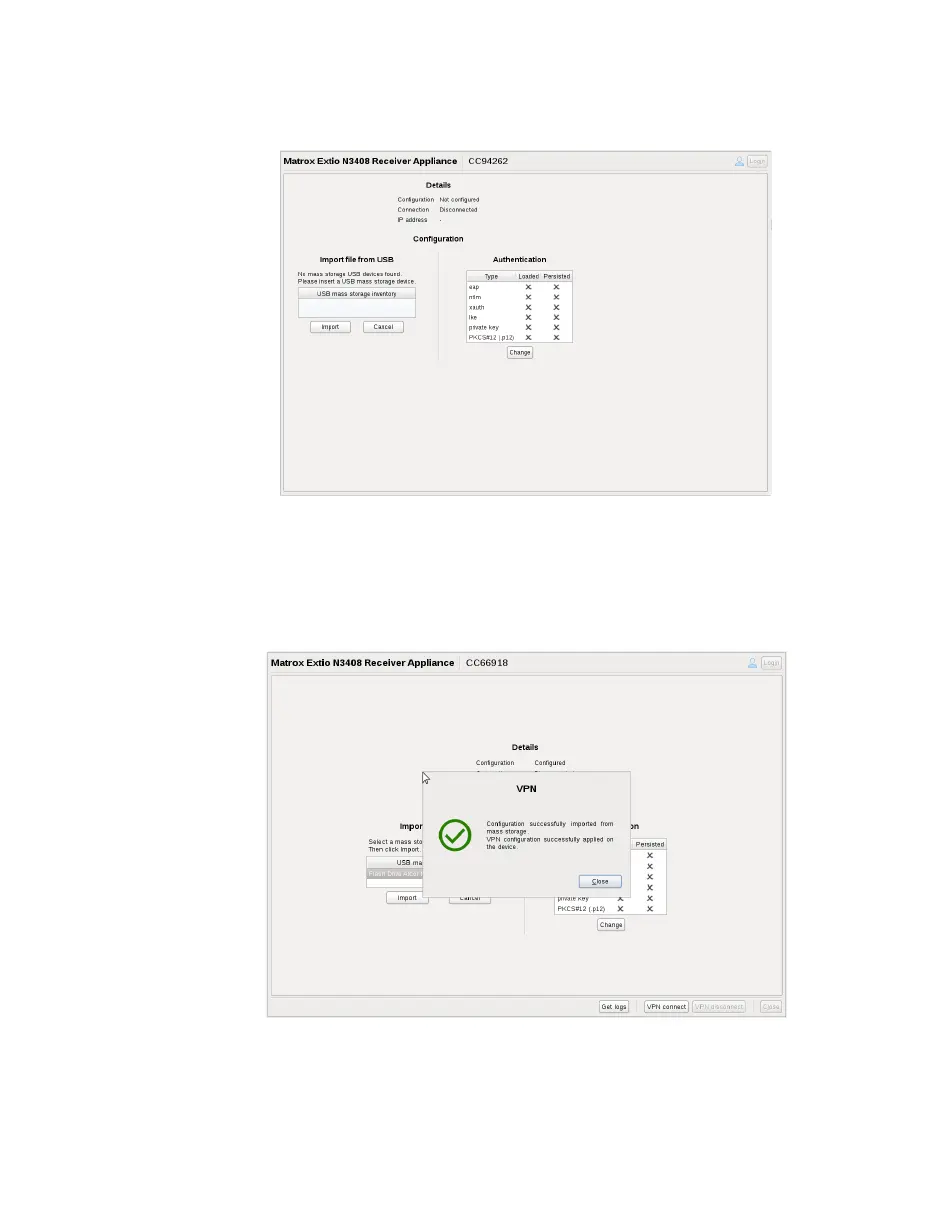
Insert the USB mass storage device into the USB slot in the receiver. A list of USB mass
storage devices will be displayed below
USB mass storage inventory
under
Import file
from USB
.
4
Select the USB mass storage device where the
Strongswan.zip
configuration file is stored
and click
Import.
You will see the following status and confirmation messages appear on
the
VPN
screen: “
Importing VPN configuration from the USB mass storage device and
applying it on the device.
” and “
Configuration successfully imported from mass storage.
VPN configuration successfully applied on the device.
”.
5
Click
Close
on the
VPN
confirmation screen. The
Get logs
and
VPN connect
buttons are
enabled at the bottom of the screen.



 To Next Page