Matrox Extio 3 Series – User Guide 23
6
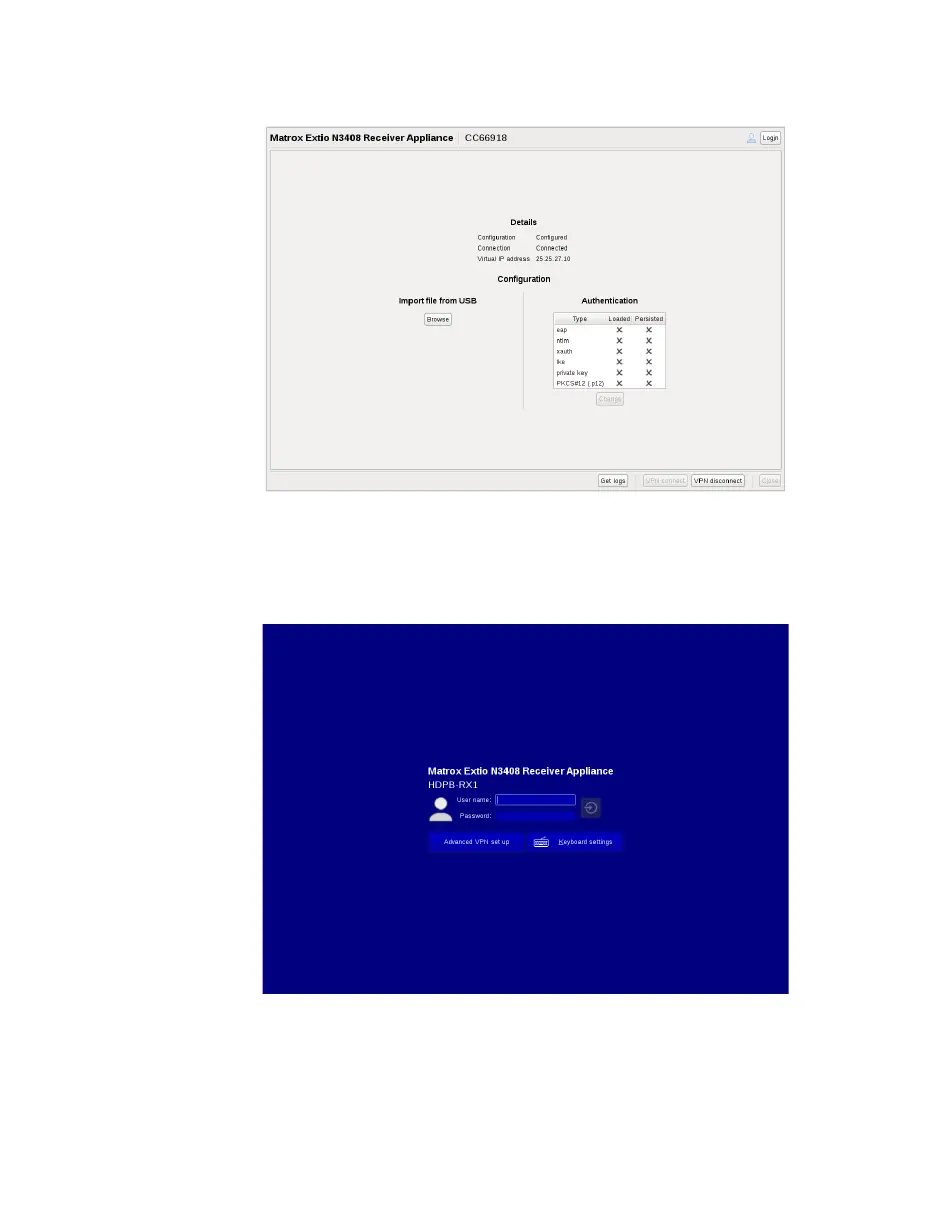
Click the
VPN connect
button. You are now connected to the VPN. The
Login
button on
the top right of the screen gets enabled.
7
Click the
Login
button. A screen appears with the
Advanced VPN set up
option. Now,
you need to contact your network administrator who will proceed to the next step of the
configuration, which is detecting and configuring the devices from the Extio Central
Manager software.



 To Next Page