Matrox Extio 3 Series – User Guide 73
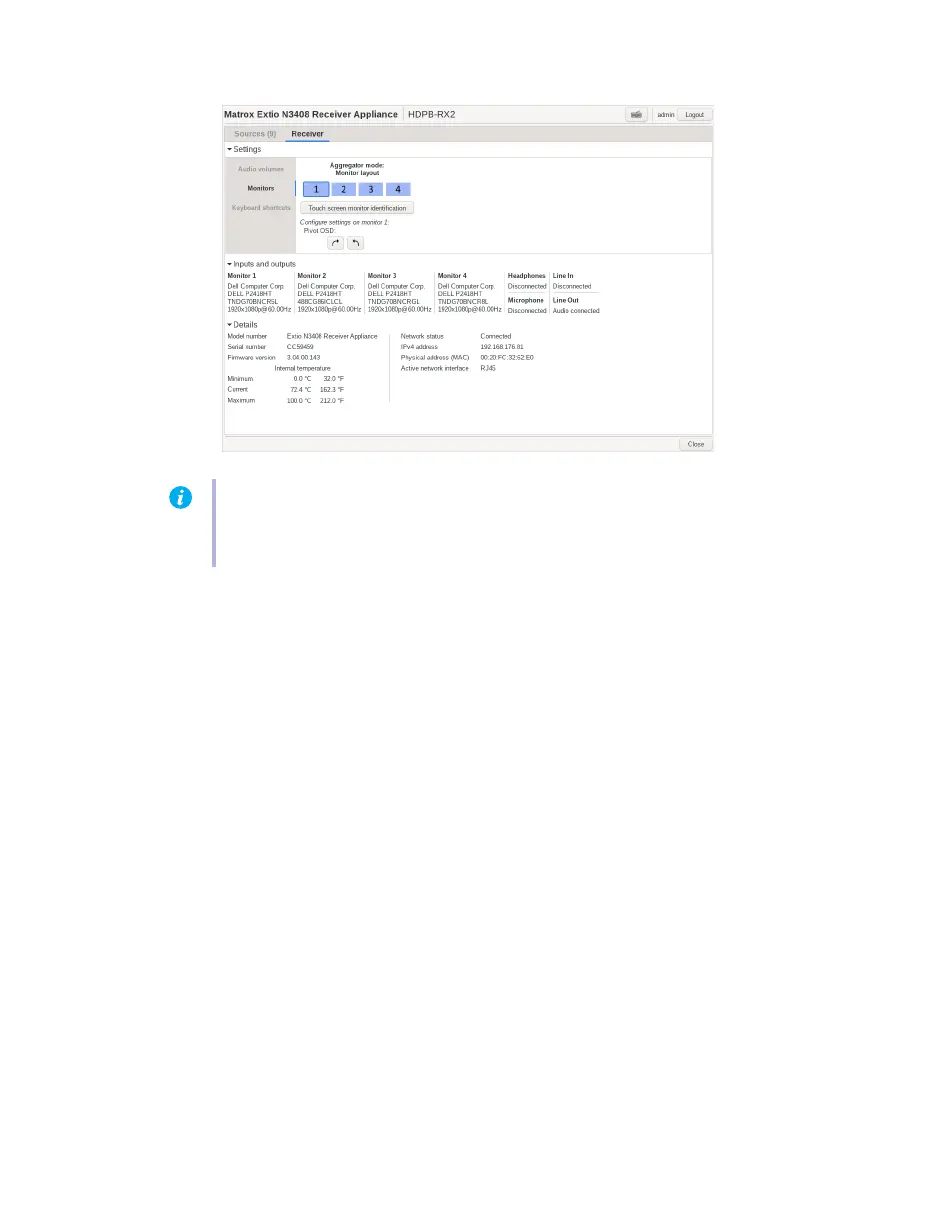
Once configured, when you connect to a source, the digitizer USB device corresponding to the touch-
screen monitor that displays the stream is connected to the transmitter providing the stream.
If the touch screen doesn’t work properly after monitor identification, you have to go to the Control
panel of the operating system and set up through Tablet PC Settings.
Note:
For the touch screen to work properly, you need to do some set ups on the Tablet PC
settings in the Control panel as well. Refer to the user manual of the touch screen for details
on how to set up, calibrate, and associate a monitor with the touch screen.



 To Next Page