HELIOS LED Processing Platform - USER GUIDE
32
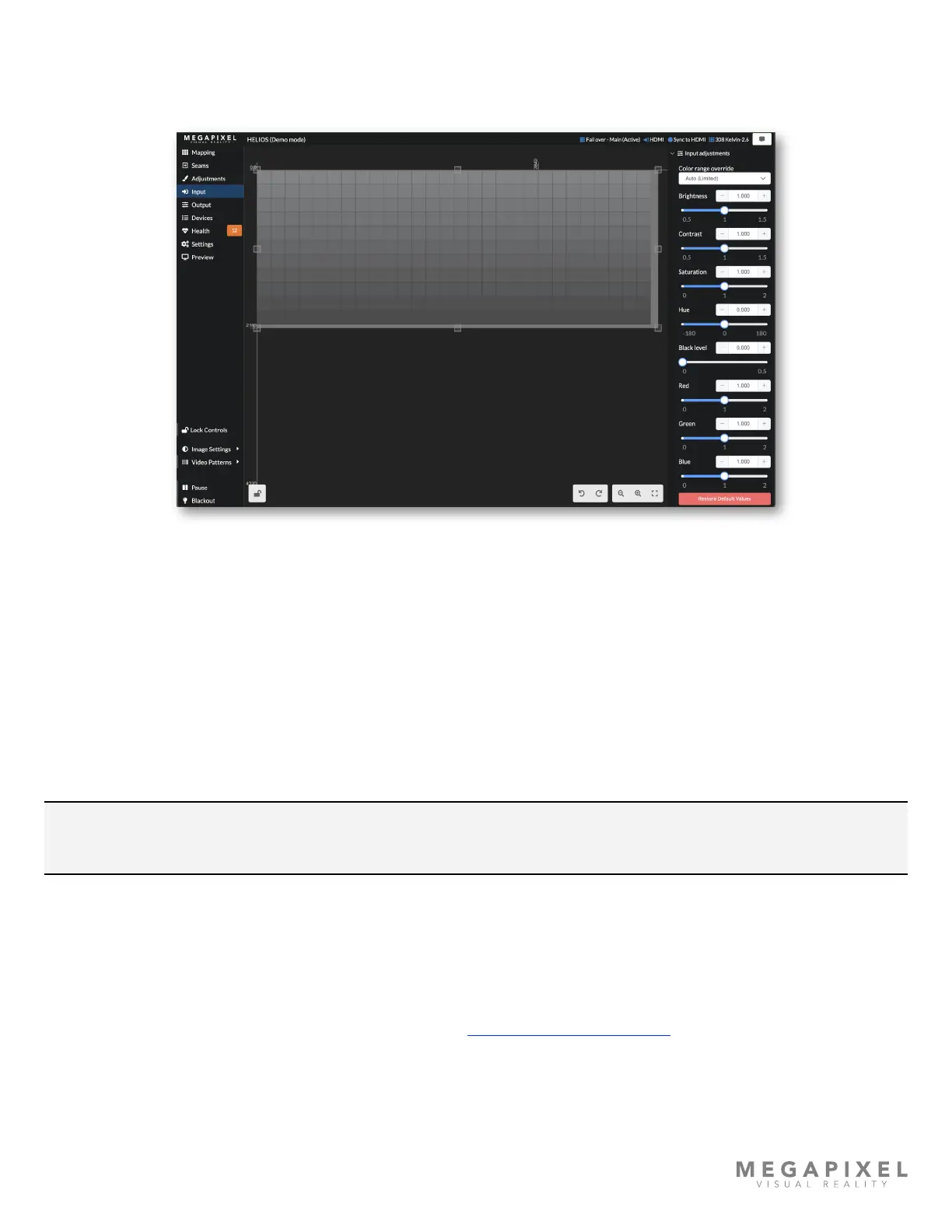
Input Adjustments
The input adjustments section allows the user to make visual changes (brightness, contrast, saturation) to each of the
incoming signals independently. Input adjustment settings are saved separately for each input.
Figure 39: Input adjustments
Color range override - denes how to interpret the levels of values in the video signal. The range of values used to
interpret the video is dened by two quantization ranges, Limited and Full. Limited video content is contained within 16 -
235 standard for video. In the limited range, 16 and below is treated as pure black and 235 - 255 is treated as pure white.
Full range video content uses the full 0-255 range (pure black is 0 and pure white is 255). The way that HELIOS interprets
the video must match how it was encoded. If this isn’t set correctly there can be a complete loss of shadow detail or
conversely, washed out highlights. If Auto does not identify the encoding correctly this toggle is the location to make a
manual selection.
Brightness - adjusts the incoming image to be lighter or darker. First, adjust the brightness to reproduce black correctly
then, contrast.
NOTE: This brightness control adjusts the incoming video brightness and should not be used for adjusting the
luminance of the display.
Contrast - increases or decreases the differences in brightness across the image.
Saturation - increases or decreases purity of colors. Full desaturation turns colors grey.
Hue - changes the color of the video, re-mapping it around the color wheel.
Black level - a combined brightness + contrast control. See Low Level Noise Reduction in Appendix D for how this
control is used to eliminate low level noise in an image.
RGB gains - boost or reduce the amount of Red, Green or Blue in the image. Note that these controls are intended for
content correction/tweaking. To adjust the RGB levels of the display it is recommended to instead use the Output → RGB
Gains.



 To Next Page