HELIOS LED Processing Platform - USER GUIDE 33
High Dynamic Range
HDR on HELIOS is comprised of several features all working together: bit depth, gamut, and decoding with an HDR
transfer function. Standard denition content uses the the typical SDR gamma curve. HDR uses an entirely different
function to map a higher range of brightness onto a display. HDR is more than just brightness, it also includes a wider
range of colors. As such, the system must use, at minimum, 10 bit color. HELIOS should ideally be set to 12 bits if possible.
Check that the bandwidth is sufcient under the Outputs pane Display bit depth accordion.
A true HDR end result requires that the entire pipeline, from content to wall, is aligned and capable of supporting HDR.
HDR Checklist:
1. The tiles must be capable of a wide gamut.
2. Output gamut needs to be set to Automatic (see the Output pane Display gamut accordion).
3. Content must be encoded in HDR.
4. The playback device must support HDR.
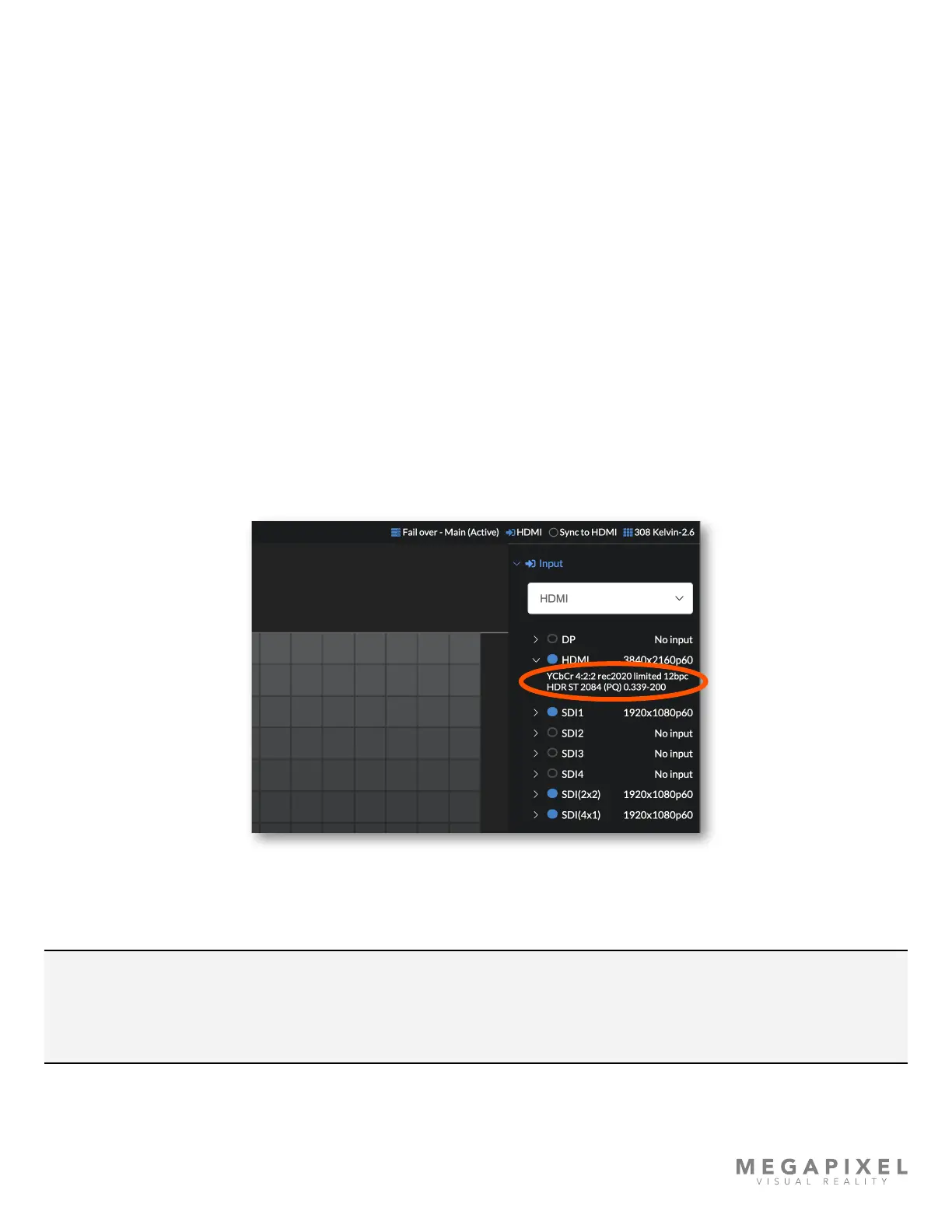
5. HELIOS must receive the signal and recognize it as HDR. Check under the disclosure triangle to see the details of the
input signal. In the example below, HELIOS is receiving a PQ signal. If for some reason an HDR input signal is not
recognized as HDR, use the manual override discussed on the next page.
Figure 38: Input signal info
NOTE: When connecting consumer playback equipment such as an Apple TV or an Xbox to be an input source it is
important to be mindful that these units default to a 4:2:0 color scheme. HELIOS does not fully support 4:2:0. When
HELIOS receives a 4:2:0 color signal, it will send a black and white image to the tiles. Set the input source to 4:2:2 in
order to regain full color operation.



 To Next Page