HELIOS LED Processing Platform - USER GUIDE 57
Indicator Color Meaning
Orange
Unsupported SFP
Red
< 1GbE link speed
Blue
1 GbE - 2.5 GbE
Dark Blue
10 GbE
Dark Green
SFP with no link
Inverted Blue
SFP with link
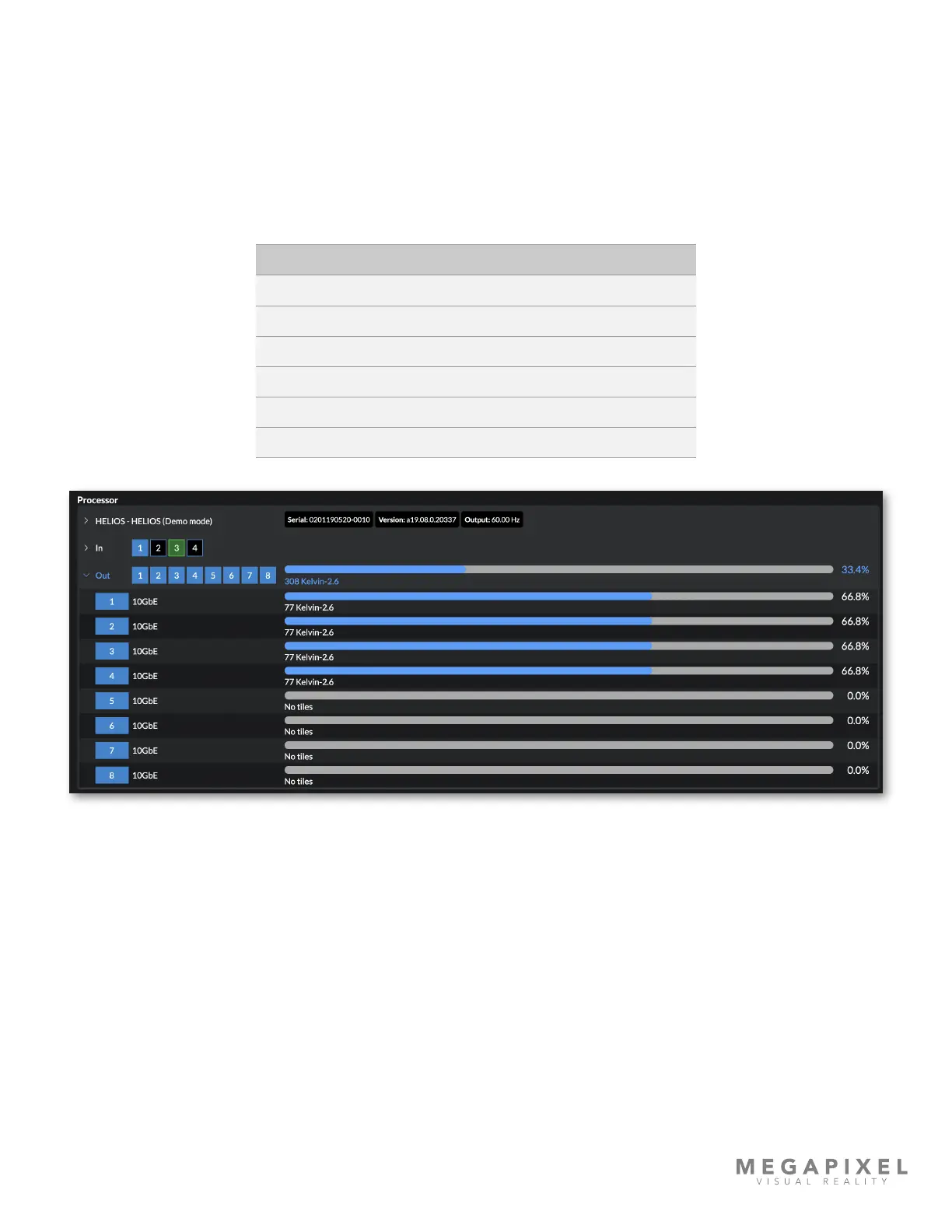
The Out section shows the status of the outputs and a percentage of utilization of the entire HELIOS Processor. Expand the
output section of the HELIOS Processor to see details about the outputs.
The shape and the color of the port indicators relate to the port connection. Links connecting to a processor are square.
So all the processor ports are square. The port on the switch connecting to HELIOS will be square (as it's connected to a
processor). Similarly the upstream port on the rst tile in a chain is also square (as it links back to a processor). Standard
HELIOS outputs will always be square since all Standard HELIOS output SFP+ units are 10Gb.
Each port shows a progress style bar showing the port's percent utilization. Underneath the bar is the quantity and type of
tiles connected.
Figure 74: Devices pane - HELIOS Outputs



 To Next Page