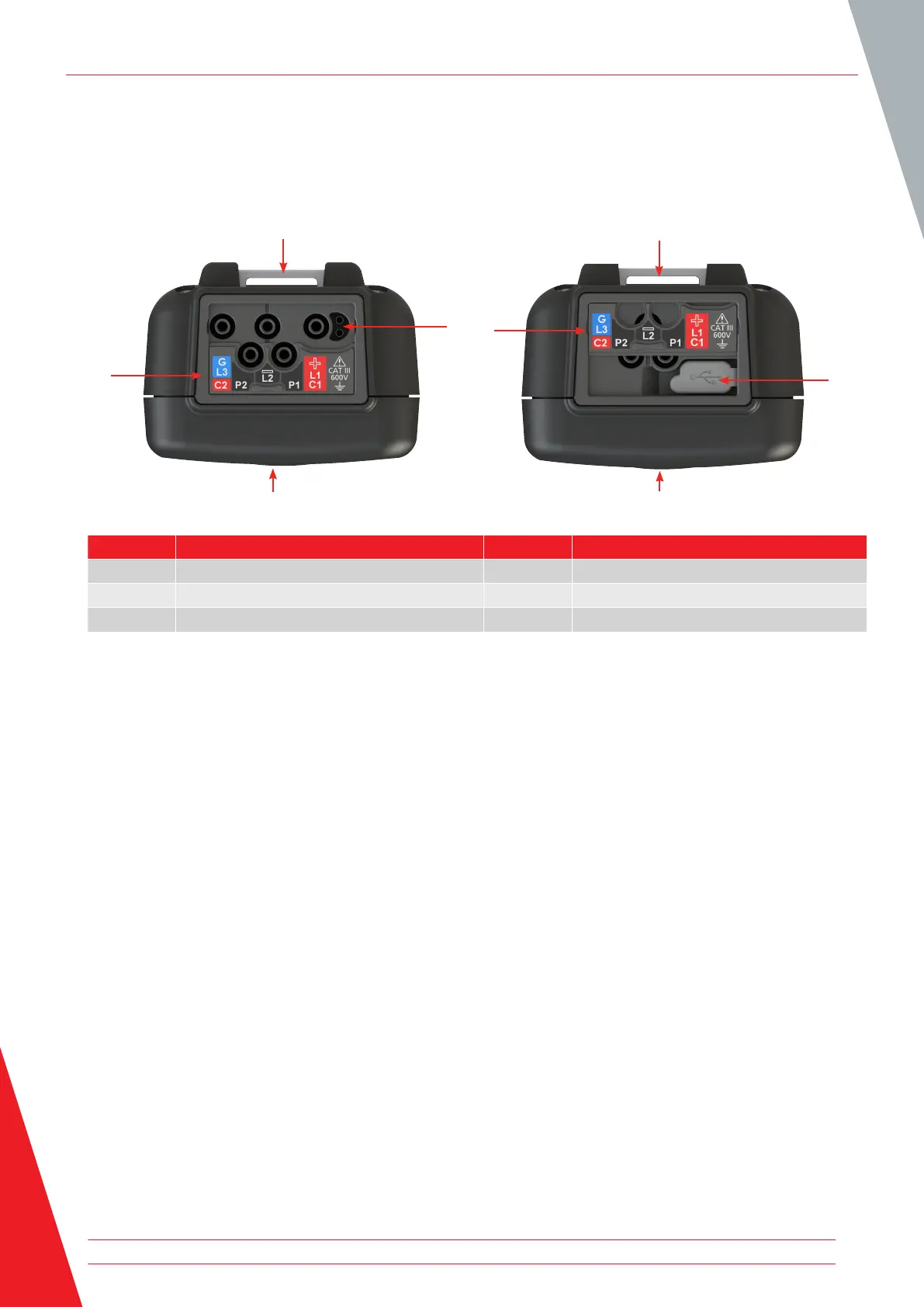
2.8 Instrument Connections and Leads
2.8.1 View on top of MTR105
Slider to front Slider to back
1
6
2
3
1
6
4
5
Item Description Item Description
1 Rear attachment point for strap 4 Slider in rear position
2 Battery charger connection / switch probe 5 USB port
3 Slider in front position 6 Front
The external connections are all situated on top of the MTR105. A sliding cover is installed to prevent any other
connection being made at the same time as the USB port. Connection to the USB port can only be made when the
sliding cover is pushed completely to the back of the instrument.
For charging or connection to any test leads the sliding cover must be in the forward position.
The charger connection is designed so that no other lead can be connected while the battery is being charged in the
instrument.
Introduction
10 www.megger.com



 To Next Page