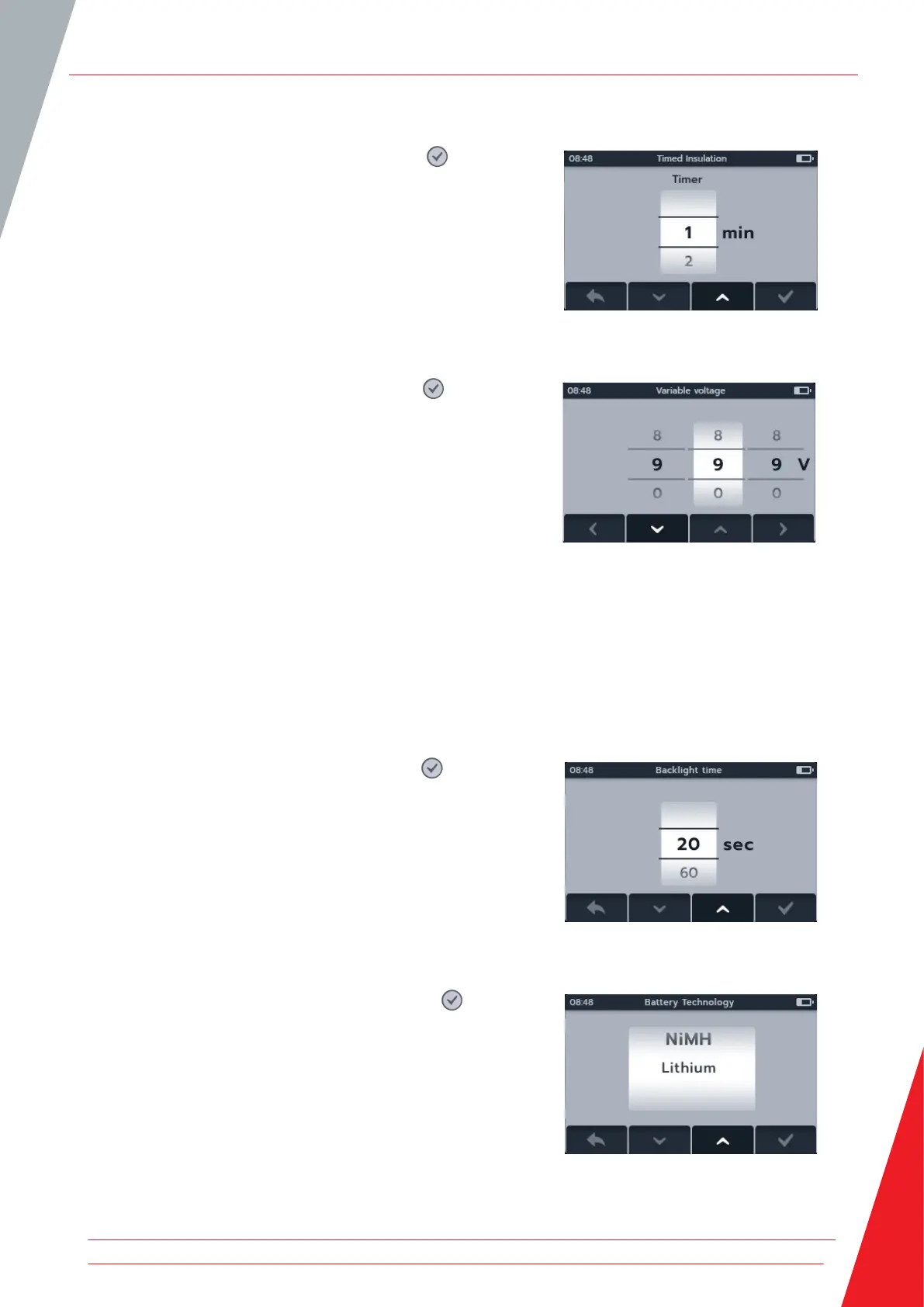
14.1.6 Timed Insulation
1. Select Timed insulation press the tick button ( ).
2. Press soft key 2 and 3 to scroll through the options.
3. Press soft key 4 to accept the selected setting.
4. Press soft key 1 to cancel and return to the previous menu.
14.1.7 Variable Voltage
1. Select Variable voltage press the tick button ( ).
2. Press soft key 2 and 3 to scroll through the digits.
3. Press soft key 4 to accept the first digit and move to the
next.
4. Press soft key 2 and 3 to scroll through the digits.
5. Press soft key 4 to accept the second digit and move to the
next.
6. Press soft key 2 and 3 to scroll through the digits.
7. Press soft key 4 to accept the third digit and save the setting.
8. Press soft key 1 to cancel and return to the previous menu at
any point.
14.2 General Settings
14.2.1 Back-light timer
1. Select Back-light timer press the tick button ( ).
2. Press soft key 2 and 3 to scroll through the options.
3. Press soft key 4 to accept the selected setting.
4. Press soft key 1 to cancel and return to the previous menu.
14.2.2 Battery Technology
1. Select Battery technology press the tick button ( ).
2. Press soft key 2 and 3 to scroll through the options.
3. Press soft key 4 to accept the selected setting.
4. Press soft key 1 to cancel and return to the previous menu.
Settings
www.megger.com 73



 To Next Page