13. Error and Warning Conditions
If an error code appears on the display follow the on screen instructions.
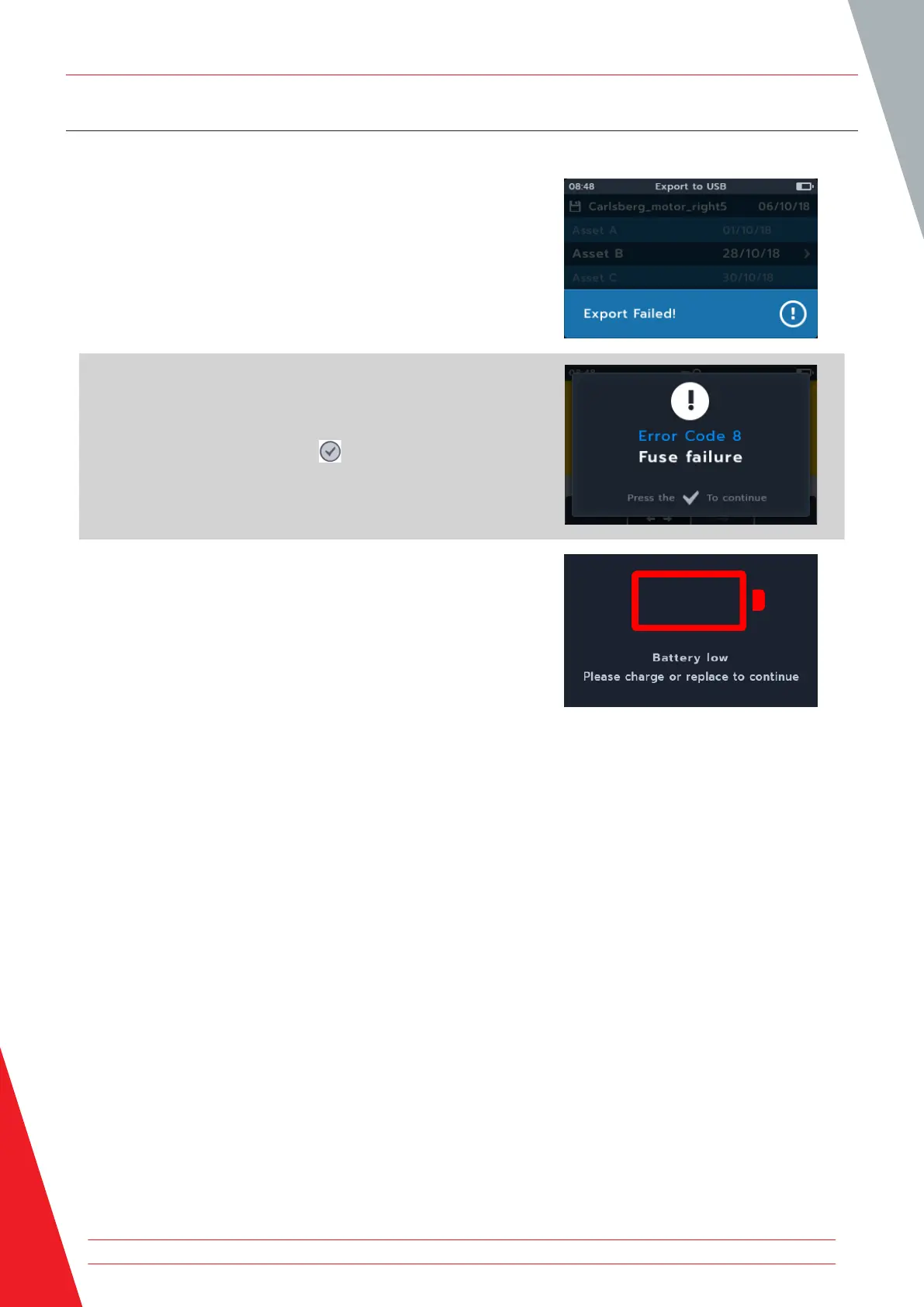
13.1 Failed export
1. If the export fails, the MTR105 will notify the user. This
may be because the receiving USB device is faulty, is
disconnected, full or in some other way fails.
2. The MTR will return to its previous screen.
13.2 Fuse Failure
If a fuse fails, no measurements can be carried out. A message
will appear each time the user tries to run a test. Close the
message by pressing tick button ( ). Refer to 15.4 Battery and
Fuse Replacement on page 78
13.3 Battery Low
The battery is too low to perform a test.
If the error code number is 1000 or higher the instruction on screen will suggest rebooting the instrument and if the
problem persists, contact Megger.
For Megger contact details Refer to 18. Calibration, Repair and Warranty on page 84.
Error and Warning Conditions
70 www.megger.com



 To Next Page