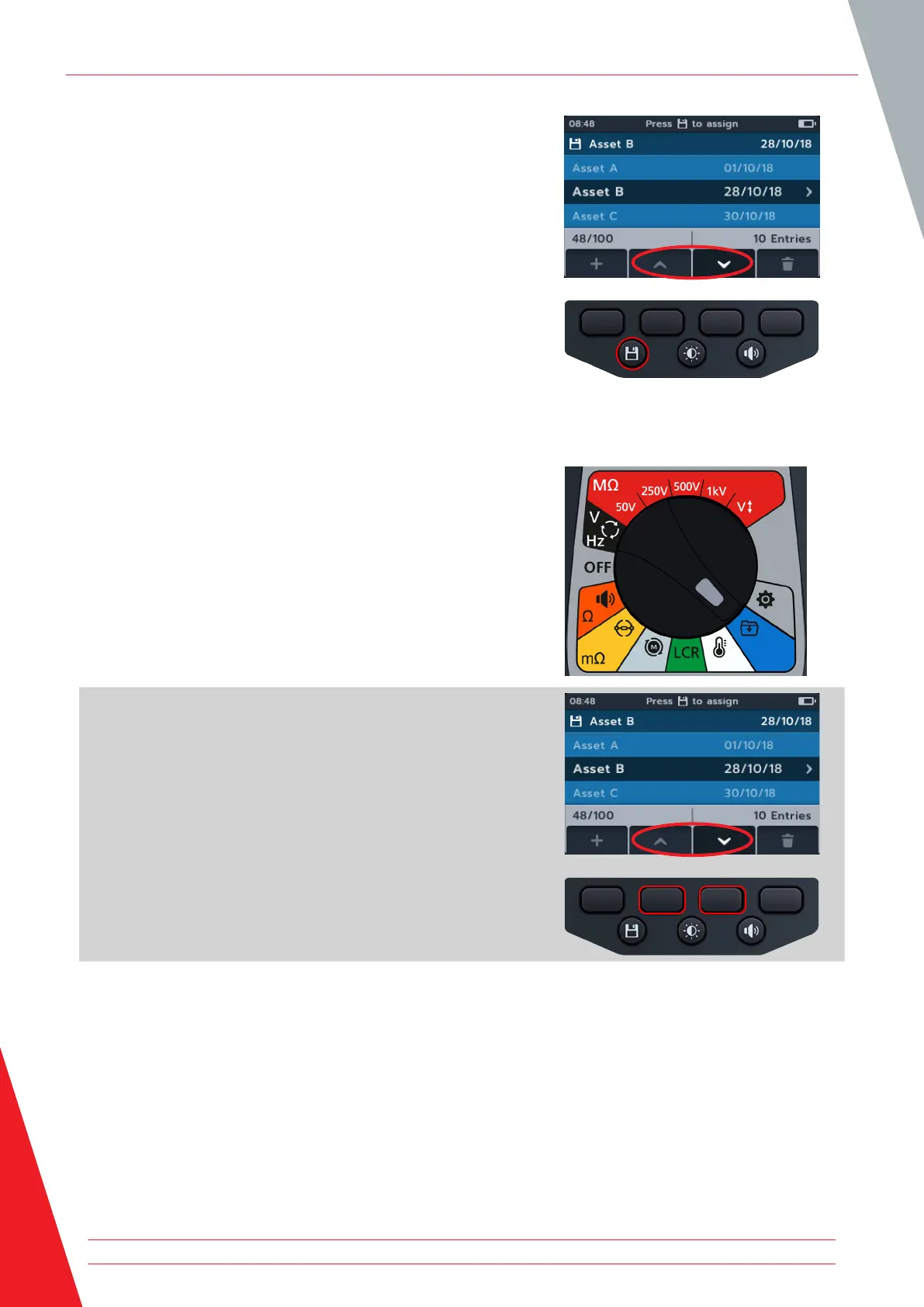
3. Press the SAVE button to assign the next measurements to
this asset.
11.3 Deleting an asset
1. Turn rotary switch to select the data management position.
The primary field shows list of Assets stored on the MTR.
The secondary field shows the amount of entries, the total
storage available are shown in the left hand field and the
number of entries under the selected asset are shown in the
right hand field.
2. Press soft keys 2 and 3 to scroll up and down through the
asset list.
Data management
60 www.megger.com



 To Next Page