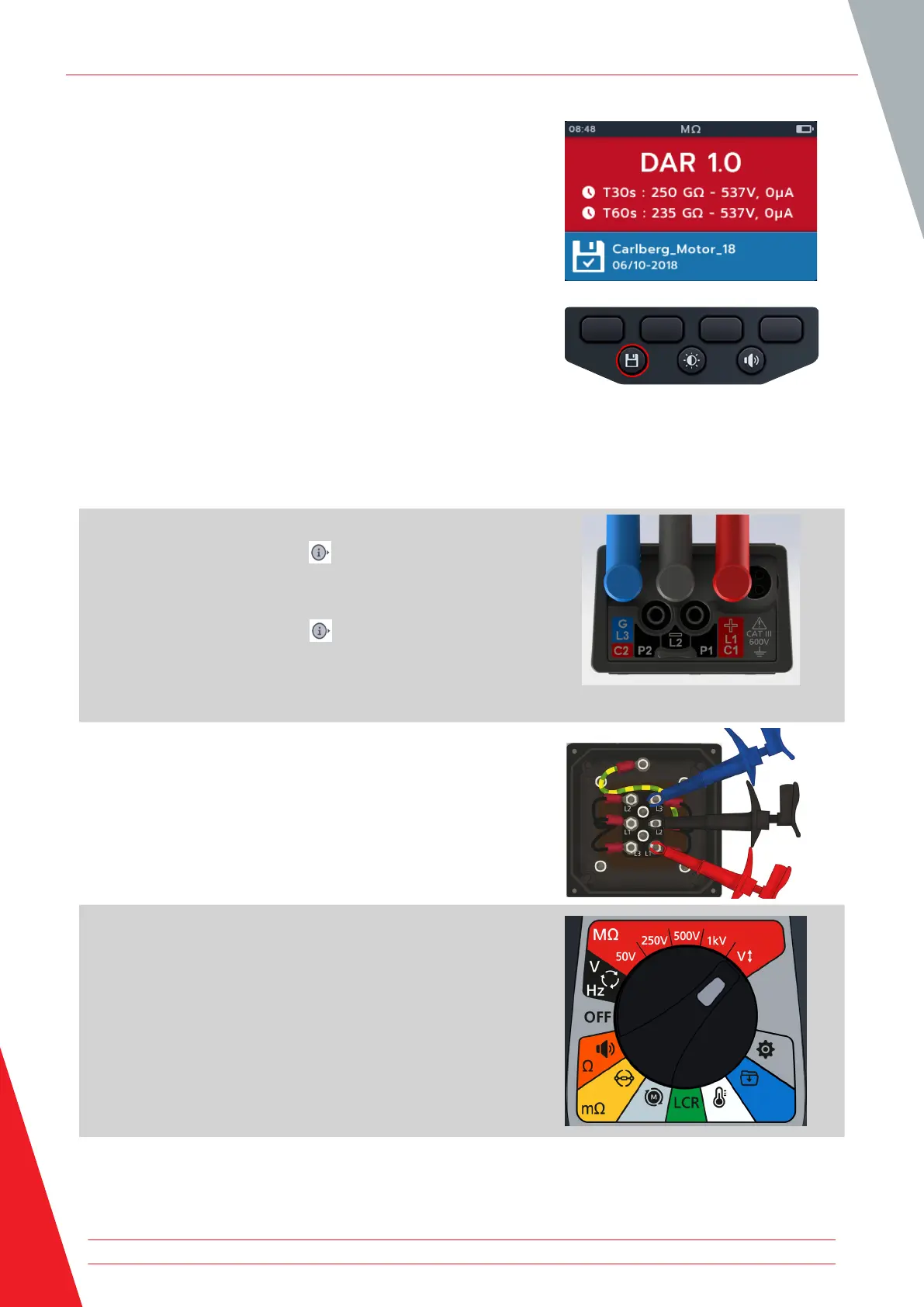
9. The result can be saved by pressing the SAVE button. A
message will inform you the data was saved and which asset
ID it was saved to.
NOTE If the test was stopped before completion, it cannot be
saved.
10. To restart the test pressing the TEST button again.
4.9 Variable voltage
1. Set the voltage required under the variable voltage test
setting. Refer to 14.1.7 Variable Voltage on page 73
2. Connect the test leads to the MTR105.
2.1. Press the Information ( ) button to view the lead set
up diagram.
NOTE: when the diagram is displayed a test cannot be
performed. Press Information ( ) button to return to the test
screen.
This test can also be performed with just the red and the black
lead.
3. Connect the test leads to the unit under test.
NOTE: The connection is for illustrative purposes only
When performing phase to phase measurements, the star or
delta configuration has to be disconnected.
4. Turn rotary switch to select variable voltage position.
Insulation Resistance Tests
26 www.megger.com



 To Next Page