10. Temperature measurement
Thermocouple connected, type “T” is set as default, the MTR105 can also be configured for “J” and “K” type
thermocouples.
Before an insulation resistance test can be carried out with temperature compensation enabled a temperature
measurement must be carried out to establish the temperature of the unit under test.
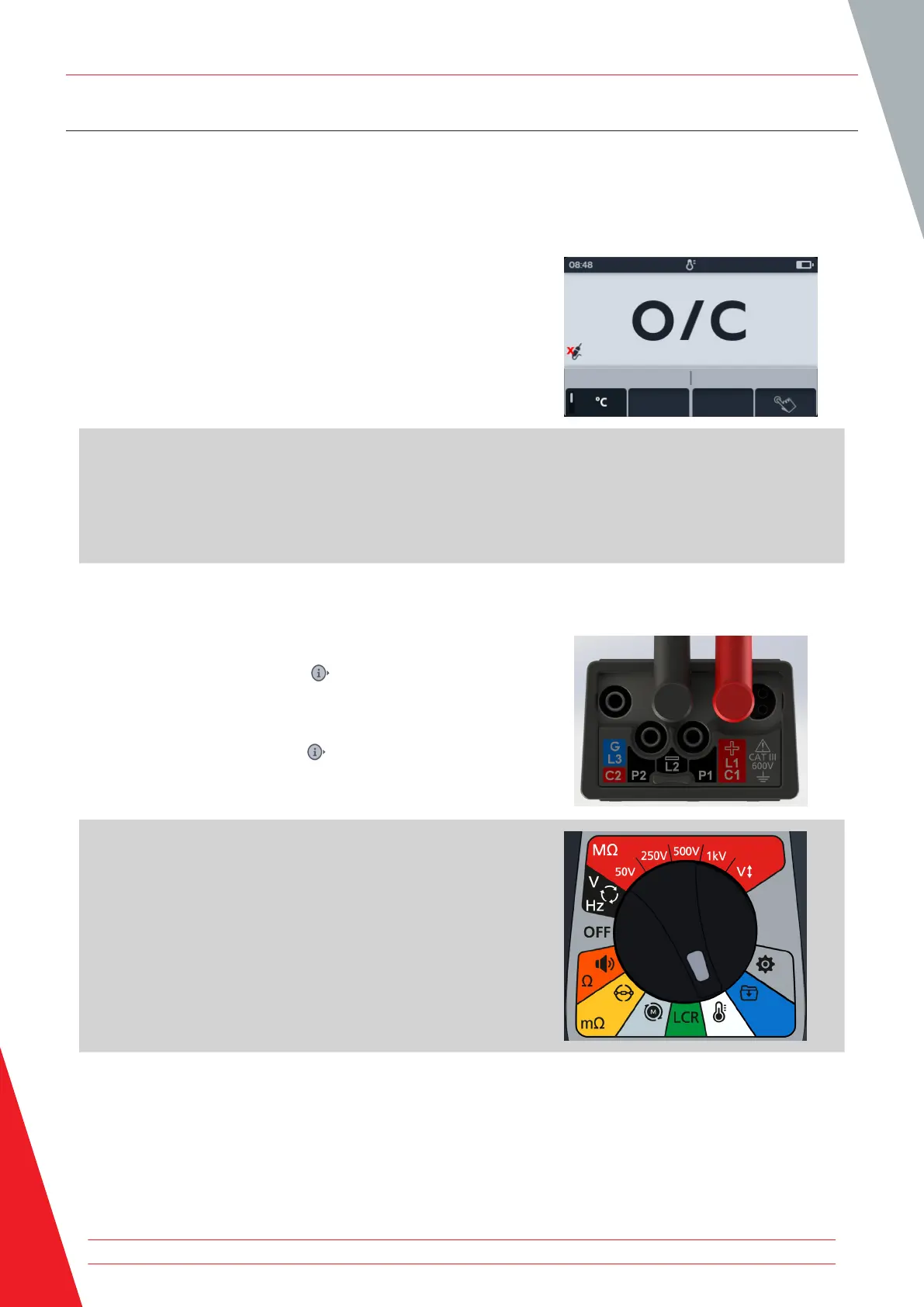
1. Temperature measurement screen will display O/C when the
thermocouple is not detected and there is not a previous
temperature measurement reordered.
2. Two options are displayed:
2.1. Connect the thermocouple for an accurate temperature
measurement.
2.2. Press soft key 4 for a manual temperature
measurement.
10.1 Thermocouple temperature measurement
1. Connect the thermocouple test leads to the MTR105.
1.1. Press the Information ( ) button to view the lead set
up diagram.
NOTE: When the diagram is displayed a test cannot be
performed. Press Information ( ) button to return to the test
screen.
NOTE: The thermocouples are sensitive to polarity.
2. Turn rotary switch to select the Thermometer position.
Temperature measurement
54 www.megger.com



 To Next Page