6. Continuity
NOTE: Results of measurements can be adversely affected by impedances of additional operating circuits connected
in parallel or by transient current.
6.1 Uni-direction
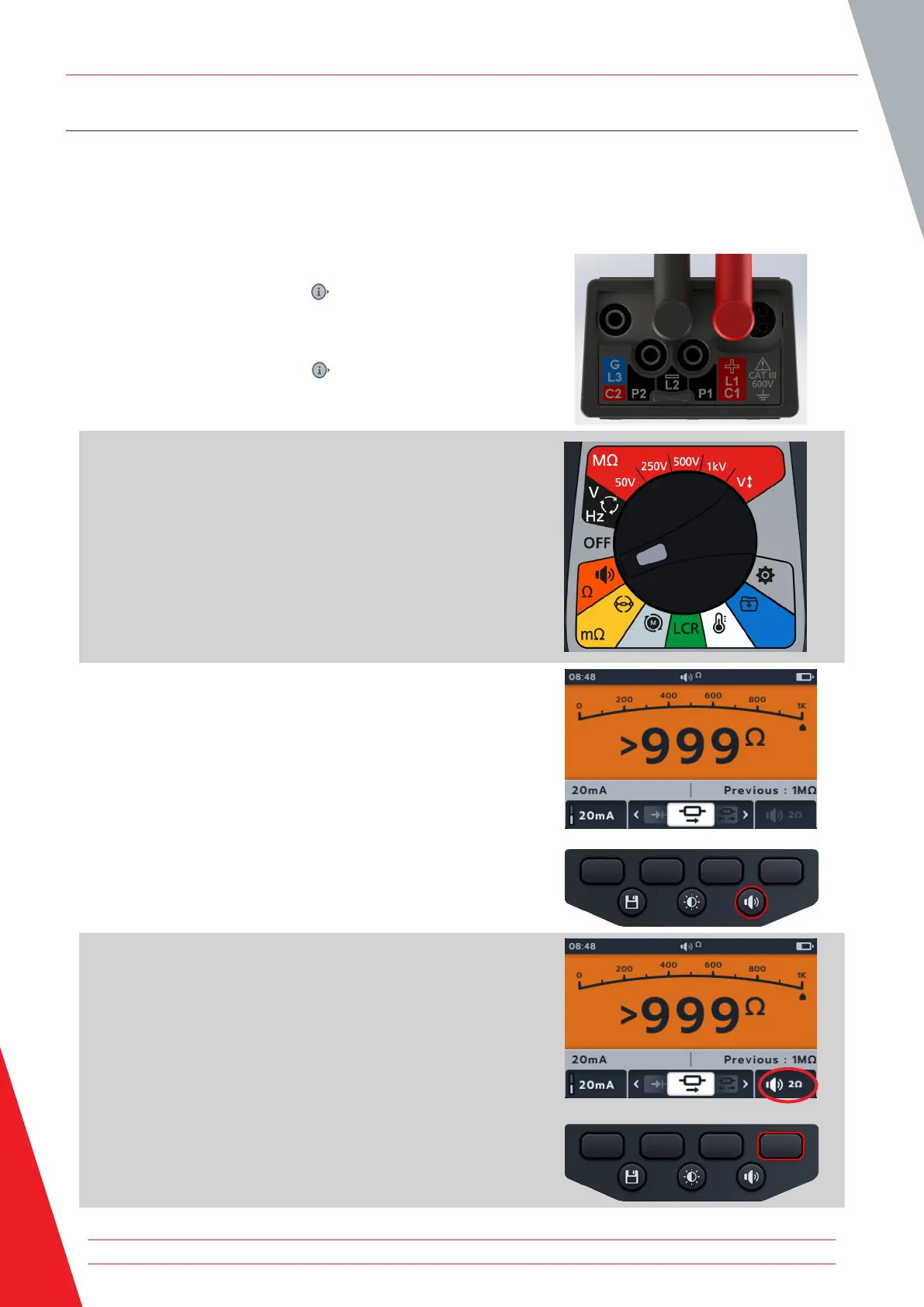
1. Connect the test leads to the MTR105.
1.1. Press the Information ( ) button to view the lead set
up diagram.
NOTE: When the diagram is displayed a test cannot be
performed. Press Information ( ) button to return to the test
screen.
2. Turn rotary switch to select Continuity position.
3. If required, Turn the buzzer on, off or visual as required by
pressing buzzer button.
NOTE: This is only available in uni-direction mode.
4. To adjust the threshold press soft key 4.
NOTE: The buzzer mode bypasses the continuity detection and
voltage pretesting.
Continuity
32 www.megger.com



 To Next Page