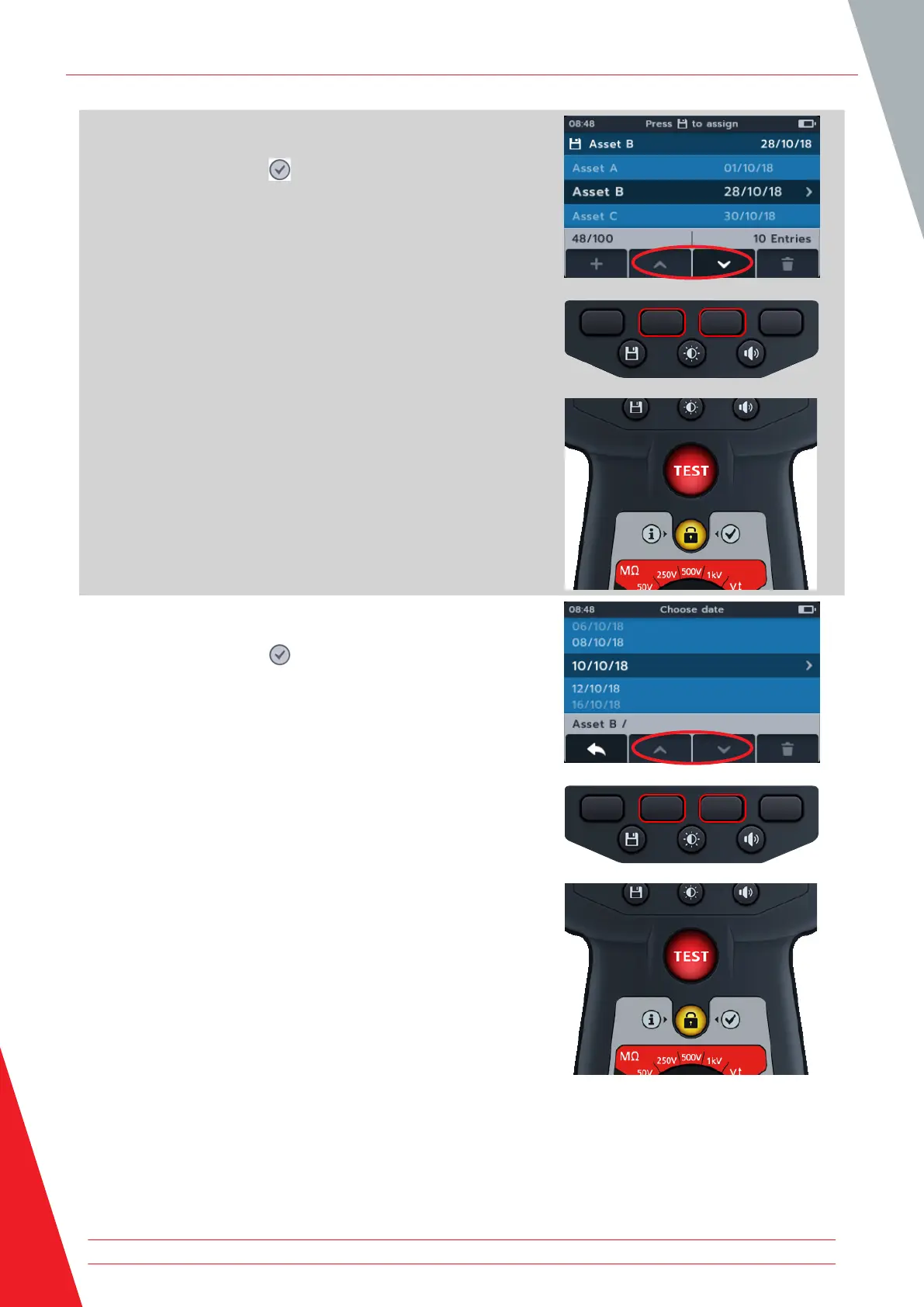
4. Press soft keys 2 and 3 to scroll up and down through the
list.
5. Press the tick button ( ) to open the chosen date and all its
entries.
The date opens out into colour - coded text (these are the same
colours in use on the MTR105 rotary switch).
A number, in parenthesis, to the right hand side of the text line
shows the number of results of that type of test saved to that
asset, on that date. If no number is present, there are no results
saved against this test type.
6. Press soft keys 2 and 3 to scroll up and down through the
list.
7. Press the tick button ( ) to open to select the test type
required.
Data management
64 www.megger.com



 To Next Page