FOCKE MELER GLUING SOLUTIONS
4-6
MELTER OPERATION
Programming the melter parameters
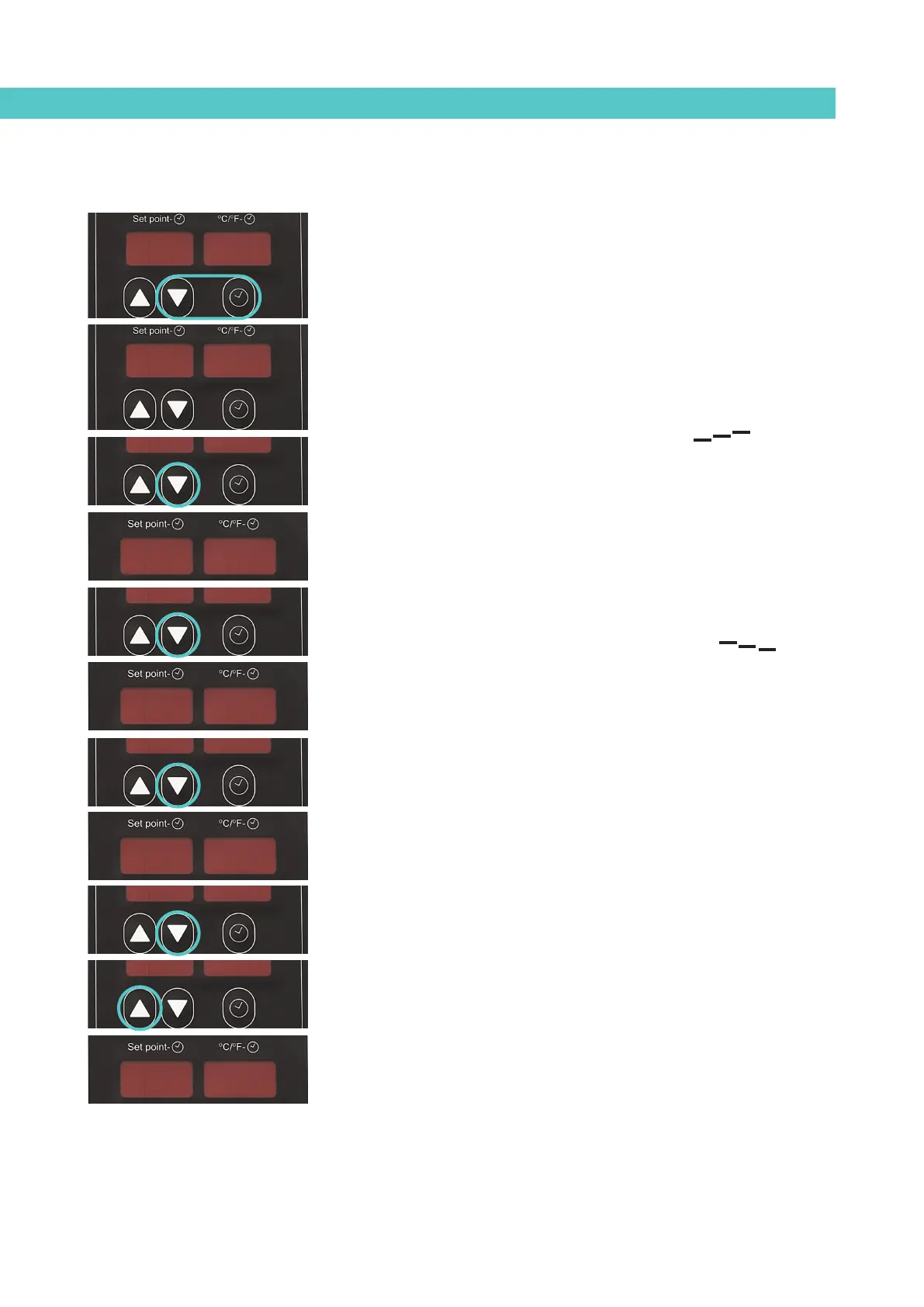
1. Simultaneously press the buttons with the clock symbol and down
arrow to enter the special menu.
The choice of temperature display units (°C or °F) appear on the
display.
2. Use the up-down arrows to select the desired value.
3. Use the component selection down arrow to move to the following
screen where the overheating symbol appears.
4. Use the up-down arrows under the display to select the desired value
(between 10 and 25).
The value displayed corresponds to the increase in real temperature
over the set point temperature permitted without activating the alarm
message.
5. Use the component selection down arrow to move to the following
screen where the standby function symbol appears.
6. Use the up-down arrows under the display to select the desired value
(between 25 and 55).
The value displayed corresponds to the percentage decrease in actual
temperature below the set point temperature that will occur when this
function is activated.
7. Use the component selection down arrow to move to the following
screen where the delay time value appears.
8. Use the up-down arrows under the display to select the desired value
(between 0 and 60 mins).
9. Use the component selection down arrow to return to the first
parameter.
10. For any parameter, use the component selection up arrow to exit the
special menu and display the tank’s temperatures again.
To save any parameter, you must move to the next parameter using the
component selection down arrow.
ºCºC
--
--
--
1010
--
--
--
5555
1010tt
160160160160



 To Next Page