4-7
MELTER OPERATION MA-5082-ENG B4 VS ADHESIVE MELTER MANUAL
Setting the clock
The B4 VS melter has a weekly programmable system to control the
connection and disconnection of the equipment and activate and deactivate
the standby function.
Before programming these functions, the day and time the system will use to
execute these programs must be entered into the control panel.
Setting the current day and time
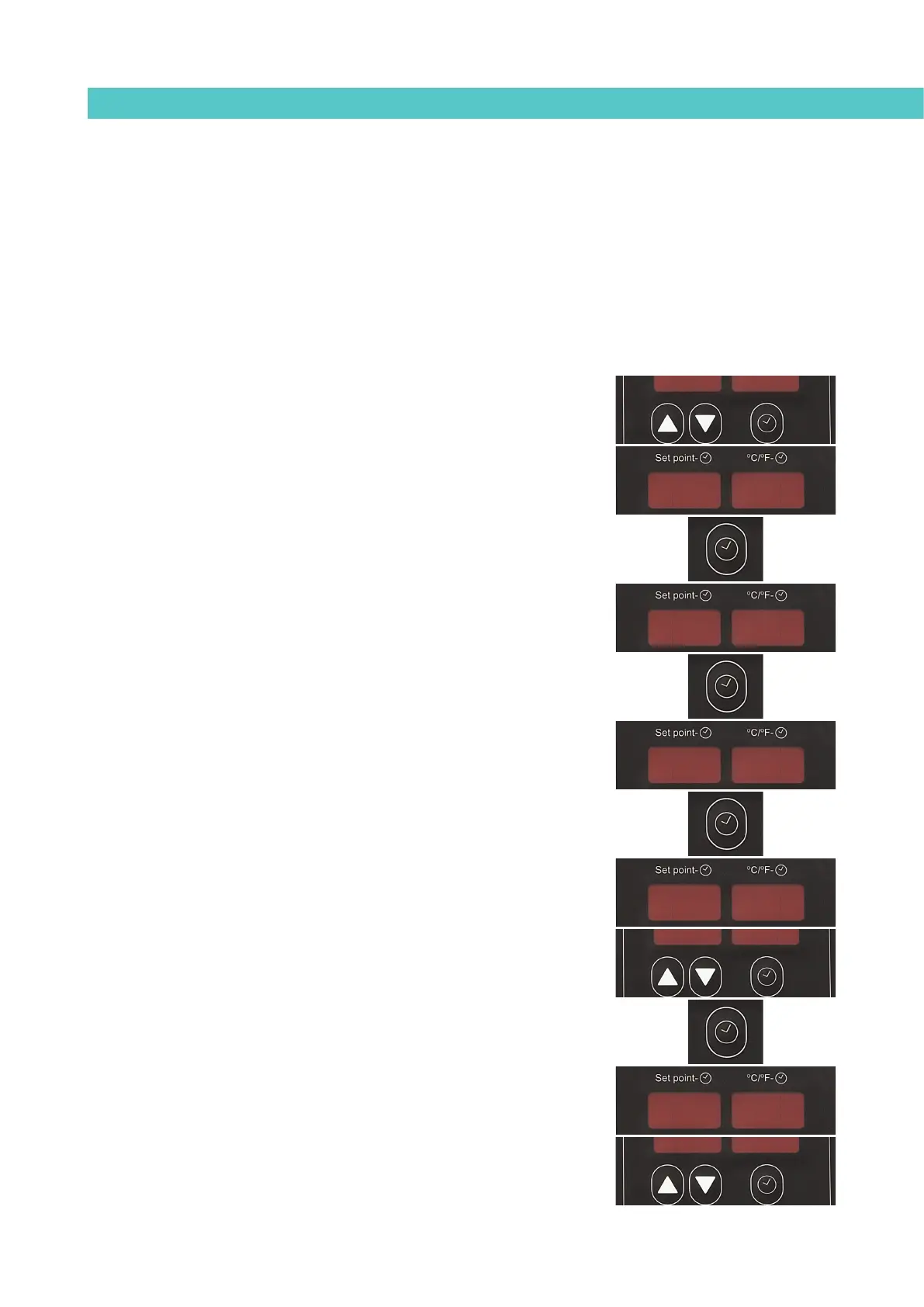
1. Press the button with the clock symbol.
‘0’ will appear on the display indicating the program for setting the
current day and time.
2. Press the button with the clock symbol again.
The left display shows the time with a dot, indicating that this is the
value that can be changed, while the minutes are shown on the second
display.
3. Use the up-down arrows under the display to select the desired value.
4. Press the button with the clock symbol again.
Now the dot appears on the display on the right.
5. Use the up-down arrows under the display to select the desired value.
6. Press the button with the clock symbol again.
A number appears indicating the day of the week (1- Monday / 7-
Sunday).
7. Use the up-down arrows under the display to select the desired value.
8. Press the button with the clock symbol again.
The ‘0’ program appears once again.
9. Press any of the up-down component selection buttons to exit this
program and return to the tank temperature display.
00
00
22
.08.08 0202
0808
02.02.



 To Next Page