FOCKE MELER GLUING SOLUTIONS
4-10
MELTER OPERATION
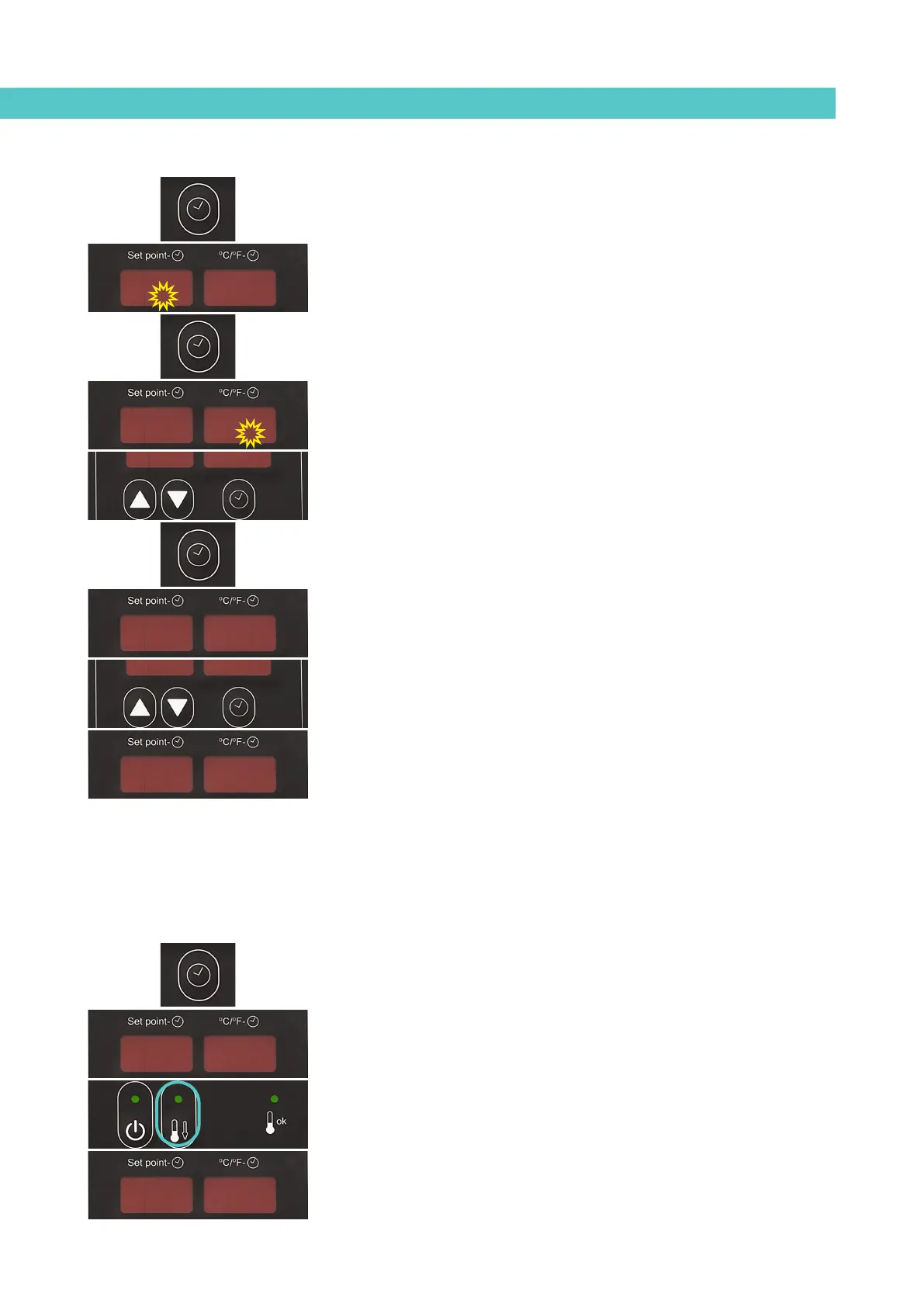
3. Use the up-down button under the display to select the value for the
desired day of the week, Monday (1) to Sunday (7).
4. Press the button with the clock symbol again.
Two times will appear, one in each display. The display on the left
shows the start time while the display on the right shows the end time.
5. The flashing dot on the start time display indicates that this value can
be changed.
Use the up-down arrows under the display to select the desired value.
6. Press the button with the clock symbol again.
The dot then appears on the end time display.
7. Use the up-down arrows under the display to select the desired value.
8. Press the button with the clock symbol again.
The selected program appears once again. Use the up-down button
under the display to select other programs.
9. Press any of the up-down component selection buttons to exit this
program and return to the tank temperature display.
The green LED next to the “under maintenance” button will always blink
provided that an activation time has been set for the equipment standby
function for the current day.
Disabling the equipment standby function program
The programmed equipment standby function can be disabled without having
to cancel the daily programming. In this way the programmed data is saved
but the programming has no effect on the equipment.
1. Press the button with the clock symbol.
‘0’ will appear on the display indicating the program for setting the
current day and time.
2. Press the standby function button.
‘1’ appears indicating the first day in the standby function program.
00
11
22
19.319.307.207.2
19.319.307.207.2
160160160160



 To Next Page