4-9
MELTER OPERATION MA-5082-ENG B4 VS ADHESIVE MELTER MANUAL
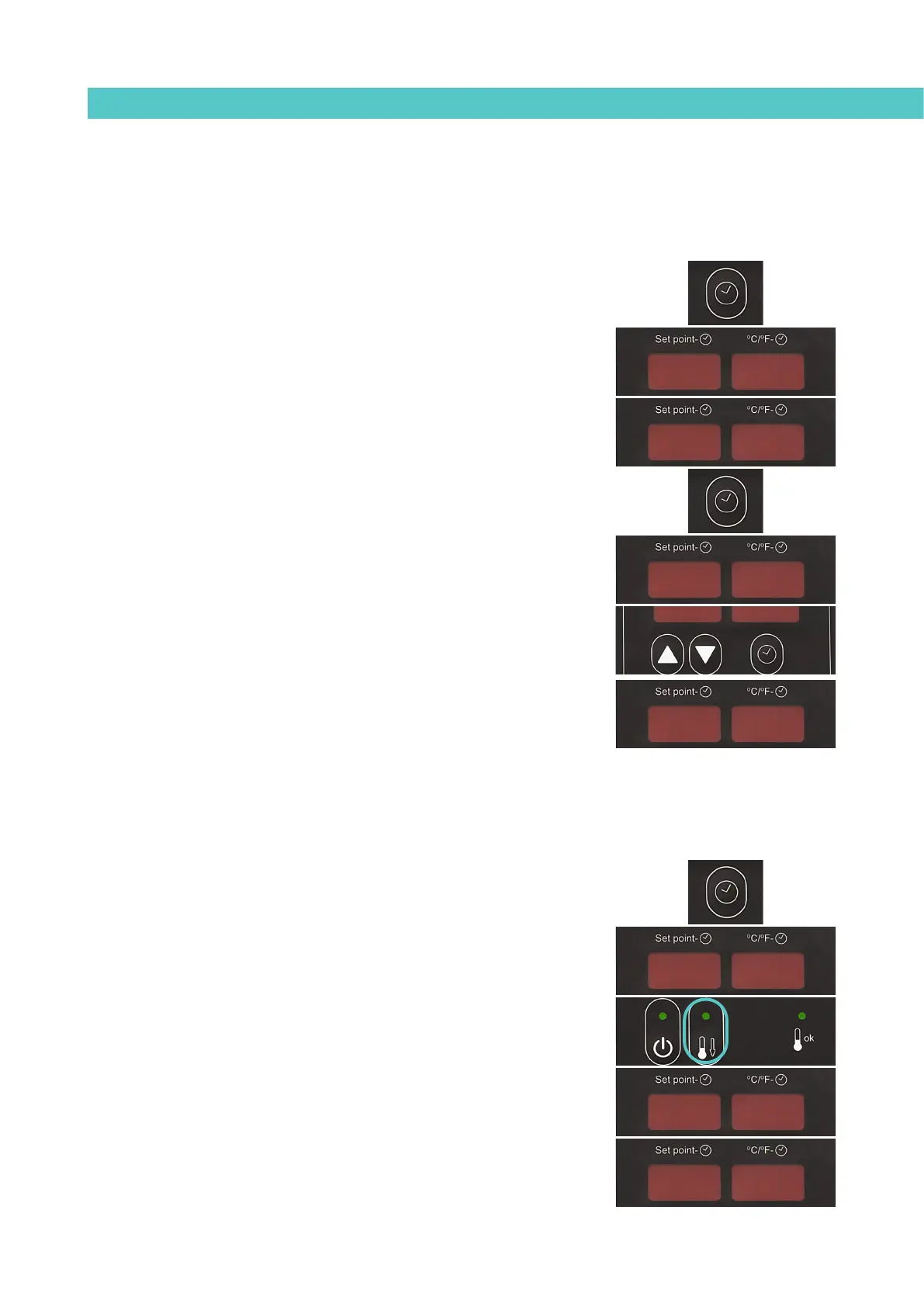
Disabling the equipment activation/deactivation program
The programmed equipment activation/deactivation can be disabled without
having to cancel the daily programming. In this way the programmed data is
saved but the programming has no effect on the equipment.
1. Press the button with the clock symbol.
‘0’ will appear on the display indicating the program for setting the
current day and time.
2. Use the up-down arrow under the display to skip past the selection for
the last day of the week (7).
‘ON/OFF’ will be displayed depending on the current status.
3. Press the button with the clock symbol again.
The status will alternate each time you press the button.
4. Press any of the up-down component selection buttons to exit this
program and return to the tank temperature display.
Programming the activation/deactivation of the equipment’s standby
function
An activation and deactivation time can be set for each day of the week, from
Monday (1) to Sunday (7).
Time is expressed in increments of 15 minutes, starting with 10.0 (10 hours 0
minutes), then 10.1 (10 hours 15 minutes), 10.2 (10 hours 30 minutes) and 10.3
(10 hours 45 minutes).
1. Press the button with the clock symbol.
‘0’ will appear on the display indicating the program for setting the
current day and time.
2. Press the standby function button.
‘1’ appears indicating the first day in the standby function program.
[Since the current date and time are the same for both programs, a ‘0’ does not
appear in this menu].
00
00
11
22
OFFOFF
ONON
160160160160



 To Next Page