FOCKE MELER GLUING SOLUTIONS
4-14
MELTER OPERATION
Manual OFF
T: Tank
External OFF
D: Distributor
1.1: Hose 1 1.2: Applicator 1
2.1: Hose 2 2.2: Applicator 2
3.1: Hose 3 3.2: Applicator 3
4.1: Hose 4 4.2: Applicator 4
5.1: Hose 5 5.2: Applicator 5
6.1: Hose 6 6.2: Applicator 6
Signal 1
Group 1: Robot Arm RIGHT
-20 °C 5 min
-10 °C 5 min
1.2 Sequential
Enable sequential
Define groups
Group B
Group C
Sequential group A
T: Tank D: Distributor
1.1: Hose 1 1.2: Applicator 1
2.1: Hose 2 2.2: Applicator 2
3.1: Hose 3 3.2: Applicator 3
4.1: Hose 4 4.2: Applicator 4
5.1: Hose 5 5.2: Applicator 5
6.1: Hose 6 6.2: Applicator 6
1.3 Inhibitions
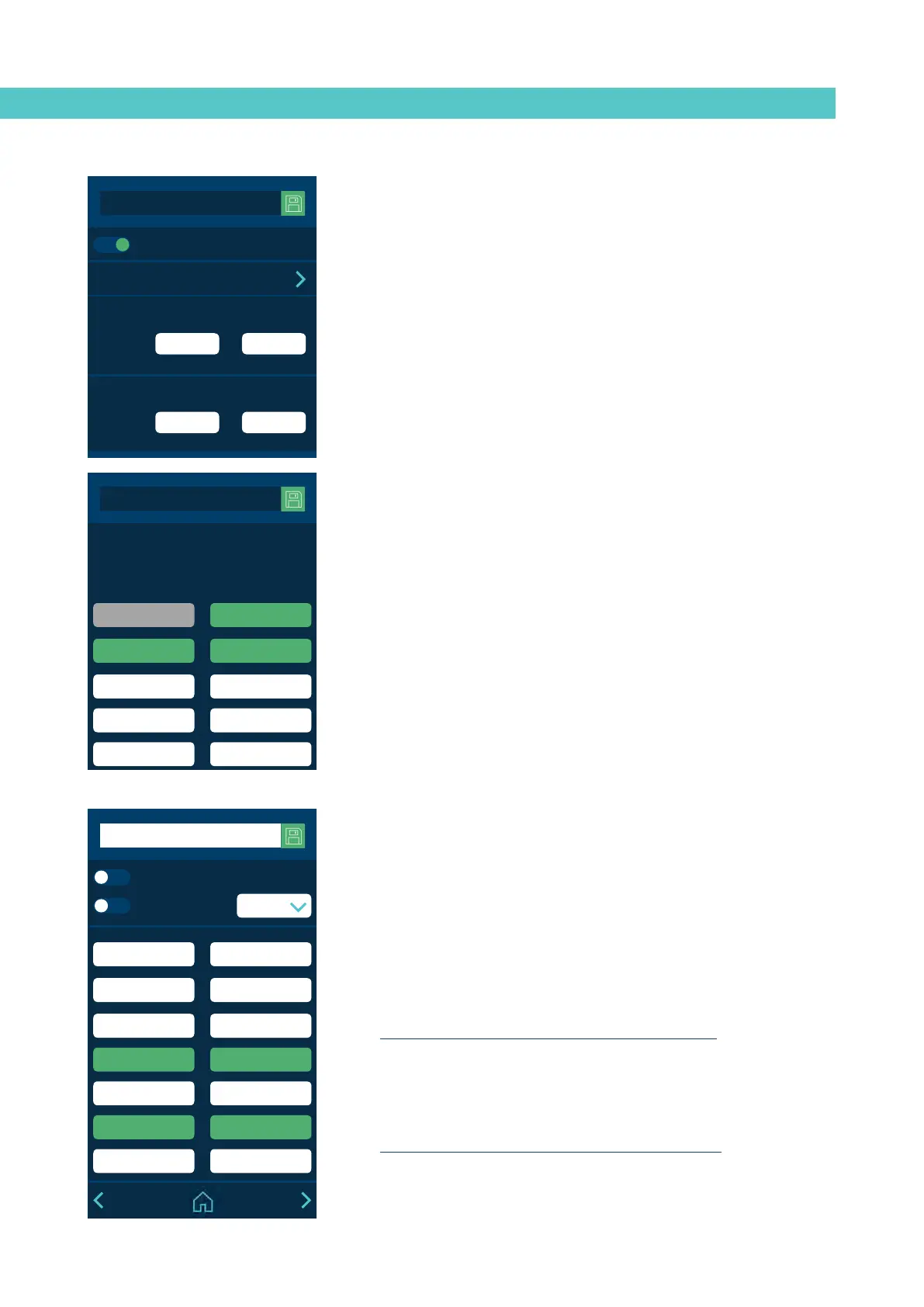
This menu allows you to create seven groups of zones and program the mode
in which the Inhibition (Off) can be activated or disabled.
The following is indicated for each group:
• Name of the group. The name can be changed to identify it more easily.
• Manual inhibition of the group (Manual Off). Whether it is possible to
manually activate or deactivate the inhibition in that group from the
‘SHORTCUTS’ menu.
Manual inhibition takes priority over external inhibition.
• Automatic inhibition with external signal (External Off). Whether it is
possible to externally activate or deactivate the inhibition in that group.
You must indicate which of the seven possible external signals will
perform this function.
One signal can never be enabled in two different groups.
• Selected zones. A zone may be selected in more than one group or may
not be in any grou.
1.2 Sequential Heating
This lets you start heating the zones one after the other. This prevents a zone
from being active for a long time until the slowest zone heats up.
This function allows you to create three heating groups: A, B and C. Press
‘Define groups’ to go to a screen where zones can be added to the groups:
• Group A: this always includes the Tank, which is the slowest and serves
as a reference for the remainder of the zones. Other zones can be added
so they begin to heat up with the Tank.
• Group B: other zones can be added and some degrees of temperature
defined before the tank reaches its set point and a wait time.
• Group C: the zones that are not in group A or B can be added here.
If a component in group B or C is deselected, it goes back to group A. By
default, all the zones belong to group A.
Example:
- Tank set point temperature: 150°C
- Programming of Group B: -20°C / 5 minutes.
Group B begins to heat up 5 minutes after the tank reaches 130°C.



 To Next Page