MA-5162-ENG MICRON
+
PISTON ADHESIVE MELTERMELTER OPERATION
4-21
Turning off the melter equipment
If you need to disconnect the melter equipment:
1. Turn off the machine switch.
The depressurization valve frees pressure from the hydraulic circuit,
returning the adhesive to the tank.
2. Disconnect the pneumatic power to the applicators and the electrical
power to the control unit programmer, if there is one.
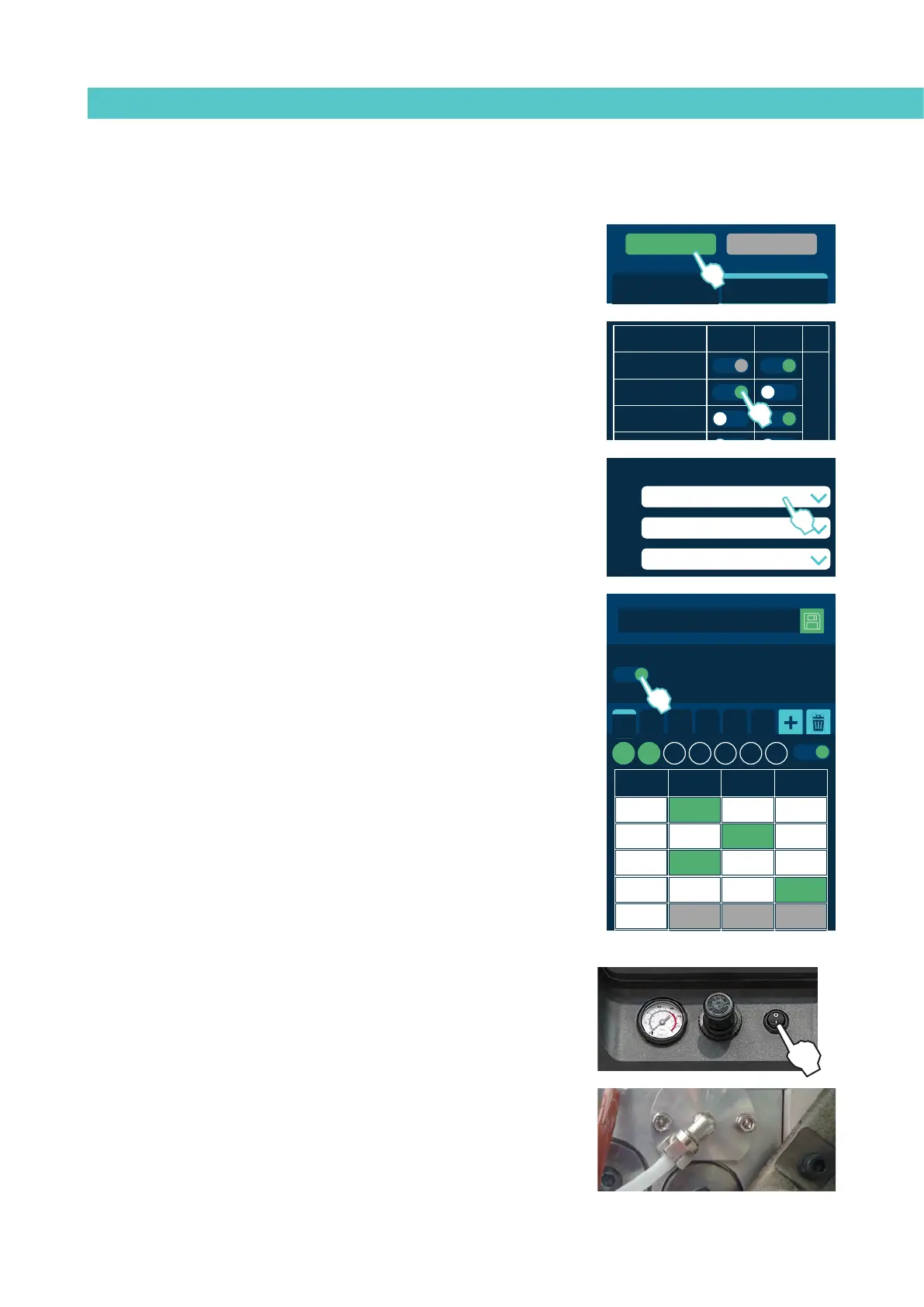
Standby function
Using the standby function during periods of melter/applicator inactivity helps
save energy and allows the heated elements to return quickly to their set point
temperatures once you return to the operational mode.
When the function is activated, the target temperature of the heated zones is
reduced to the programmed value for each zone (see ‘Heating menu / Heating
zones’).
For example, if the target temperature of the tank is 160°C and the Under
Maintenance parameter is set to -30ºC, when the Under Maintenance function
key is pressed, the tank’s set point temperature will change to 130ºC.
The priority protocol is as follows:
1st Under Maintenance external signal.
2nd ‘Under Maintenance’ function key.
or calendar programming.
3th individual Under Maintenance function key.
Therefore, while the Under Maintenance external signal remains active,
none of the other three systems can deactivate the function.
The following criteria are suggested for standby function use:
- If the period of inactivity is less than 2 hours, allow the melter
applicator equipment to heat as normal.
- If the period of inactivity is more than 2 hours and less than 4 hours,
use the standby function.
- If the period of inactivity is over 4 hours, use one of the following two
options: turn off the equipment if you do not plan on using it for the
rest of the day or keep the standby function on if you plan on using the
equipment during that same day.
MICRON+ PISTÓN
Group OFF
OFF Group: 1
Temperature State
Area Standby OFF
T: Tank
D: Distributor
1.1: Hose 1
1.2: Applicator 1
2.1: Hose 2
2.2: Applicator 2
General Standby General OFF
1
MICRON+ PISTÓN
Group OFF
OFF Group: 1
Temperature State
Area Standby OFF
T: Tank
D: Distributor
1.1: Hose 1
1.2: Applicator 1
2.1: Hose 2
2.2: Applicator 2
General Standby General OFF
2
XDI1
XDI2
DI3
DO2
XDO3
XDO4
2.3 Input / Output
Imputs
Standby
COMs OFF
Pump OFF
Temperature OK
Alarms
Adhesive Level
2
C1 C2 C3 C4 C5 C6
Calendar
Hour ON Standby OFF
07:00
11:00
13:15
15:00
00.00
Enable all the calendars
M T W T F S S
2



 To Next Page