MA-5162-ENG MICRON
+
PISTON ADHESIVE MELTERMAINTENANCE
5-5
Cleaning burnt adhesive
1. Empty the tank directly (see the section ‘Emptying the tank’) to prevent
the burnt material from passing through the pump circuit.
2. Clean the adhesive remains and burnt material inside the tank. Do not
use sharp objects that might damage the inside coating.
Warning: Use appropriate protective equipment for high temperatures.
3. Add the appropriate type and quantity of adhesive and wait for it to
melt.
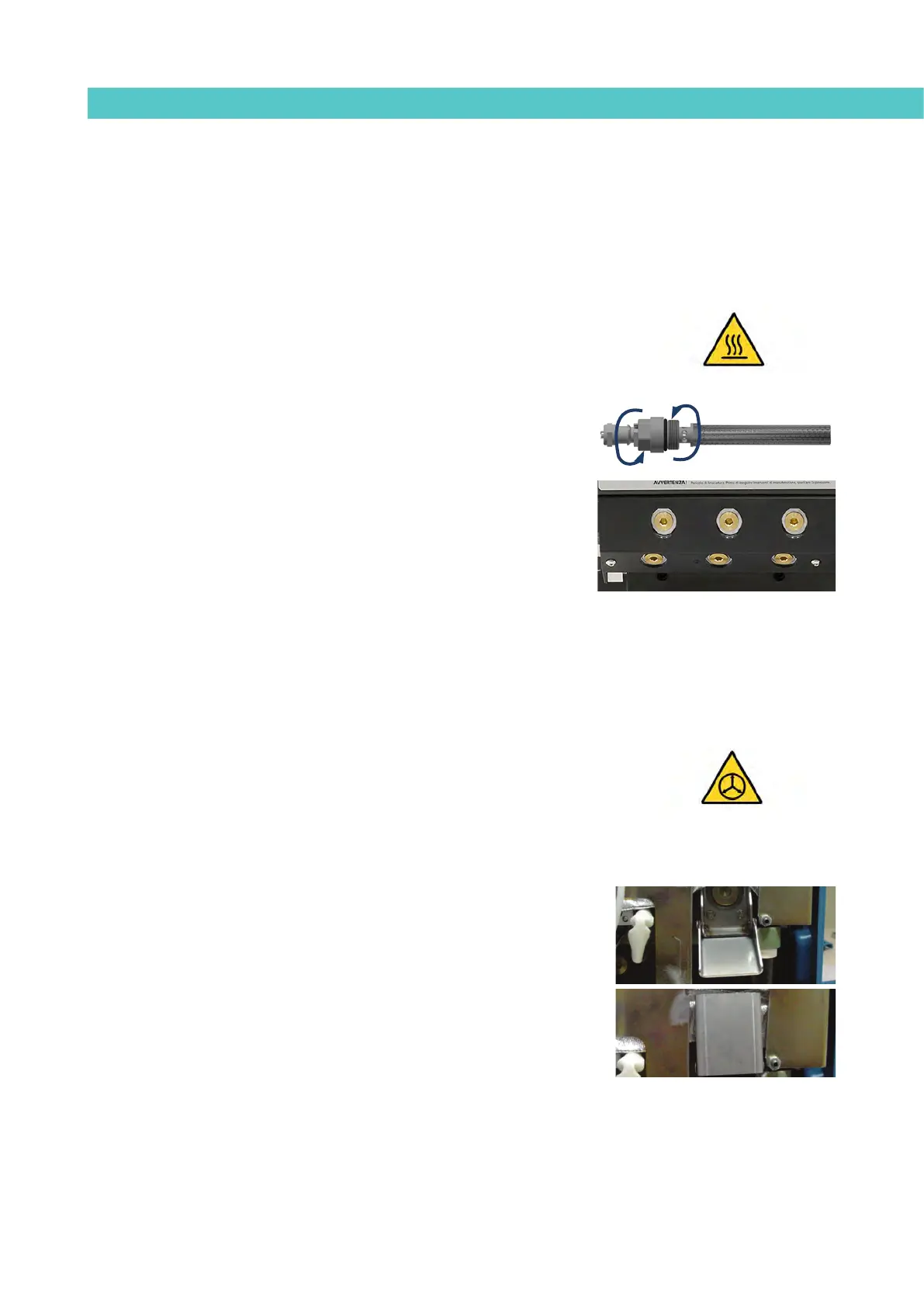
4. Remove the filter cartridge and clean it, if necessary (see the section
‘Filter maintenance’).
5. Reassemble the filter without the cartridge.
6. Pump a minimum of one tank through the distributor output marked
number 1.
7. Remove the filter and attach it to the corresponding cartridge. Reinstall
it in the distributor.
8. Refill the tank with adhesive, wait for it to melt and continue working
as usual.
Warning: Whenever you handle the filter or any other element subject to
pressure, you must always perform a system depressurization first (see the
corresponding section)
Emptying the tank
During normal maintenance activities, it is recommended, and sometimes
necessary to empty the tank directly, without passing the adhesive through the
pump system.
In the case of the MICRON+ 5, the tank does not have a pouring chute so, to
empty out the adhesive you need to wait until it has cooled and separate it
from the walls of the tank, making it easier to remove.
For the other models, empty the tank following these indications:
1. Keep the tank at working temperature.
2. Remove the tank cover and then its casing.
3. Lower the emptying chute attached to the tank and put a suitable
container in position.
1



 To Next Page