3-36 Workstation 5 Field Service Guide
Workstation 5 Troubleshooting
WS5 Diagnostic
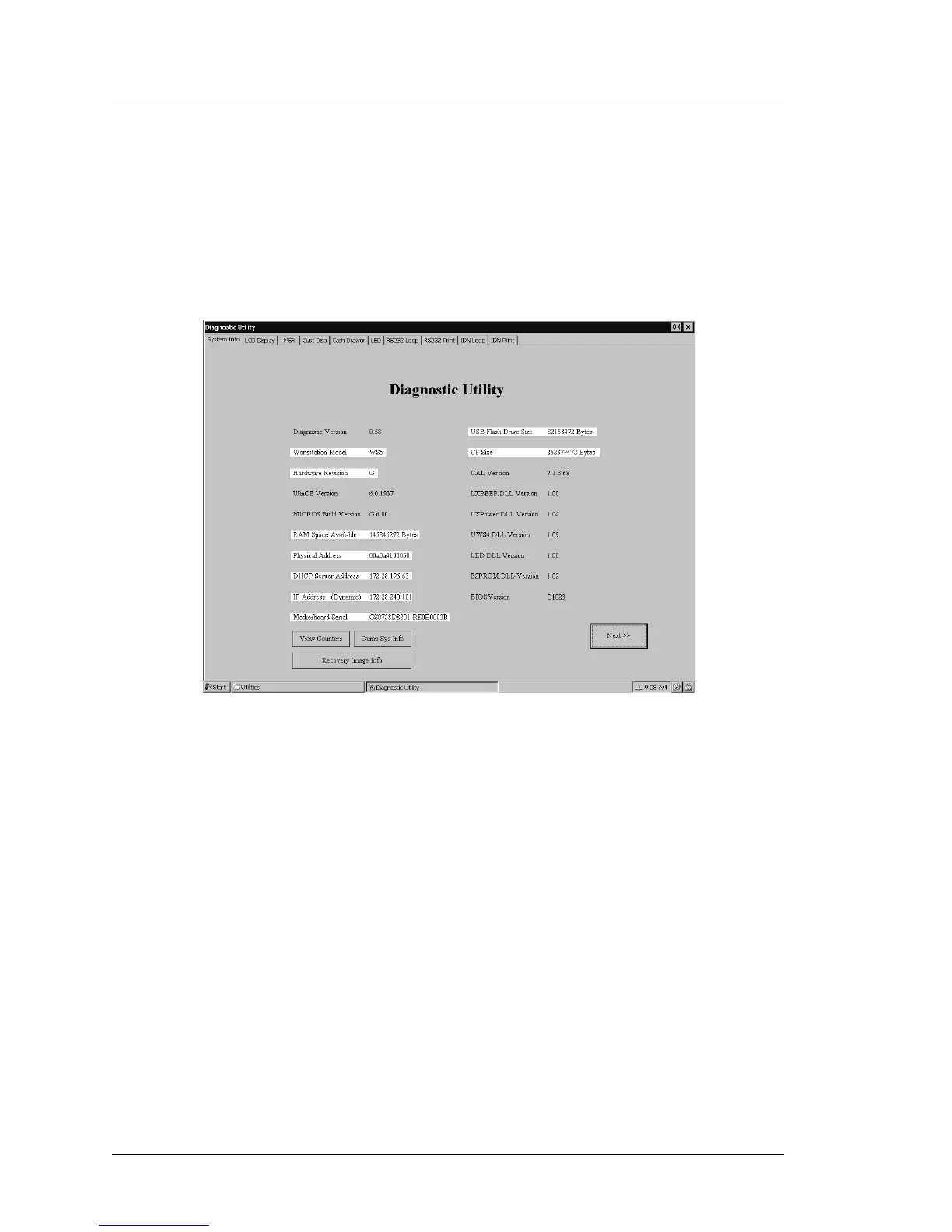
System Information Screen - Hardware Components
When you start the DiagUtility, it displays the System Information screen. This
screen combines the WS5 hardware and WinCE software components into a
single location.
In Figure 3-12, below, the hardware information is highlighted. The
Workstation 5 in this example contains the ABRD88-E (Revision E) System
Board with the GR 1.2 platform software.
Figure 3-12: WS5DiagUtility - Hardware Platform
A brief description of each hardware component follows.
Diagnostic Version
Displays the current WS5DiagnosticsUtility Version number.
Workstation Model
This field identifies the unit as a Workstation 5.
Hardware Revision
This field displays the WS5 System Board hardware revision. It is read
directly from the board revision jumpers through the API. System Board
Revisions of E and F may be observed.



 To Next Page